265
Connecting to a Computer
10
Saving Images on Your Computer
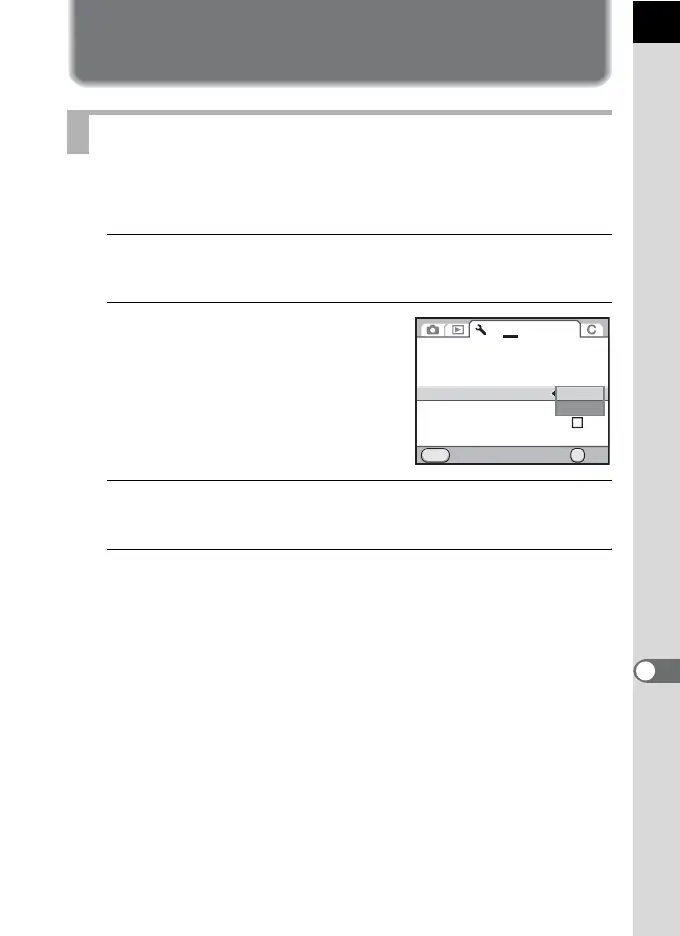
Set the USB connection mode when connecting to a computer via the
provided USB cable (I-USB7). The default setting is [MSC].
1
Select [USB Connection] in the [R Set-up 2] menu and
press the four-way controller (5).
2
Use the four-way controller (23)
to select [MSC] or [PTP].
3
Press the 4 button.
The setting is changed.
4
Press the 3 button.
The screen that was displayed before selecting the menu appears again.
Setting USB Connection Mode
OK
MENU
1 2
3
4
NTSC
±0
MSC
PTP
Brightness Level
LCD Color Tuning
Video Out
USB Connection
Folder Name
Copyright Information
Cancel OK



 To Next Page