22
Before Using Your Camera
1
Display Indicators
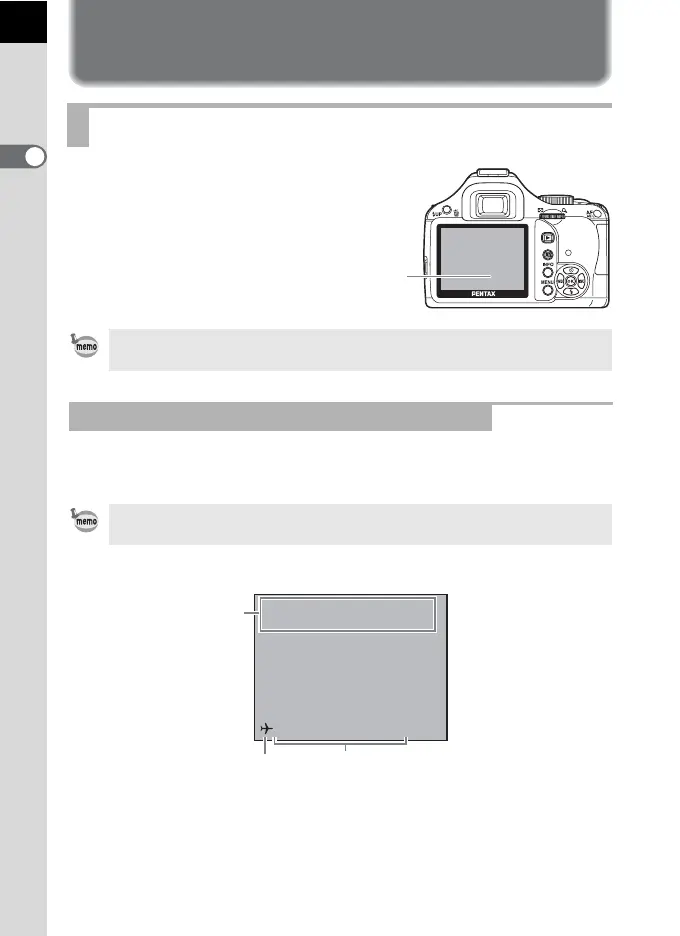
The following indicators
appear on the monitor
depending on the status of
the camera.
Guides appear on the monitor for 3 seconds (default setting) when the
camera is switched on or the mode dial is turned.
Monitor
The brightness and the color of the monitor can be adjusted. (p.250, p.251)
At Start-up or when Operating the Mode Dial
To not show indicators, set [Guide Display] to [Off] in the [R Set-up 1] menu.
(p.248)
1 Capture mode (p.83) 3 Current date and time (p.56)
2 World time (p.244)
(only when set to Destination)
Monitor
10:30AM
P
P
Program
Automatic Exposure
10/10/2009
1
23



 To Next Page