216
Playback Functions
7
Available operations
4
Press the K/i button.
The delete confirmation screen appears.
5
Press the four-way controller (2)
to select [Select & Delete].
6
Press the 4 button.
The selected images are deleted.
You can delete the selected folder and all the images in it.
1
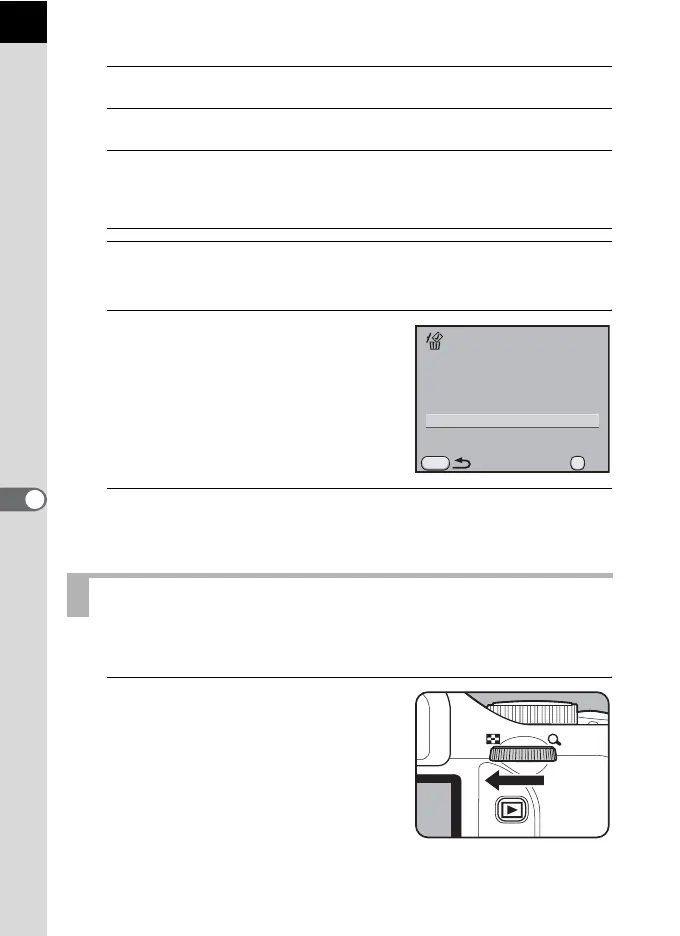
Turn the e-dial two clicks to the
left (toward f) in Playback
mode.
The folder display screen appears.
Four-way controller
(2345)
Moves the selection frame
4 button Adds O and selects an image. Press again to return
to P. Protected images (Z) cannot be selected.
e-dial Displays a full screen display of the image selected
with the selection frame. When the image is
displayed full screen, press the four-way controller
(45) to display the previous or next image.
Deleting a Folder
MENU
OK
Cancel
Select & Delete
All selected images will
be deleted
OK



 To Next Page