250
Changing Additional Settings
9
3
Press the 4 button.
4
Use the four-way controller (23) to select [Histogram] or
[Bright/Dark Area].
5
Use the four-way controller (45) to select O or P.
6
Press the 3 button twice.
The screen that was displayed before selecting the menu appears again.
You can adjust the brightness of the monitor. Adjust the settings when the
monitor is hard to see.
1
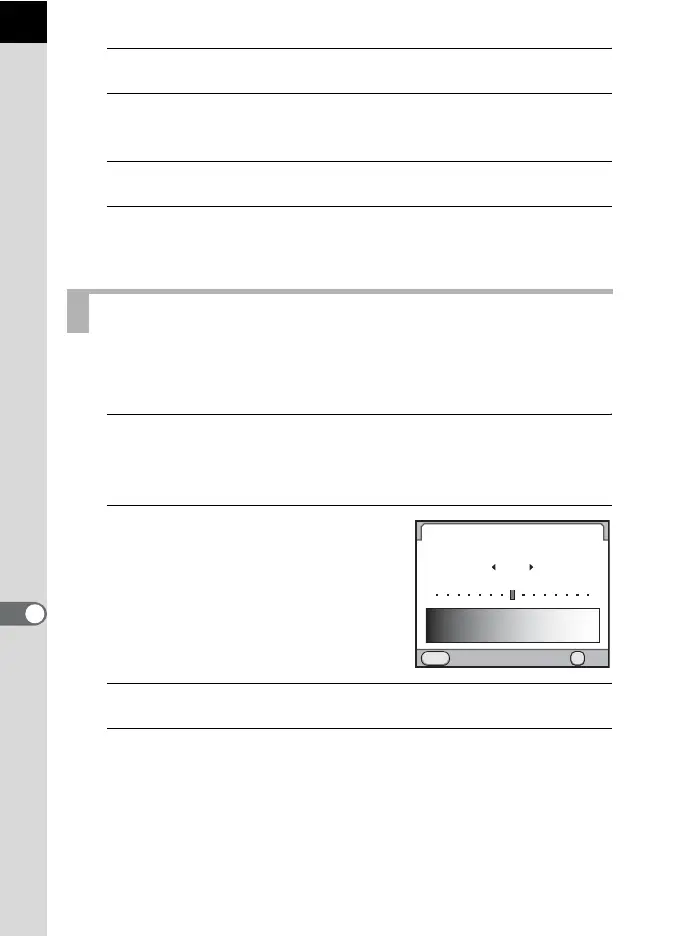
Select [Brightness Level] in the [R Set-up 2] menu and
press the four-way controller (5).
The [Brightness Level] screen appears.
2
Use the four-way controller (45)
to adjust the brightness.
You can select from 15 brightness levels.
3
Press the 4 button.
4
Press the 3 button.
The screen that was displayed before selecting the menu appears again.
Adjusting the Brightness of the Monitor
Cancel
MENU
Brightness Level
OK
OKOK
±0



 To Next Page