176
Shooting Settings
6
2
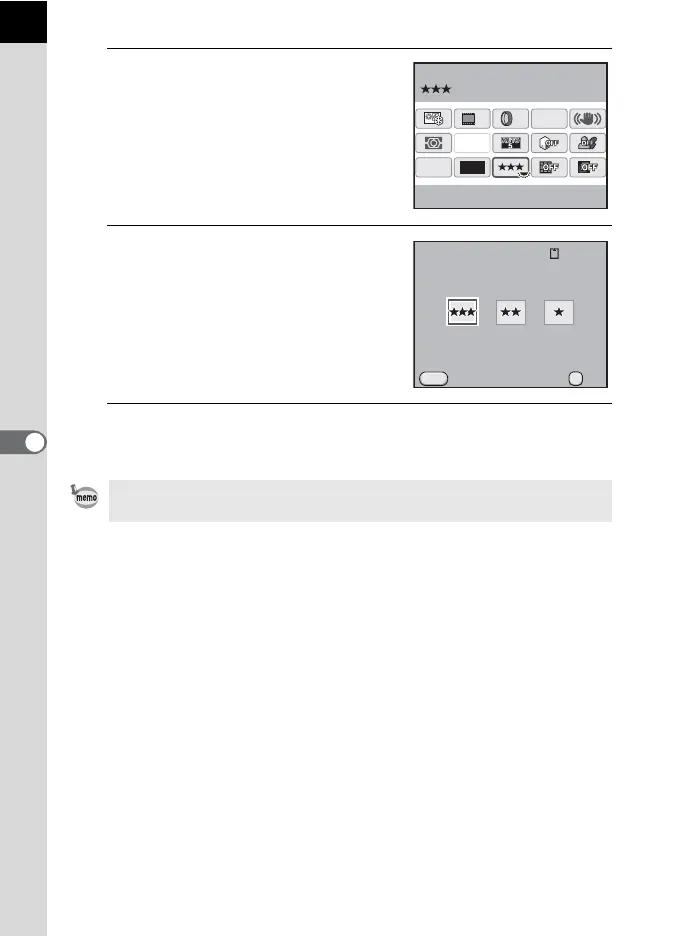
Use the four-way controller
(2345) to select [JPEG
Quality] and press the 4
button.
The [JPEG Quality] screen appears.
3
Use the four-way controller
(45) to select a quality level.
When the quality level is changed, the
number of recordable images at that
quality level appears at the top right of the
screen.
4
Press the 4 button.
The camera returns to the control panel.
You can also change the setting from the [A Rec. Mode 1] menu (p.79).
12M
[
37
]
10:30AM
JPEG
HDR
OFF
OFF
AF.A
OFF
10/10/’09
JPEG Quality
MENU
128
OK
OK
JPEG Quality
Cancel



 To Next Page