181
Shooting Settings
6
4
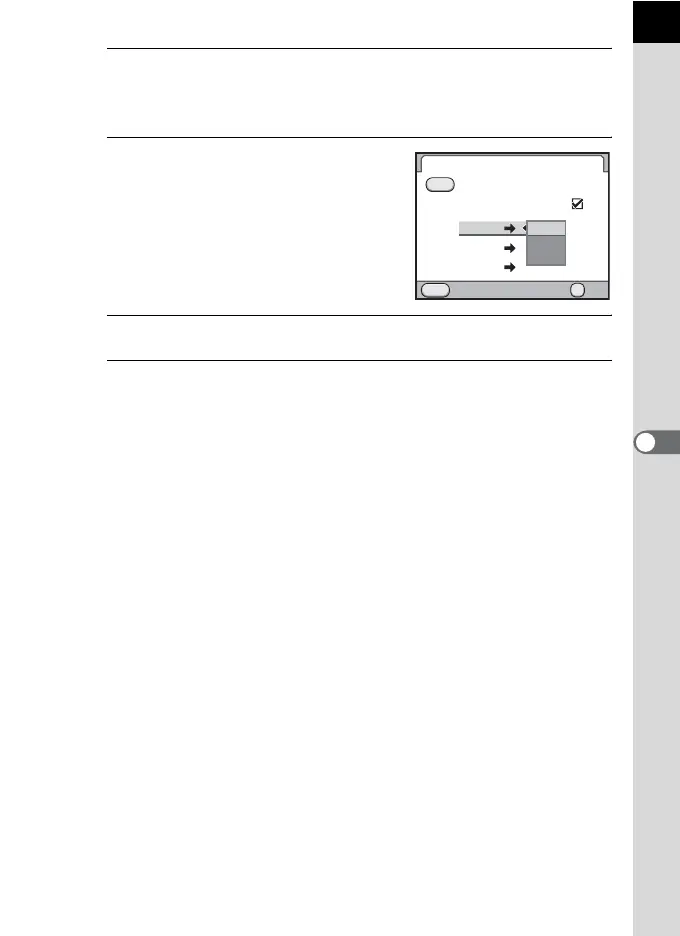
Use the four-way controller (23) to choose a file format.
The left side is the [File Format] setting and the right side is the file format
when the | button is pressed.
5
Press the four-way controller (5),
and use the four-way controller
(23) to select a file format when
the | button is pressed.
6
Press the 4 button.
7
Press the 3 button twice.
The screen that was displayed before selecting the menu appears again.
JPEG
RAW
RAW+
RAW+
RAW+
RAW+
RAW
MENU
OK
JPEG
RAW
RAW+
OK
Green Button
Cancel after 1 shot
RAW Button Function
Cancel



 To Next Page