OPC / OPD / OPE
Vision Configurator Software
2015-07
29
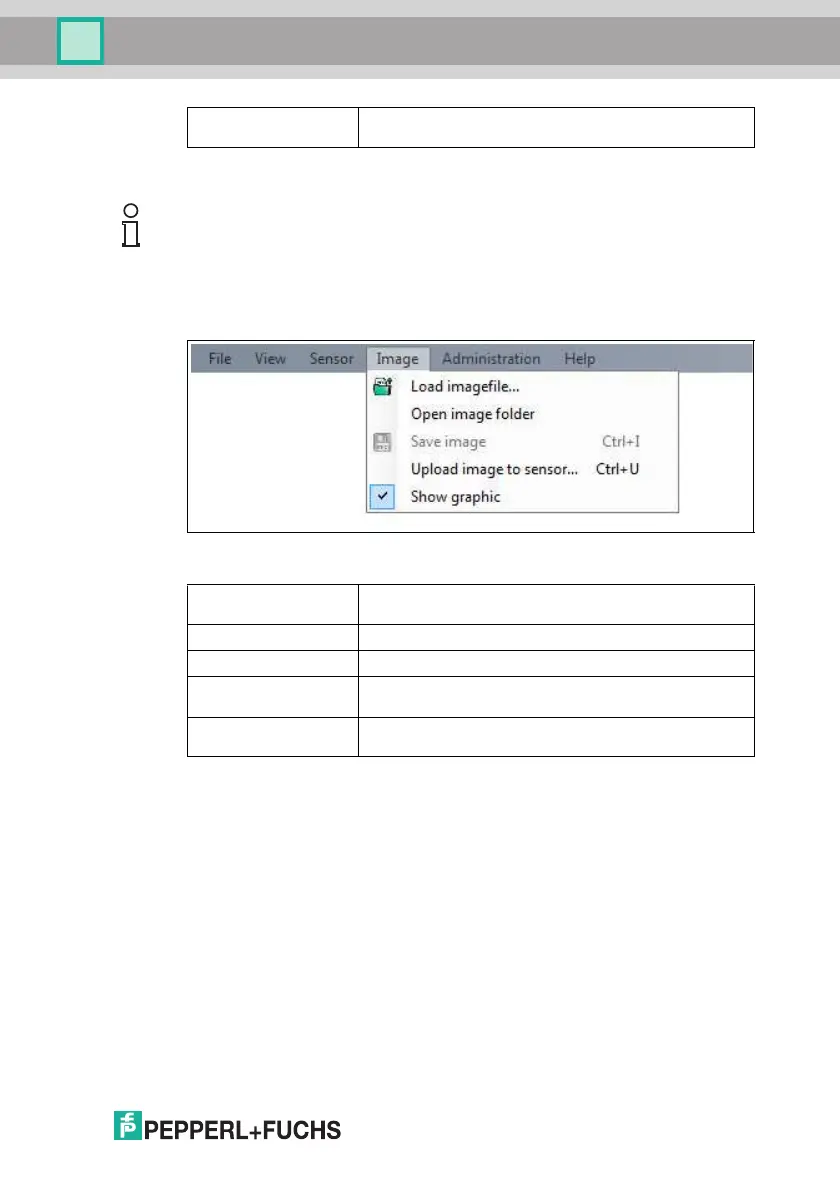
7.2.4 Image Menu
Figure 7.5 Image menu
Show sensor
version...
Displays the sensor version number.
Table 7.3 Sensor menu
Note!
Firmware Update
Once you have upgraded the firmware and Update complete is displayed, restart
the sensor.
Load imagefile Opens an image file and displays the image in the image
display.
Open image folder Opens the folder in which images are currently saved.
Save image Saves the image currently displayed on the PC.
Upload image to
sensor
Uploads an image file from the PC to the sensor.
Show graphic Turns display data sent from the sensor on and off in the
image.
Table 7.4 Image Menu



 To Next Page