2015-07
48
OPC / OPD / OPE
Vision Configurator Software
7.7 Image Display
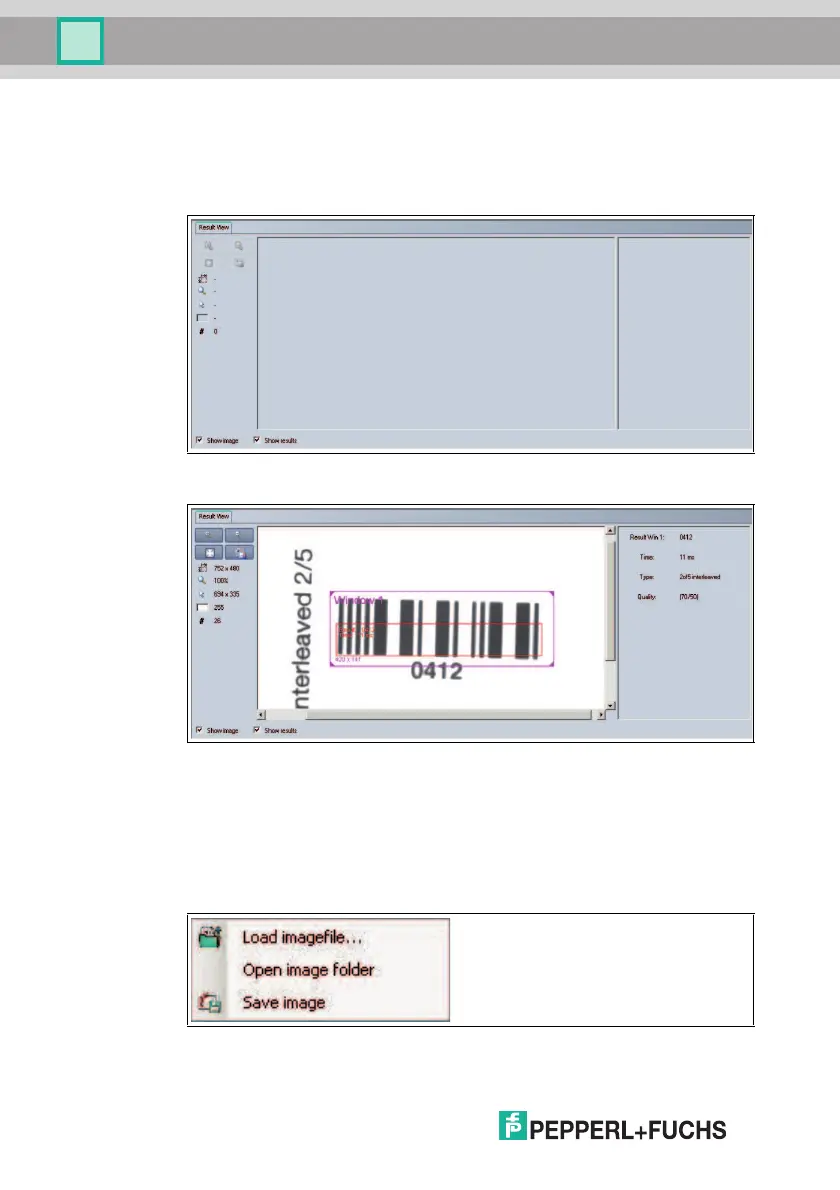
The image display has different options for displaying the captured data. The
Show image and Show results check boxes can be used to activate and
deactivate the image display and result display.
Figure 7.22 Result View screen
Figure 7.23 Result View screen with image display and result display
Different results are shown in the result display, depending on the type of
inspection. In the example shown, the code read out, the decoding time required,
the type of code read, and the position of the code read (quality) are displayed.
When you press the right mouse button or the context menu button, the following
context menu appears:
Figure 7.24 Result View context menu screen



 To Next Page