2015-07
46
OPC / OPD / OPE
Vision Configurator Software
7.4 Toolbar
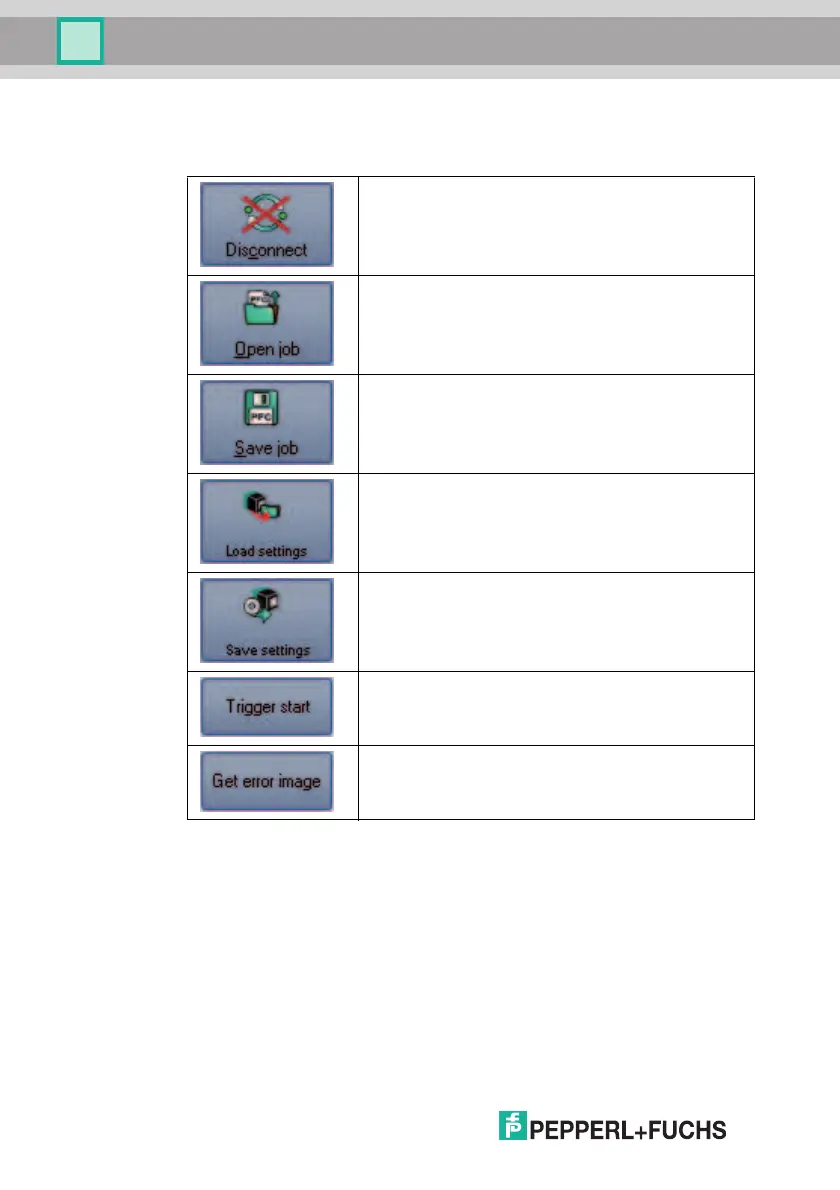
The toolbar contains various function icons.
The connection between the PC and the sensor is
disconnected.
Opens a saved setting.
Saves the settings made.
Settings are read out from the sensor.
All settings made are saved on the sensor.
Initiates a trigger. Depending on the sensor operating mode,
the sensor returns a single measured value or continuous
measured values.
Resends the last fault pattern.



 To Next Page