2015-07
50
OPC / OPD / OPE
Operation
8 Operation
You can select up to four different functions (inspection types).
If more than one inspection type (more than one window tab) is activated, all the
read codes must be OK for the decoding in order to output a good read.
8.1 Reading a 1-D/2-D Code
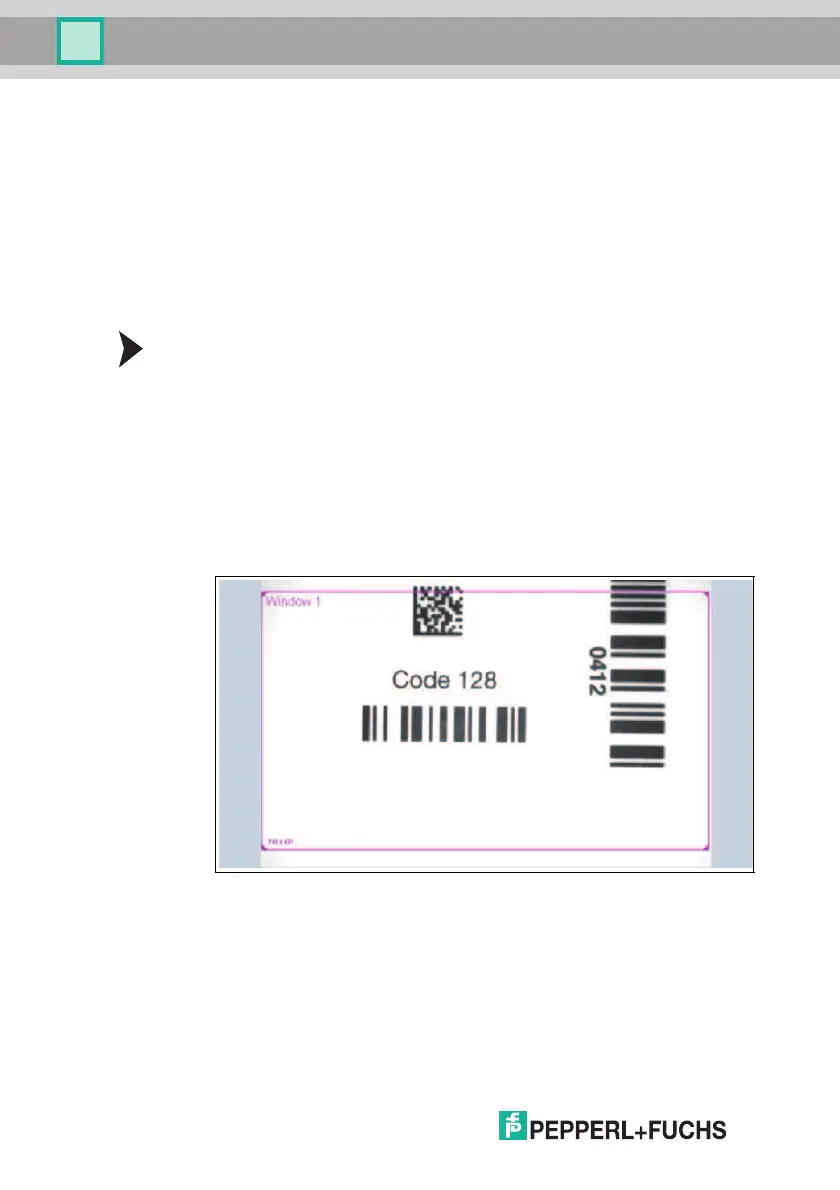
You can process up to four different 1-D/2-D codes with one image capture using
the sensor. To do this, enable tabs Window 1 ... Window 4. If more than one tab
is enabled, all read codes must be OK to output a good read.
Reading 1-D/2-D Codes
1. Select Decode 1D/2D in the Window Setup menu item in the Window 1 con-
figuration window. See chapter 7.3.5
2. Set the symbology to be read in the 1D/2D Parameter menu item in the
Window 1 configuration window.
3. Make sure that the window is switched to active in the Window Setup menu
item in the Window 1 configuration window.
4. Place the first sheet with the code to be read under the sensor.
5. Click Trigger. The captured image will be shown in the image display.
6. Click the frame labeled Window 1.
7. Adjust the size of the frame if necessary.
8. Click Trigger. The captured image will be shown in the image display.



 To Next Page