OPC / OPD / OPE
Vision Configurator Software
2015-07
49
Context Menu
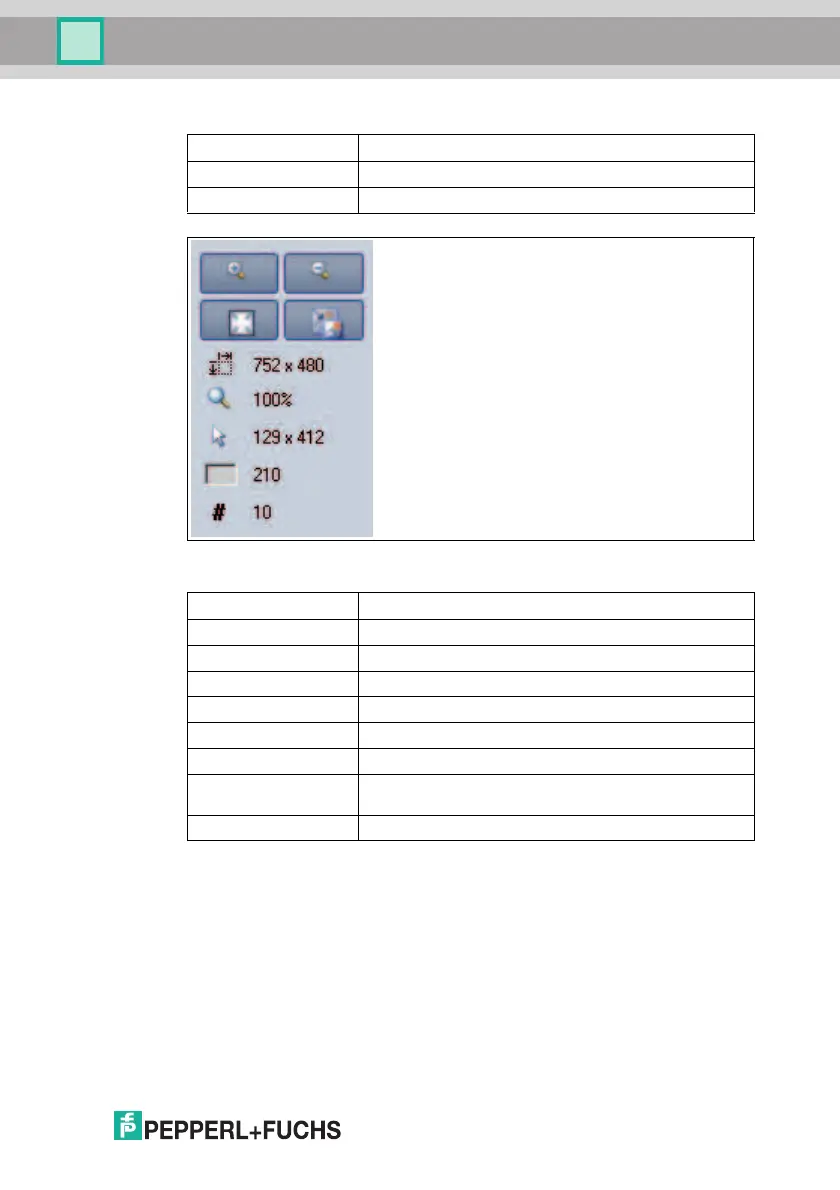
Figure 7.25 Image View toolbar screen
Load image file... Loads a sensor image. You can select the sensor image
Open image folder Opens the storage location
Save image Saves the displayed sensor image
Magnifier + Zooms in on sensor image
Magnifier - Zooms out on sensor image
Fit to window Fits the sensor image to the window
Original size Sets original image size
Size details Specifies the size of the sensor image
Zoom factor Displays the zoom factor. Zoom factor 1 is the original size
Position details Specifies the position of the cursor
Grayscale value
details
Grayscale value details for the pixel indicated by the cursor
Image number Specifies the im age number
Table 7.7 Result View toolbar menu



 To Next Page