2015-07
34
OPC / OPD / OPE
Vision Configurator Software
Internal Counter
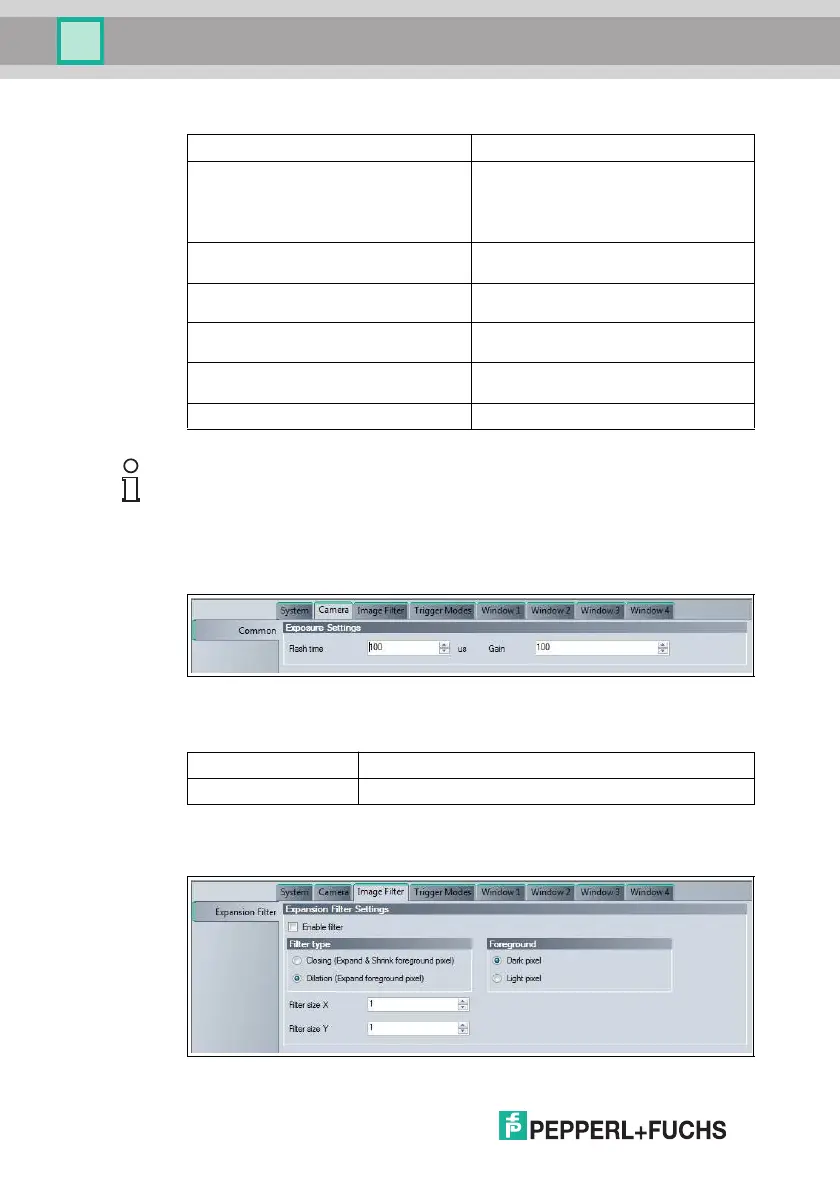
7.3.2 Camera Tab
Figure 7.11 Camera tab, Common menu item
Exposure Settings
7.3.3 Image Filter Tab
Figure 7.12 Image Filter tab, Expansion Filter menu item
Triggers executed Counter for executed trigger signal
Triggers executed MI Counter for codes that extend over multiple
image captures
For example, if two imag es had to be
evaluated when reading a long barcode,
this counter increases the count by one.
Triggers missed during capture Counter for trigg ers that were not executed
when capturing an image
Triggers missed during processing Counter for trigg ers that were not executed
when evaluating an image
Triggers missed on user demand Counter for triggers that were not executed
as a result of user intervention
Refresh internal c ounters Updates the counter values in Vision
Configurator
Reset internal counters Resets the counter values to 0
Note!
The counter values are not automatically increased in Vision Configurator. To
retrieve the current counter values, click Refresh internal counters.
Camera Tab, Common Menu Item
Flash time Exposure time setting in µs
Gain Gain setting
Image Filter Tab, Expansion Filter Menu Item



 To Next Page