Chapter 2: Installing your PEC Plus Phason
24 2009-06-15
Connecting the power source
You can connect your PEC Plus to 120 or 230 VAC, 50 or 60 Hz power.
Before connecting the power, set the voltage selection switch to the correct
voltage.
If you are using three-phase power, make sure the control power and the variable
speed fans are connected to the same phase. For more information, read
Using
three-phase power
on page 20.
Before connecting the incoming power, switch OFF the power at the source.
Do not switch ON the power until you have finished all wiring and verified all
equipment is properly connected and free of obstructions.
To connect the incoming power source
1. Set the voltage select switch to the correct voltage setting.
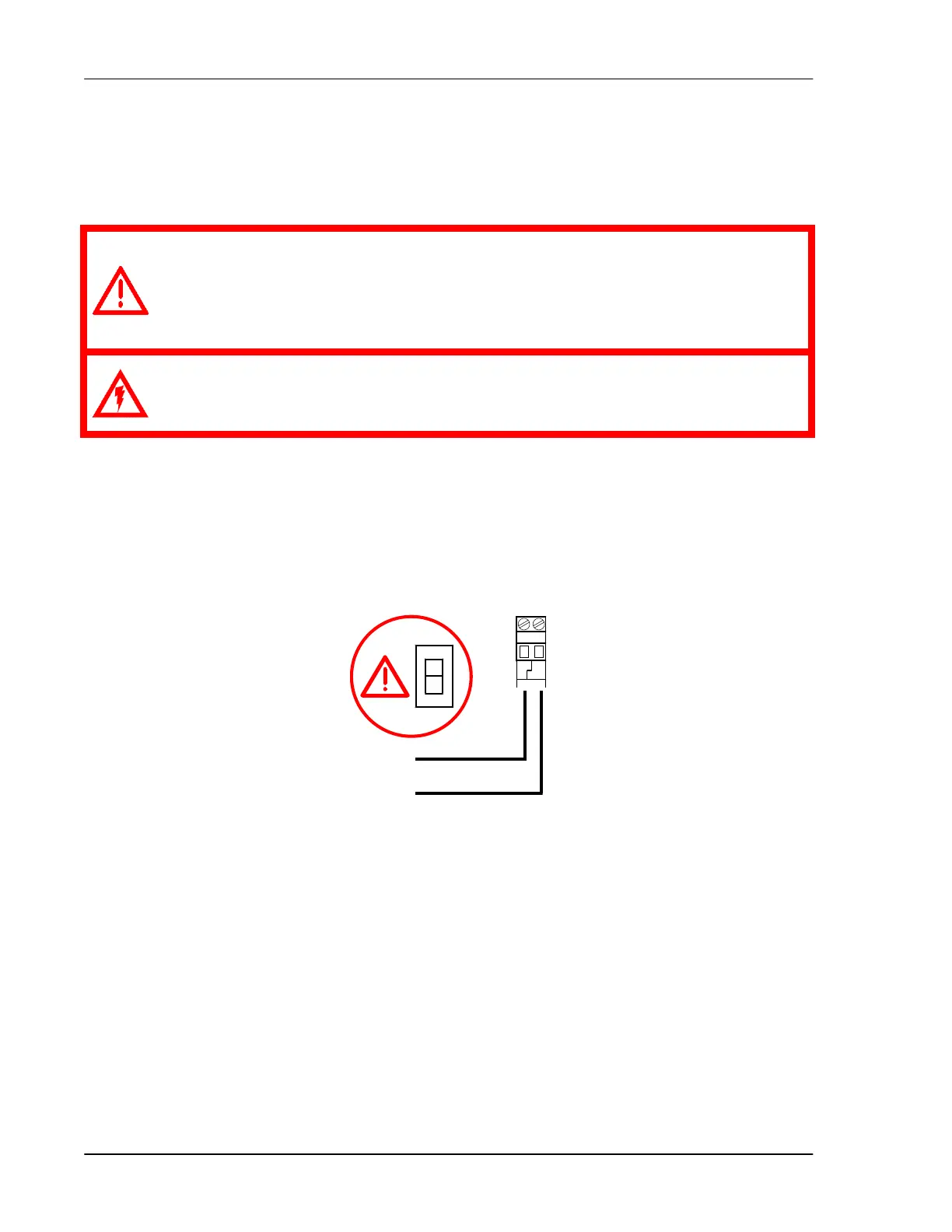
2. Connect the incoming power source as shown below.
L1
L2/N
115
230
POWER
L1 L2
NEUT



 To Next Page