PEC Plus user manual Configuring variable stages
31040003 33
Configuring variable stages
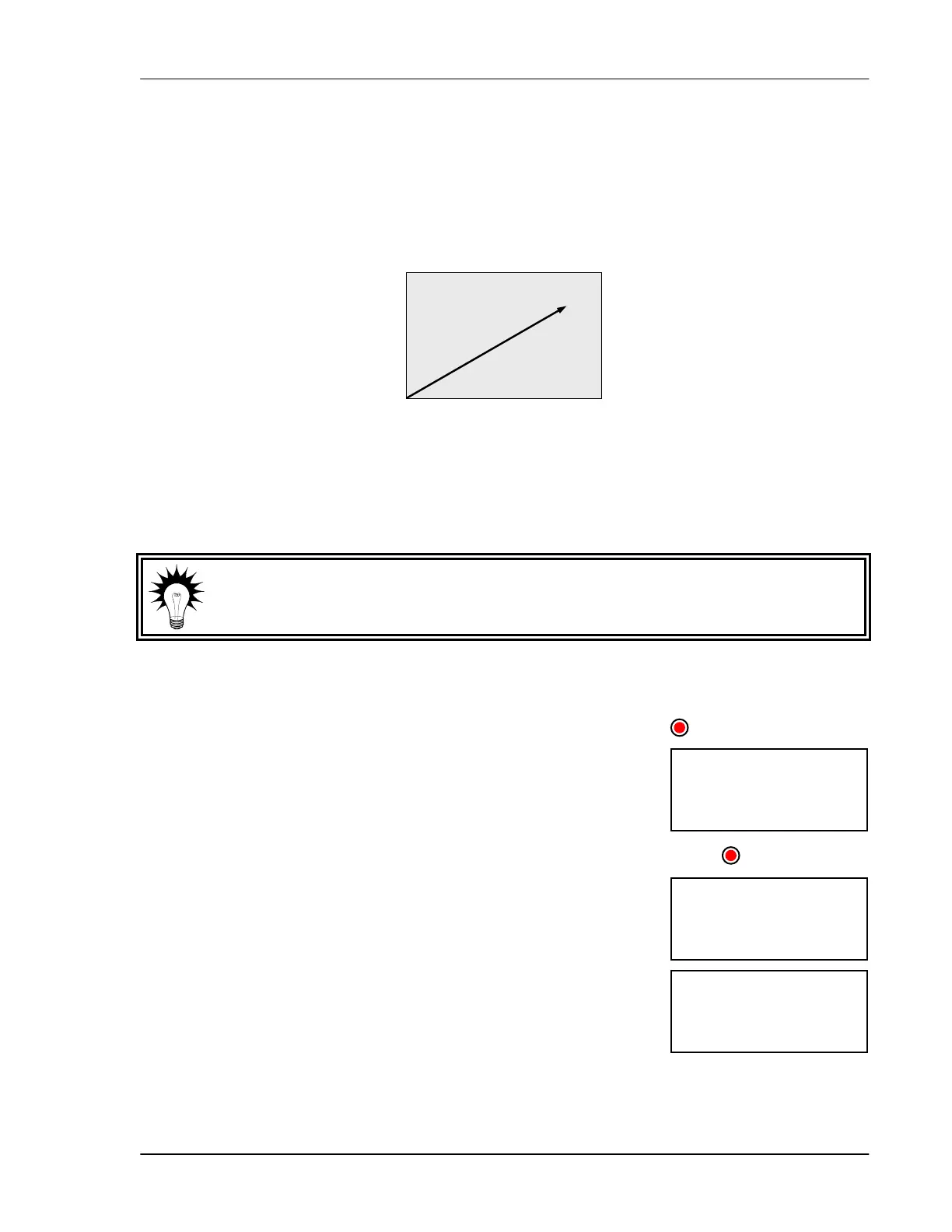
Your PEC Plus’ two variable stages (VAR1 and VAR2) control elements that operate with gradually
increasing voltage, such as variable speed fans.
Configuring variable stages means selecting whether each stage is enabled as a cooling element, for
example a fan, or is off. For more information about how variable stages work, read
Programming
variable stages
on page 46.
Use the
Variable stage configuration worksheet on page 87 when configuring
variable stages.
To configure variable stages
1. Press Function until the LED for CONFIGURATION is lit.
2. Press
Up or Down until uars is displayed and then press Select.
The display shows uar1.
3. Press Up or Down until the stage you want to configure is displayed
and then press Select.
The display shows the current configuration.
4. Press Up or Down to toggle between off and cool and then press
Select.
The control returns to the Variable stage menu.
5. Press Back once to return to the Configuration menu, or twice to
return to the main display.
Increased speed
Increase voltage
Variable-speed fan example
Temperature
uar1
CONFIGURATION
(ool
VAR1
uars



 To Next Page