PEC Plus user manual Servicing and maintaining your PEC Plus
31040003 69
Restoring the factory defaults
When your PEC Plus leaves the factory, it comes with default settings and configuration. When you
program your PEC Plus, you change its configuration and settings. Resetting your PEC Plus erases
all the configuration and settings you programmed and restores them to what they were when the
control left the factory.
For a list of the factory defaults, read Appendix C: Factory defaults on page 83.
Restore the factory defaults only as a last resort. It erases ALL your configuration and
settings and you will have to reconfigure the control.
If you restore your PEC Plus to its factory defaults, disconnect the power to all
loads and then reconfigure the control before restoring power to the loads.
To restore the factory defaults
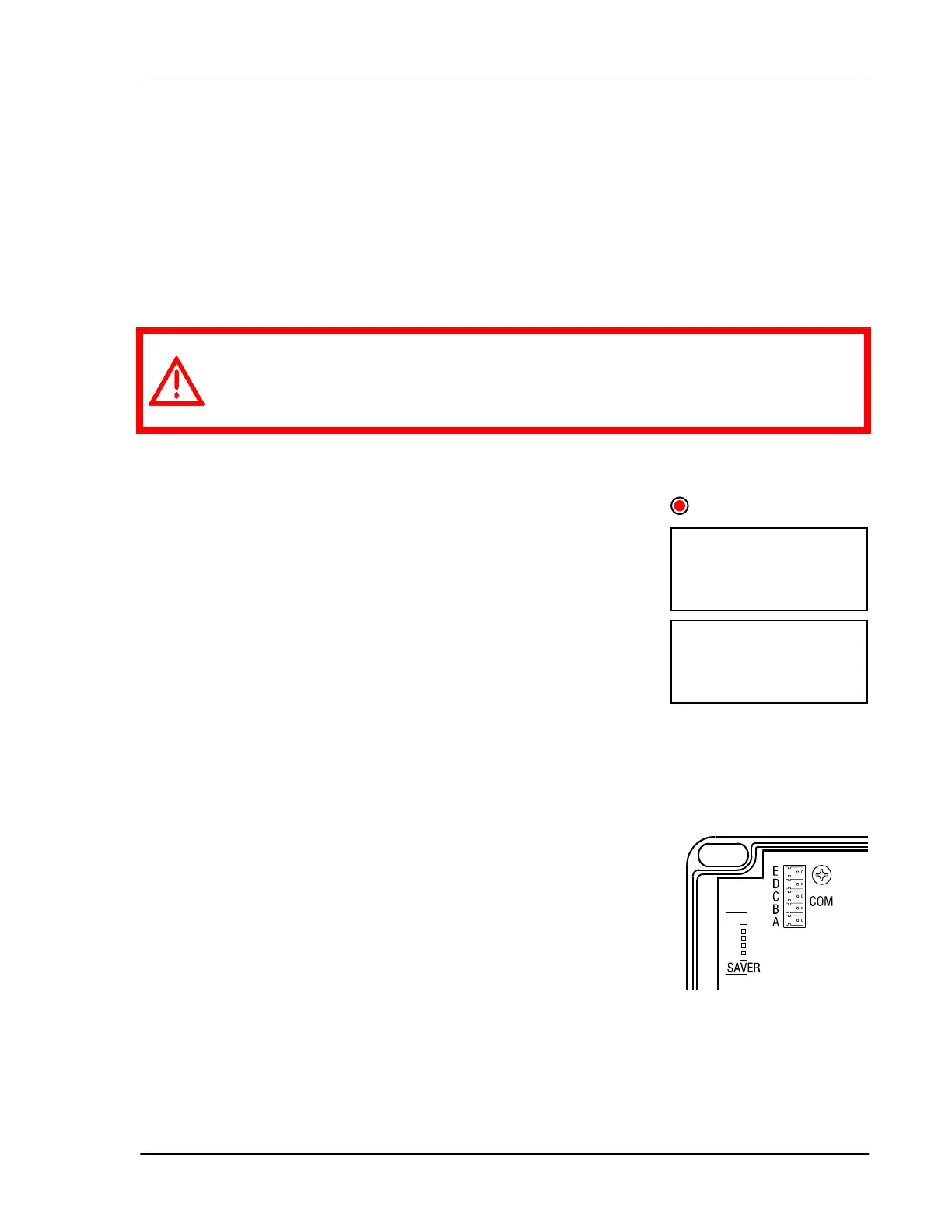
1. Press Function until the LED for CONFIGURATION is lit.
2. Press Up or Down until fa(t is displayed and then press Select.
The display shows no.
3. Press Up or Down to change the no to yes and then press Select.
The control restores its factory settings. When complete, the
display shows d0ne.
4. Press Back twice to return to the main display.
Saving and restoring settings
The PEC+ Saver is an innovative and easy-to-use product that allows
you to store your PEC Plus configuration and settings.
The PEC+ Saver stores a complete copy of all a PEC Plus' configuration
and settings. You can restore the configuration and settings any time, or
even use them to set up new PEC Plus’ in seconds!
fa(t
No
CONFIGURATION



 To Next Page