Chapter 5: Monitoring and maintaining your PEC Plus Phason
68 2009-06-15
Moisture
Moisture will not cause problems with the control if you take proper care during installation.
1. After the first two weeks of operation, remove the cover from the unit and check inside for
moisture. Be sure to turn off the power to the control before opening the cover.
2. If there is moisture present, wipe it out with a dry cloth and check the cable entry points and
rubber gasket for proper sealing.
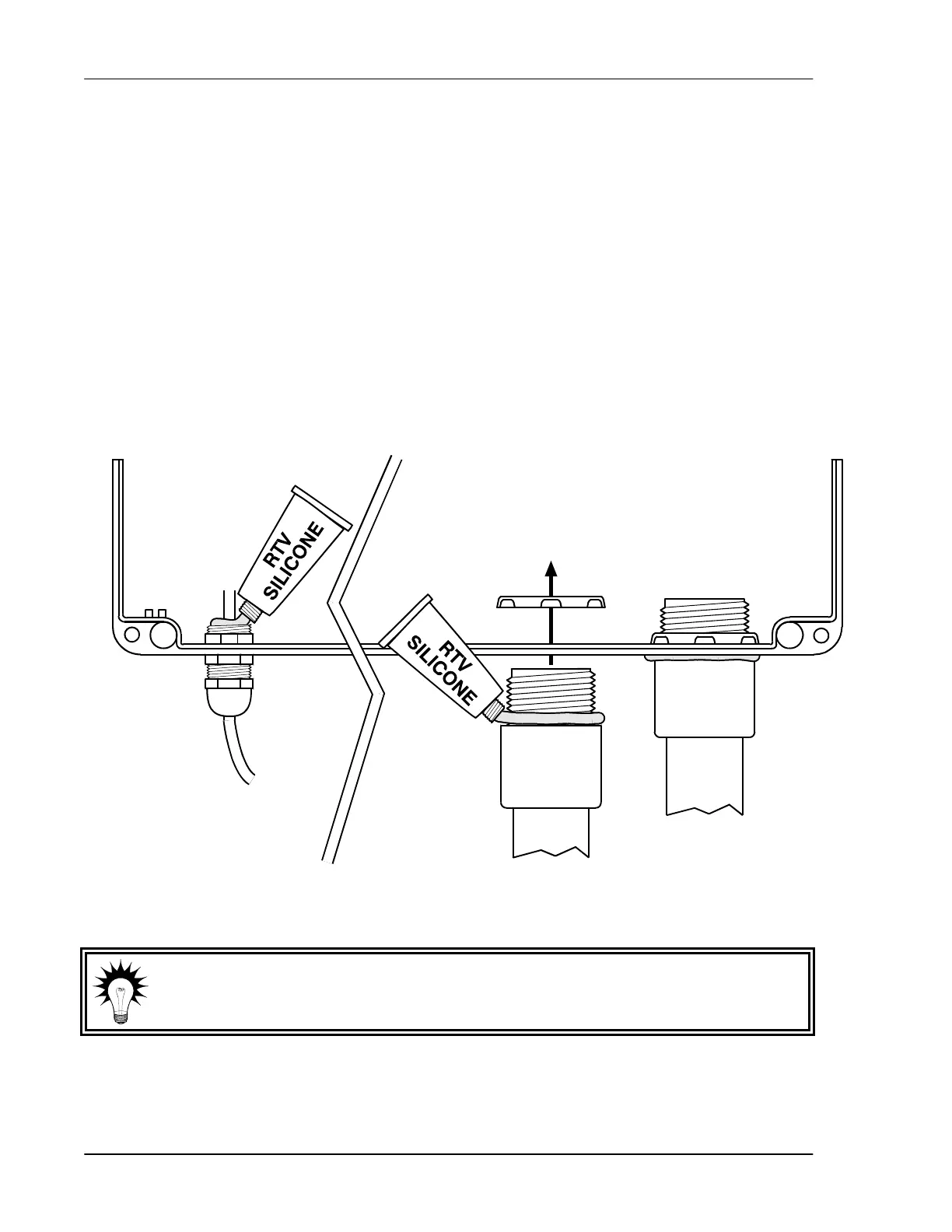
3. If the cable connectors are not sealing, apply RTV or Silicon II (non acetic acid) sealant around
the cable.
Some silicone sealants release acetic acid while curing. This can cause corrosion and damage the
control. Let the silicone cure completely (one to three days) with the cover open and ensure no
moisture enters the control. Failure to do this might damage the control and void the warranty.
4. Open and inspect the control after two weeks to verify it is sealing properly.
Open and inspect the control for moisture once a year. Proper care and
maintenance will extend the life of the control.



 To Next Page