Chapter 3: Configuring your PEC Plus Phason
38 2009-06-15
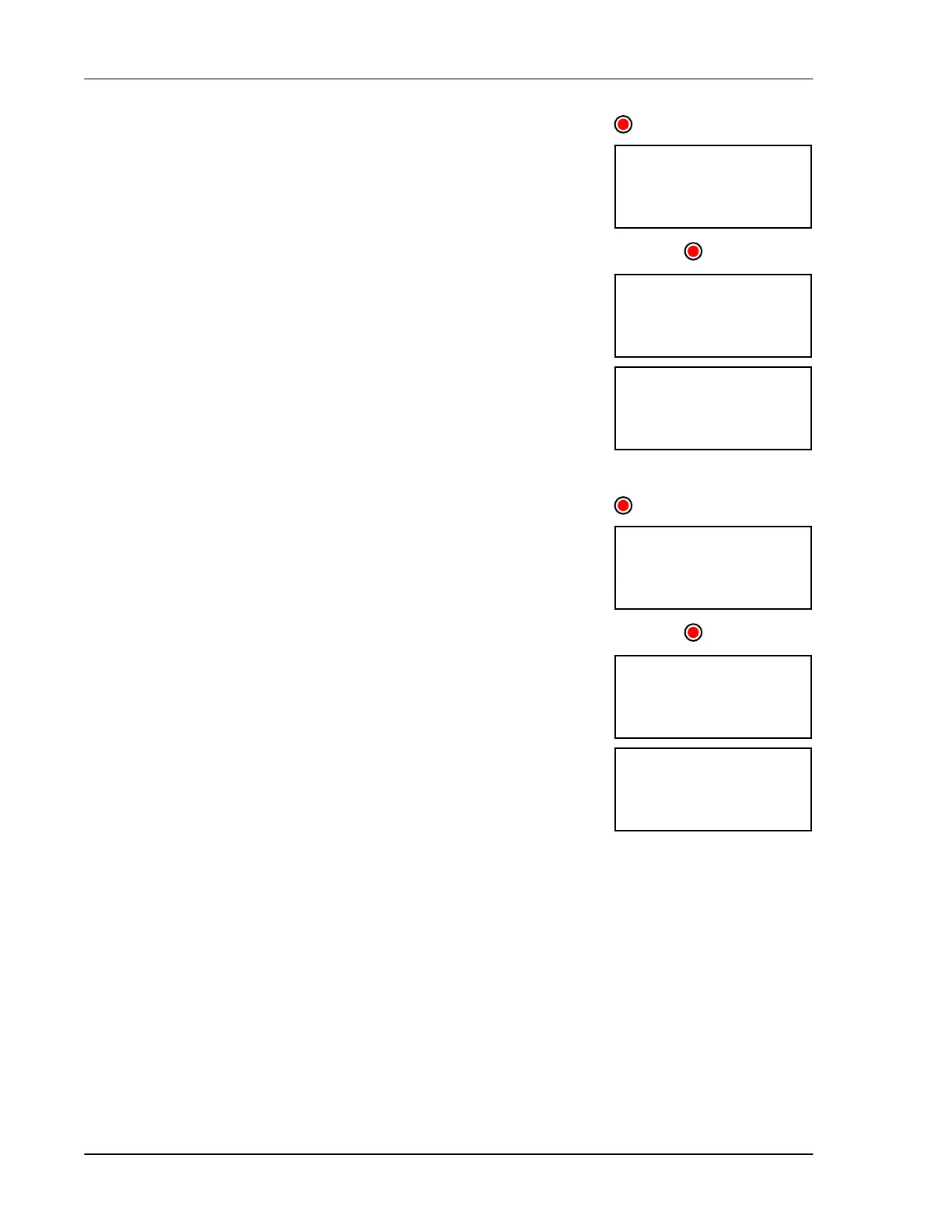
To configure relays for single-stage heating or cooling
(no duty cycle)
1. Press Function until the LED for CONFIGURATION is lit.
2. Press Up or Down until rly is displayed and then press Select.
The display shows rly1.
3. Press Up or Down until the first relay you want to configure is
displayed and then press Select.
The display shows the current configuration.
4. Press Up or Down until (ool or xeat is displayed and then press
Select.
The control returns to the Relay menu.
5. Press Back once to return to the Configuration menu, or twice to
return to the main display.
To configure relays for single-stage heating or cooling
(with duty cycle)
1. Press Function until the LED for CONFIGURATION is lit.
2. Press Up or Down until rly is displayed and then press Select.
The display shows rly1.
3. Press Up or Down until the first relay you want to configure is
displayed and then press Select.
The display shows the current configuration.
4. Press Up or Down until dty( (duty cycle cooling ), dtyx (duty
cycle heating ), or dt(2 (advanced duty cycle cooling) is displayed
and then press
Select.
The control returns to the Relay menu.
5. Press Back once to return to the Configuration menu, or twice to
return to the main display.
rly1
CONFIGURATION
(ool
rly
RELAY1
rly1
CONFIGURATION
dty(
rly
RELAY1



 To Next Page