PEC Plus user manual Programming the stages
31040003 51
To program actuator stages
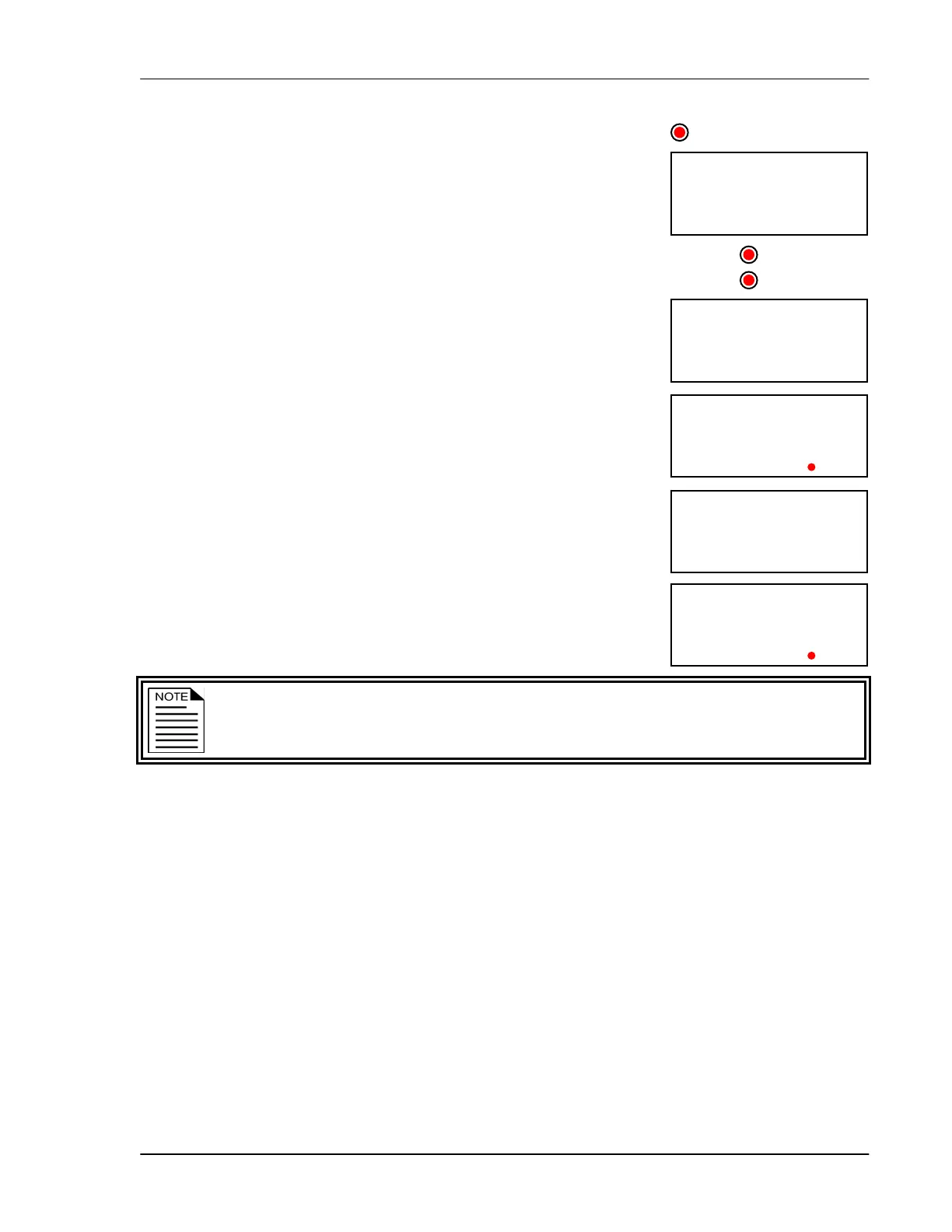
1. Press Function until the LED for ACTUATORS is lit.
The display shows a(t1 (Actuator 1).
2. Press Up or Down to toggle between programming actuator 1 and
actuator 2 and then press Select.
The display shows pard (parameter D). The LEDs for STAGES
show which relays you are programming. Relays 1 and 2 indicate
actuator 1, relays 3 and 4 indicate actuator 2.
3. To view the current actuator stage, press 1.
The display shows the current actuator stage.
4. To choose the stage you want to program, press Up or Down and
then press Select.
The control returns to the Parameter menu.
5. To view the temperature set point, press 2.
The display shows the current setting.
6. To change the set point, press Up or Down and then press Select.
The control returns to the Parameter menu.
7. To view the stage position, press 3.
The display shows the current setting.
8. To change the stage position, press Up or Down and then press
Select.
The control returns to the Parameter menu.
The minimum stage (stage 0) does not have a differential temperature setting. Skip
steps
9 and 10 for the minimum stage.
9. To view the differential temperature, press 4.
The display shows the current setting.
10. To change the differential, press Up or Down and then press Select.
The control returns to the Parameter menu.
11. Repeat steps 3 to 10 for the remaining stages.
12. Press Back once to return to the Actuator menu, or twice to return to the main display.
st 1
CTUATORS
p 40
t730
d780
RELAY2
a(t1



 To Next Page