PEC Plus user manual Programming the stages
31040003 57
To program normal duty cycles
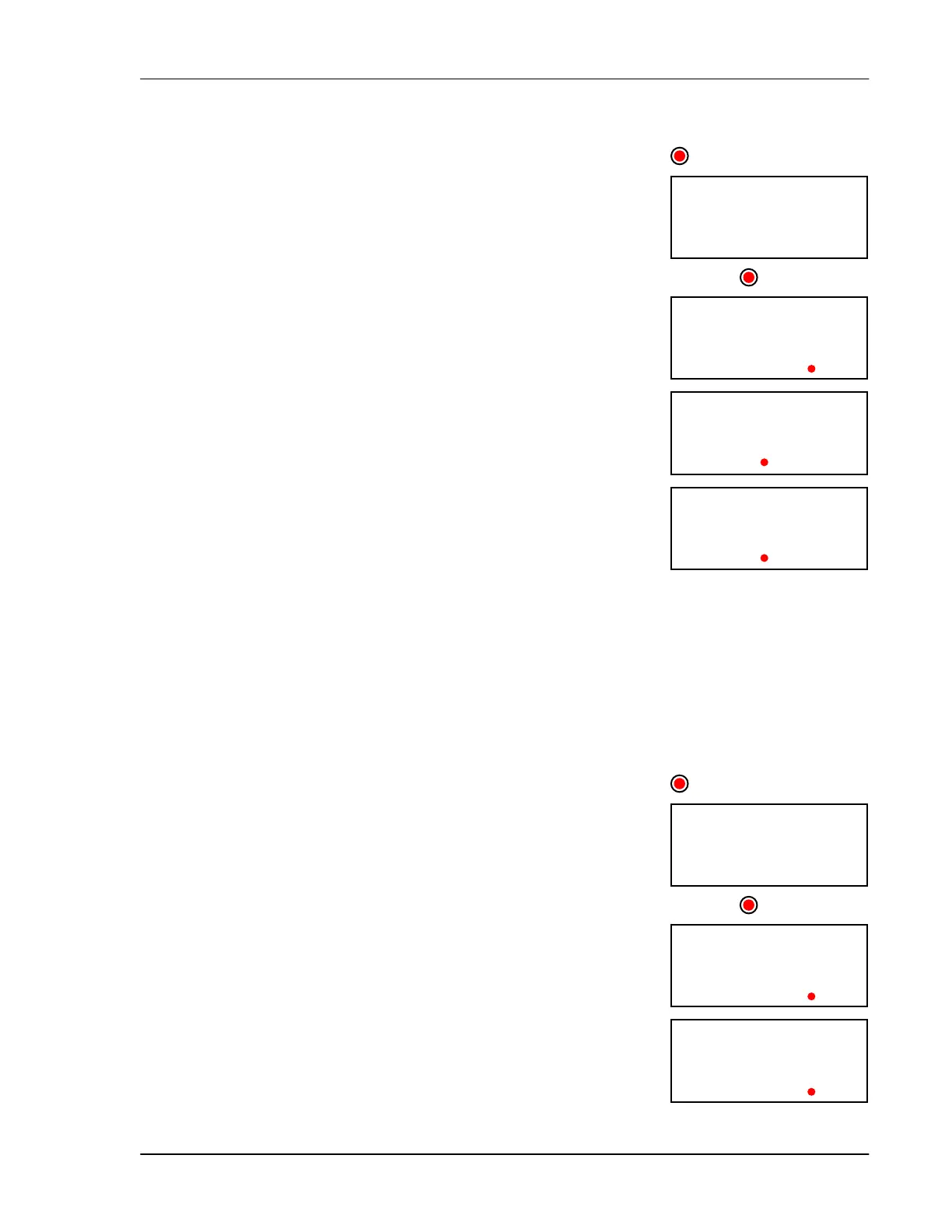
1. Press Function until the LED for RELAYS is lit.
The display shows rly1 (Relay 1).
2. Press Up or Down to change between programming relays 1 to 6
and then press Select.
The display shows par( (parameter C). The LEDs for STAGES
show which relays you are programming.
3. To view the temperature set point, press 1.
The display shows the current setting.
4. To change the set point, press Up or Down and then press Select.
The control returns to the Parameter menu.
5. To view the ON duration, press 4.
The display shows the current setting.
6. To change the ON duration minutes, press Up or Down and then
press Select. Repeat to change the seconds.
The control returns to the Parameter menu.
7. To view the OFF duration, press 5.
The display shows the current setting.
8. To change the OFF duration minutes, press Up or Down and then
press Select. Repeat to change the seconds.
The control returns to the Parameter menu.
9. Press Back once to return to the Relay menu, or twice to return to
the main display.
To program advanced duty cycles
1. Press Function until the LED for RELAYS is lit.
The display shows rly1 (Relay 1).
2. Press Up or Down to change between programming relays 1 to 6
and then press Select.
The display shows par( (parameter C). The LEDs for STAGES
show which relays you are programming.
3. To view temperature set point 1, press 1.
The display shows the current setting.
4. To change set point 1, press Up or Down and then press Select.
The control returns to the Parameter menu.
5. To view temperature set point 2, press 2.
The display shows the current setting.
230
RELAYS
RELAY3
t730
rly1
500
RELAYS
RELAY3
t730
rly1
;730



 To Next Page