Service Modes, Error Codes, and Fault Finding
EN 26 Q528.1E LA5.
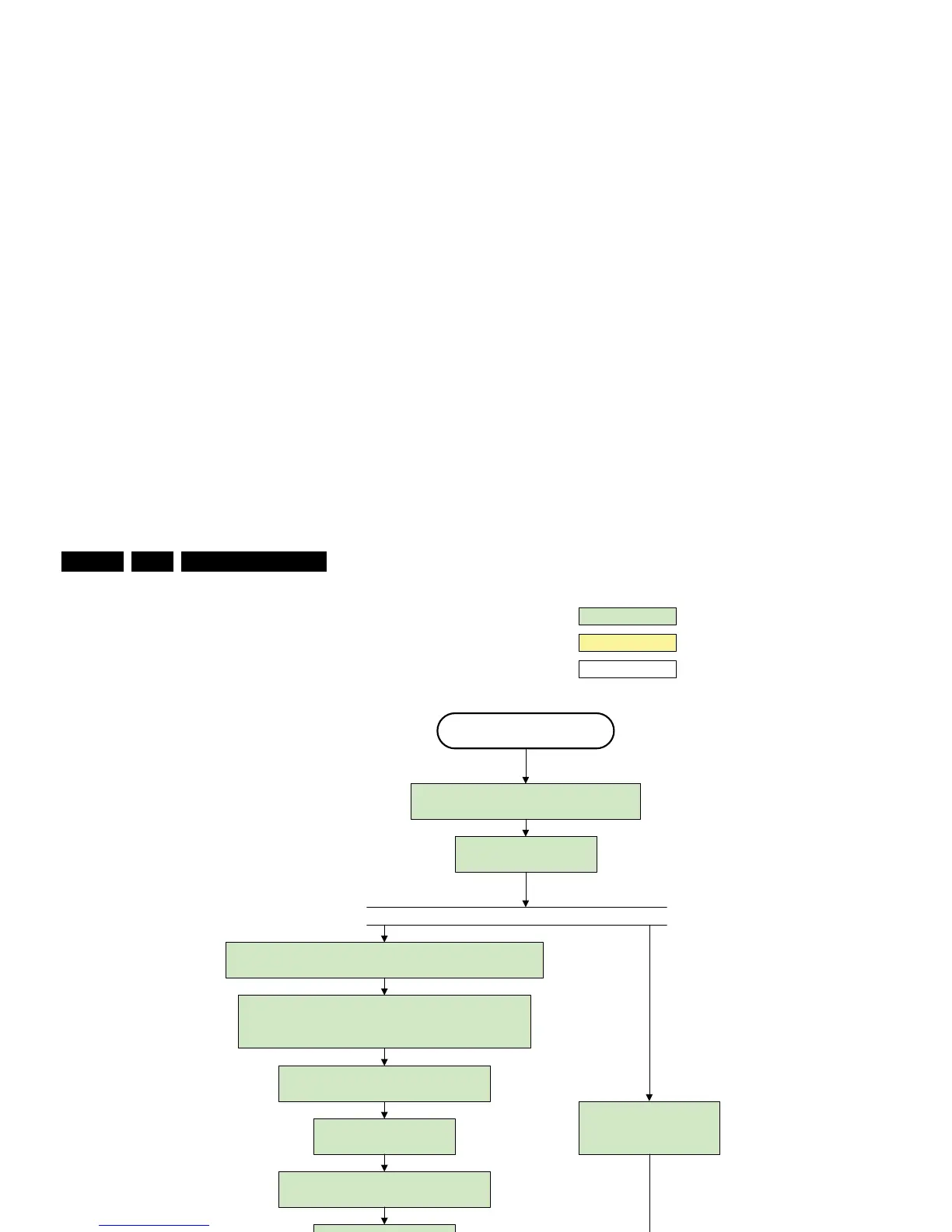
Figure 5-8 “Semi Stand-by” to “Active” flowchart DFI
H_16770_111.eps
290307
wait 250ms (min. = 200ms)
Active
Semi Standby
action holder: AVC
autonomous action
action holder: St-by
Assert RGB video blanking
and audio mute
Wait until previous on-state is left more than 2
seconds ago. (to prevent LCD display problems)
Switch Audio-Reset low and wait 5ms
Switch on LCD backlight
Switch off the dimming backlight feature and
make sure PWM output is set to 100%
Restore dimming backlight feature, PWM output and unblank
the video.
Switch on the display panel and the lvds via
the OutputEnable DFI command
Rewrite Pacific register 0x03 (output format) with TcuUpdate: this
command is sometimes not processed properly by the Pacific at
initialisation time , resending it here solves the issue.
The higher level requirement is that
audio and video should be demuted
without transient effects and that the
audio should be demuted maximum 1s
before or at the same time as the
unblanking of the video.
Release audio mute and wait 100ms before any other audio
handling is done (e.g. volume change)
Setting the display related timings of the DFI is not needed: The
display related timings are hardcoded in the DFI
Initialize audio and video
processing IC 's and functions
according needed use case .
Wait until valid and stable audio and video , corresponding to
the requested output is delivered by the AVC AND the
backlight PWM has been on for 1second .












 To Next Page