Service Modes, Error Codes, and Fault Finding
EN 29Q528.1E LA 5.
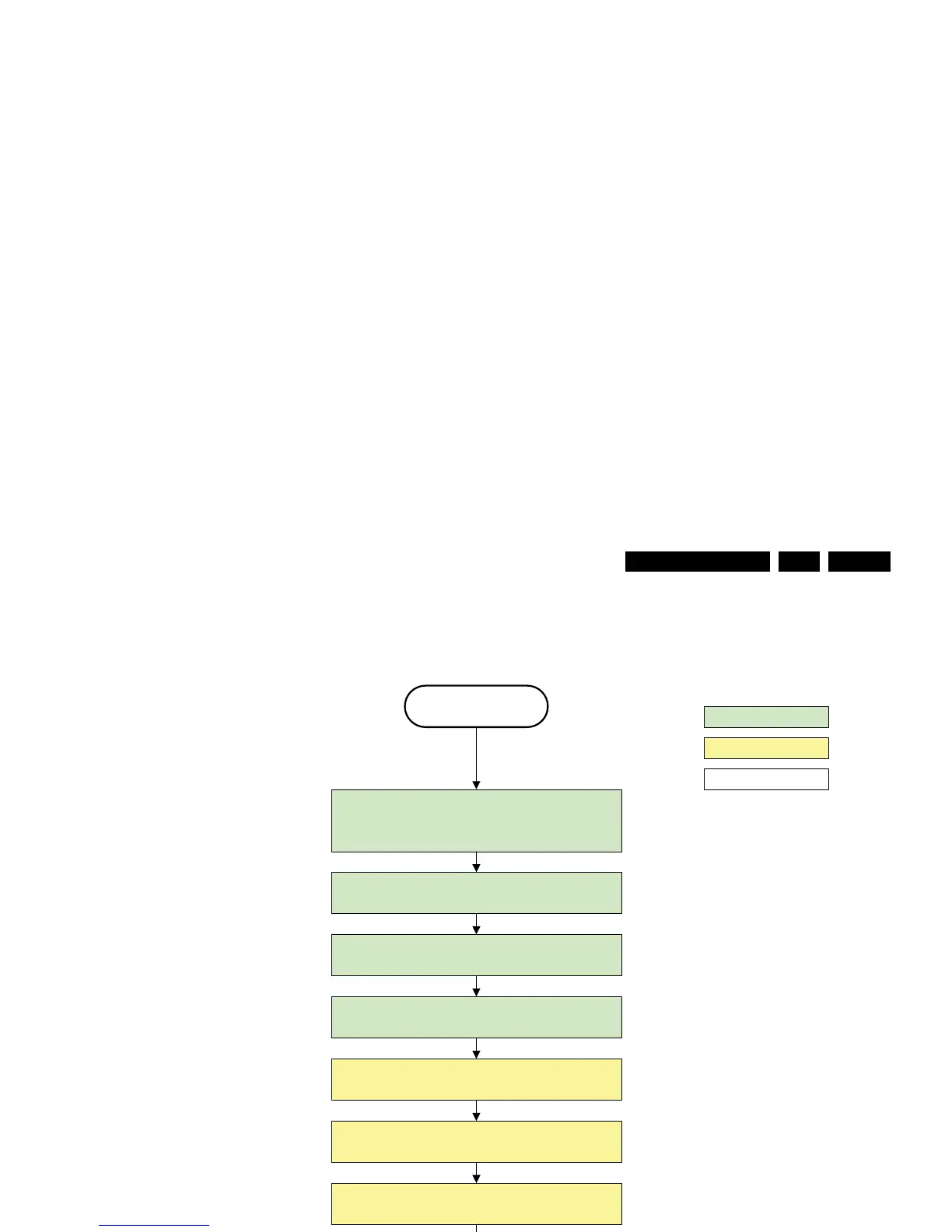
Figure 5-11 “Semi Stand-by” to “Stand-by” flowchart
H_16770_114.eps
260307
transfer Wake up reasons to the Stand by µP.
Stand by
Semi Stand by
action holder: MIPS
autonomous action
action holder: St-by
Disable all supply related protections and switch off
the +1V8 and the +3V3 DC/DC converter
Switch OFF all supplies by switching HIGH the POD -
MODE and the ON-MODE I/O lines.
Switch AVC system in reset state
Important remark:
release reset audio 10 sec after
entering standby to save power
switch off the +1V2 DC/DC converters
Wait 5ms
For PDP this means
CPUGO becomes low.
Wait 10ms
Switch the NVM reset line HIGH.
Delay transition until ramping down of ambient light is
finished. *)
If ambientlight functionality was used in semi -standby
(lampadaire mode), switch off ambient light
*) If this is not performed and the set is
switched to standby when the switch off of
the ambilights is still ongoing , the lights will
switch off abruptly when the supply is cut.
Switch Memories to self-refresh (this creates a more
stable condition when switching off the power).












 To Next Page