PianoDisc Installation Guide 15
. . . . .
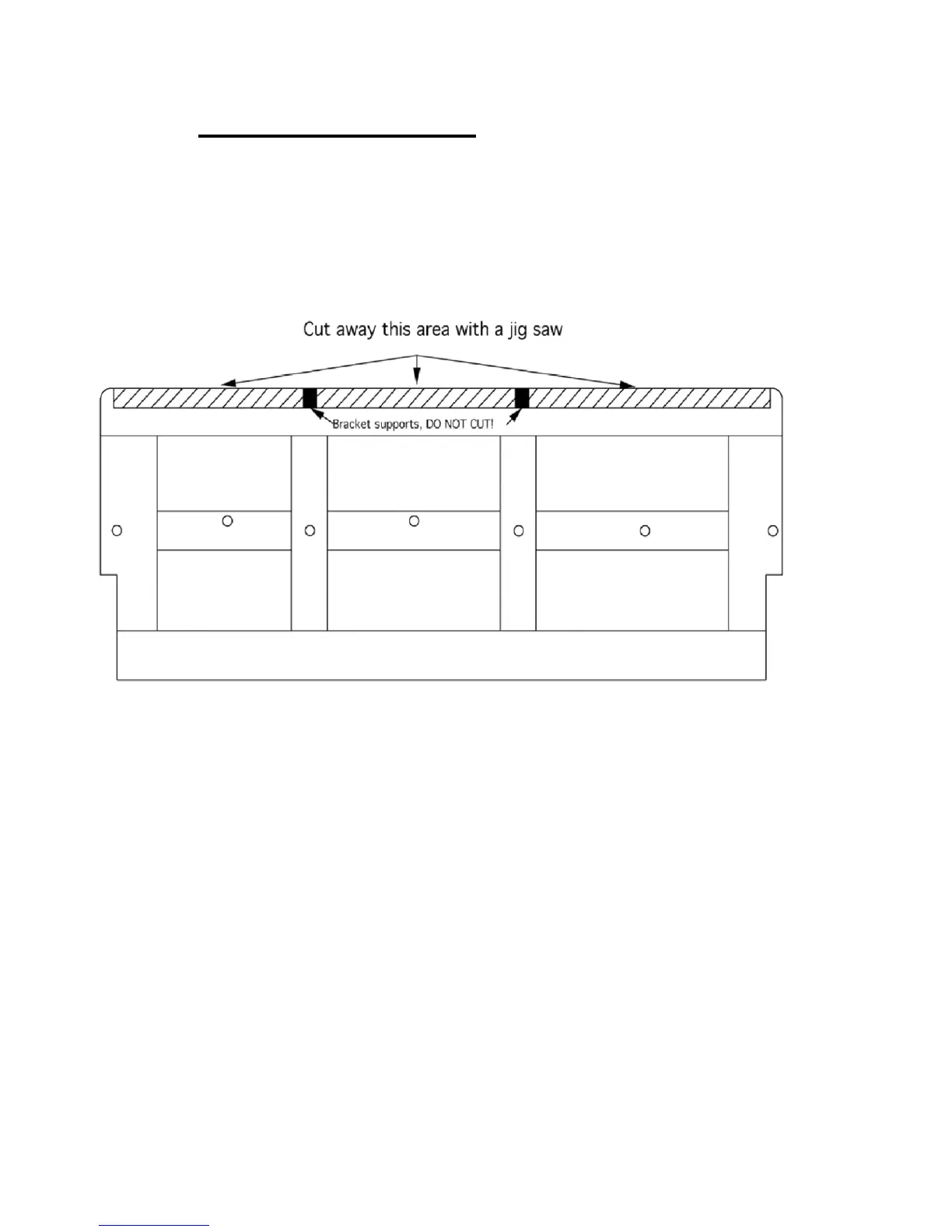
Step 5: Cut the keyframe
With a jig saw, cut away the keyframe in the marked area, conforming to the
line drawn in the previous step. Remove the sawdust with a vacuum or a
blower.
CAUTION: Do not cut away the supports for the action brackets. That is, the
small strips at the breaks on the keyframe.
Figure 5



 To Next Page