82 PianoDisc Installation Guide
228CFX - PianoCD - iQ
iQ Software Release Version Number
You may be requested to provide the iQ software release version number for
troubleshooting purposes. Contact PianoDisc to find out what known issues,
patches or upgrades are listed for each software release.
To display the version number:
1. Use a sharp tipped device to push and hold the
Reset
button.
2. While holding the
Reset
button, push and hold the
Select
wheel.
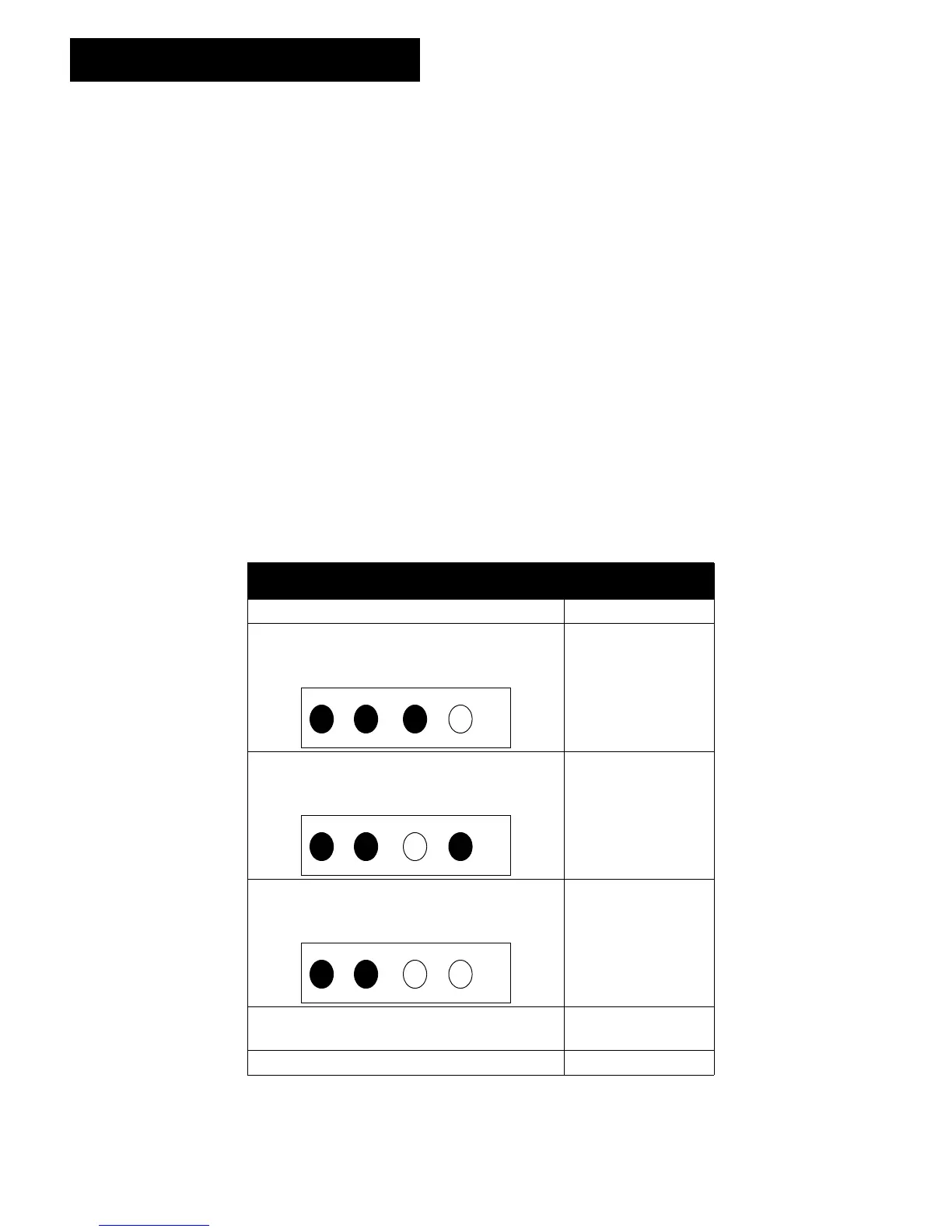
• Notice all the LEDs. The number to the left of the decimal point is represented (i.e.
1.2).
• An illuminated LED = 1 / A dark LED = 0
3. Release the
Select
wheel.
• The number to the right of the decimal point is represented (i.e. 1.2).
• The display lasts for approximately two seconds if the
Reset
button is released.
• The display lasts for a minimum of two seconds if the
Reset
button is still being held.
Number of dark and lit LEDs Equals
Four dark LEDs represents 0000 0
Three dark and one illuminated LED
represents 0001
1
Two dark, one illuminated and one dark
LED represents 0010
2
Two dark and two illuminated LEDs
represents 0011
3
One dark, one illuminated, two dark LEDs
represents 0100
4
Four illuminated LEDs represents 1111 15



 To Next Page