www.pinell.no Page32
Sleep function
This function switches off the radio automatically.
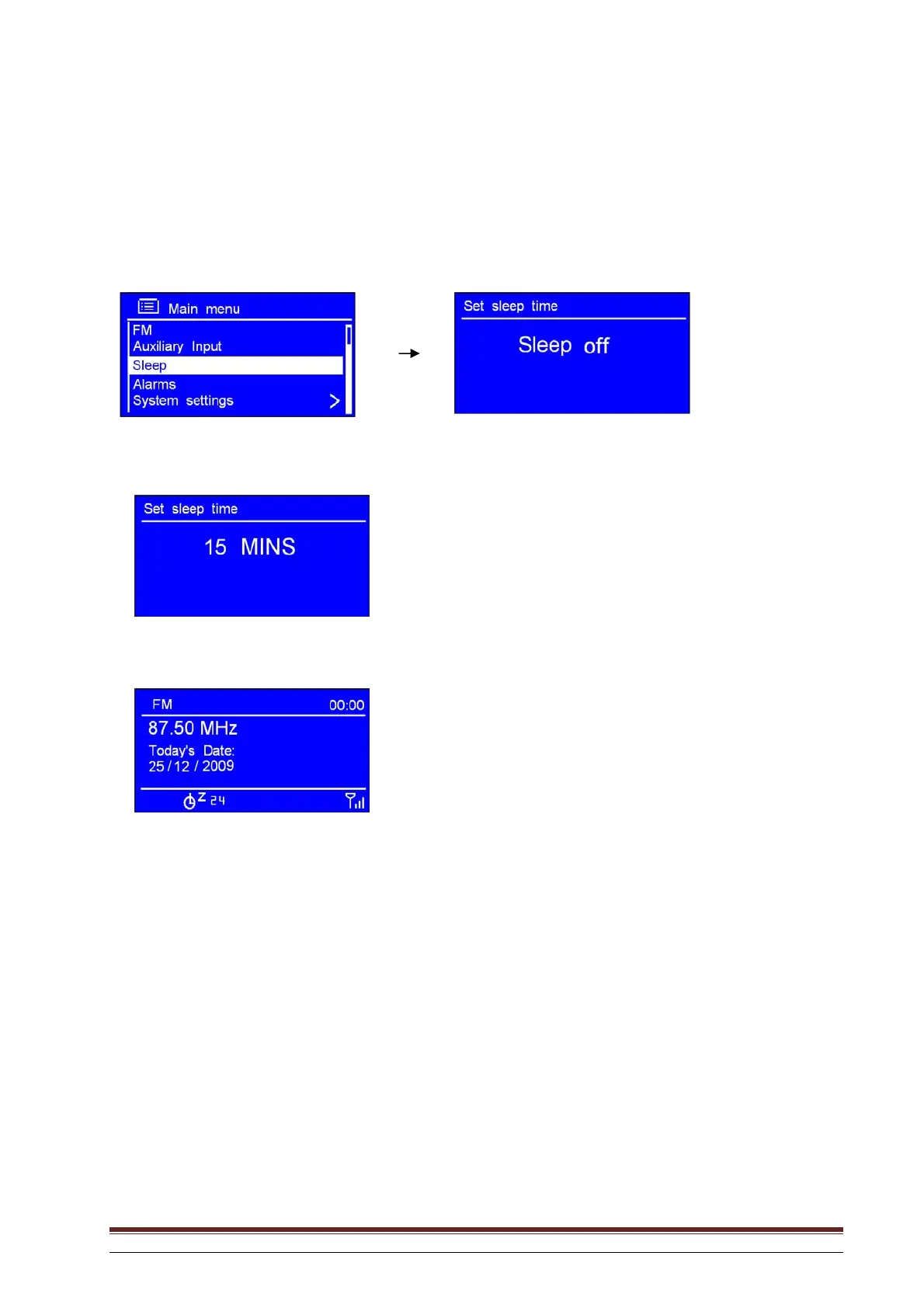
1. The function may be activated from Main menu Sleep. Press SELECT to confirm.
2. Rotate the knob or use the arrow keys to set the sleep time to between 0 and 60 minutes.
3. Stop rotating when the desired time is shown.
NB: a. The time may be set in steps of 15 minutes.
b. In this setting, the display shows the sleep icon and how many minutes remain to the end of the set
time.
4. When the set time has expired, the radio switches itself to standby mode.
5. Press STANDBY/ON to continue listening to the radio.



 To Next Page