www.pinell.no Page13
Accessing wireless networks and using the Internet
Radio
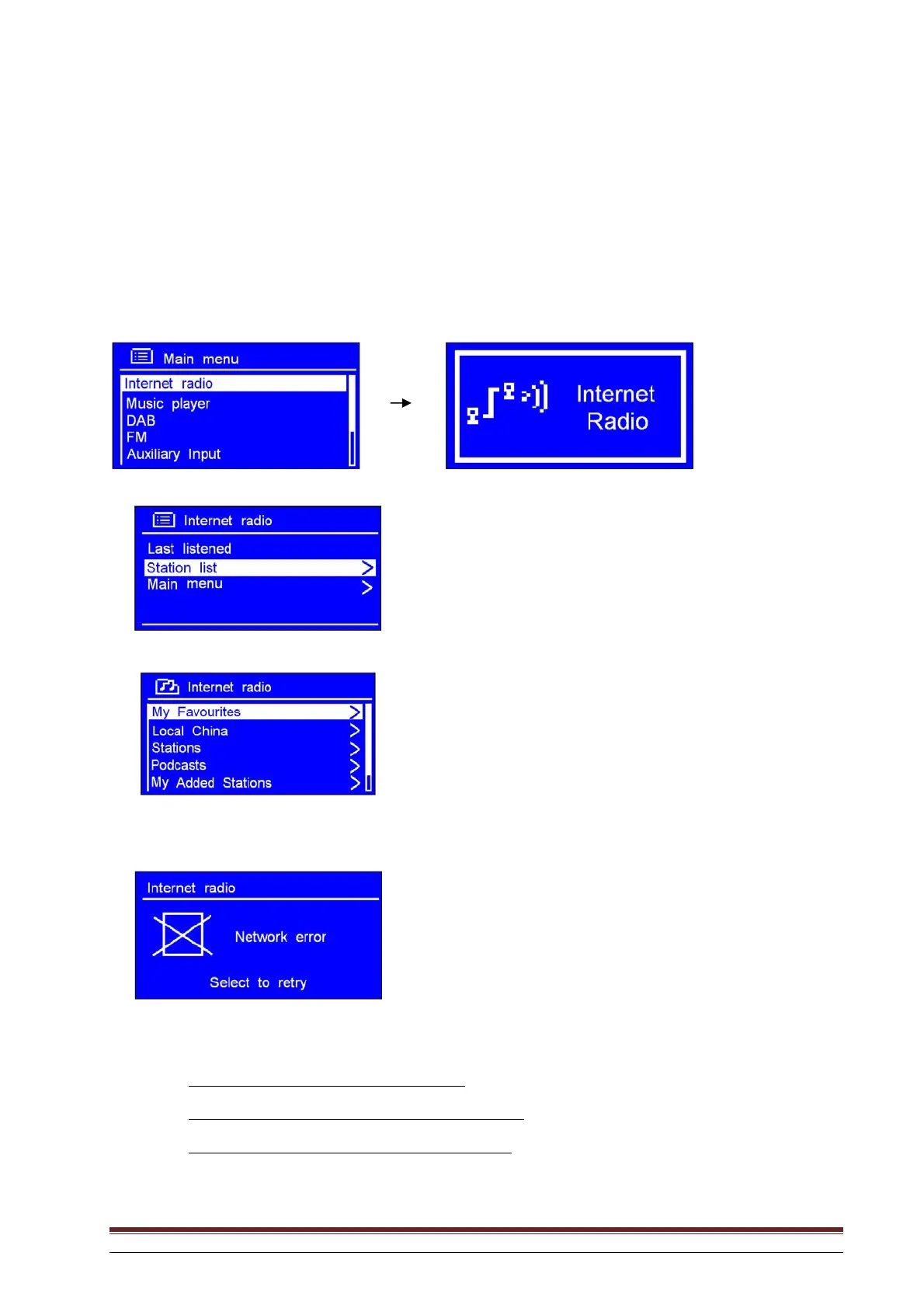
1. After completing the Setup Wizard, press SELECT to enter Internet Radio mode.
NB: You can also press SOURCE repeatedly until Internet Radio is displayed.
Later, the display will show:
2. With the arrow pointing to Station list, press SELECT to confirm.
If the radio shows:
when you attempt to connect to the network, you should:
a.
Check that the router is functioning correctly.
b.
Move the radio to a place where the signal is stronger.
c.
Check that you have provided the correct password.



 To Next Page