www.pinell.no Page37
Turning off the alarm
When the alarm sounds, you may either press STANDBY/ON to turn it off, or
Using the snooze function
Press SELECT to postpone the alarm. Press the button several times to select the SNOOZE time: 5,
10, 15 or 30 minutes.
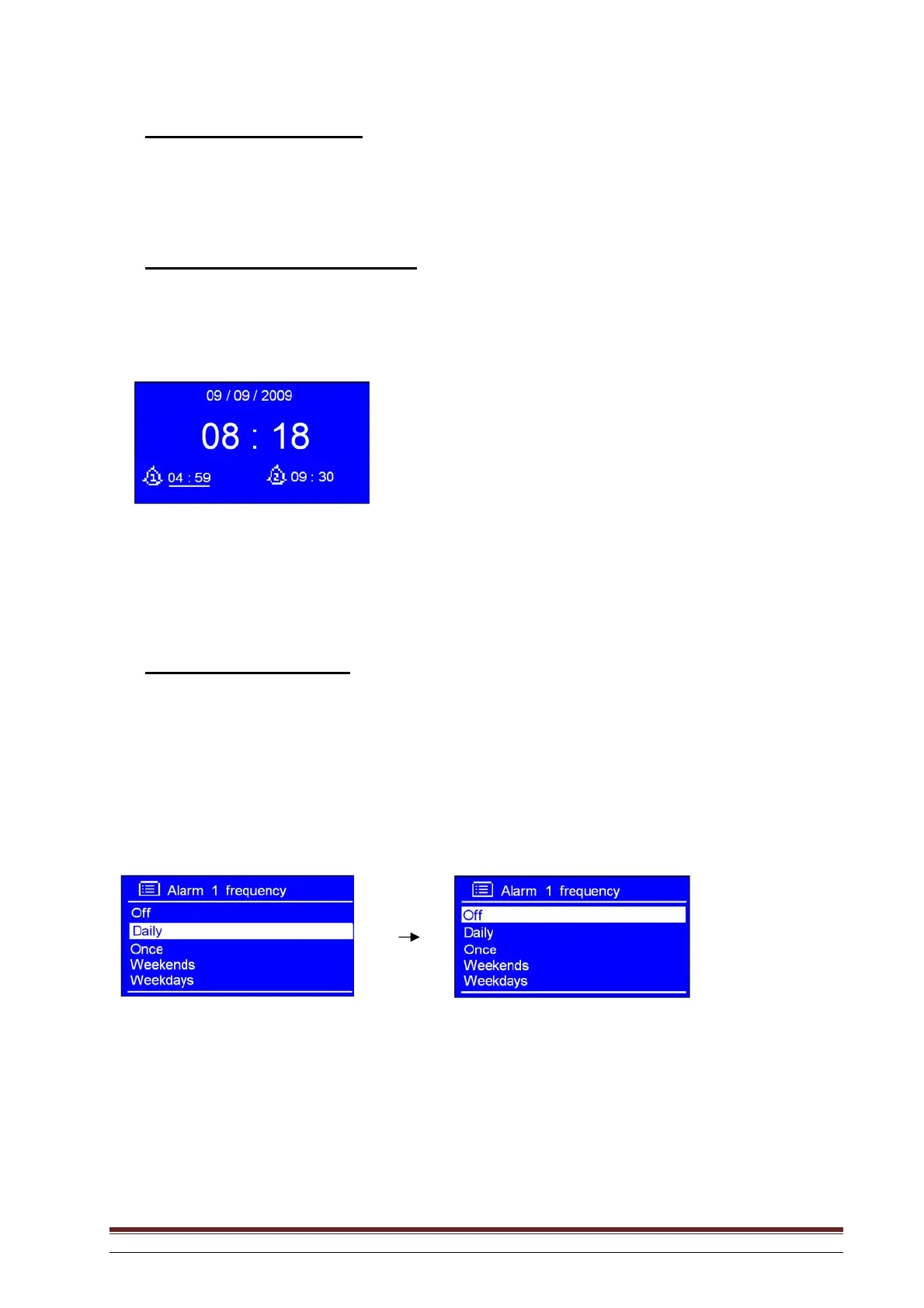
NB: a. When the snooze function is in use, the related alarm icon will flash and indicate how much time has
passed. At this stage you may also press STANDBY/ON to turn off the alarm.
b When the SNOOZE time has expired, the alarm will begin to sound again.
Cancelling an alarm
Follow these steps:
a. Select the desired alarm: ALARM 1 or ALARM 2 and press SELECT to enter setting mode.
b. With the arrow pointing to Enable: Daily (or another frequency), press SELECT.
c. Rotate the knob or use the arrow keys to select Off, and press to confirm.
d. Rotate the knob or use the arrow keys to highlight Save, and press to confirm.
If necessary, reset to the factory default settings.



 To Next Page