www.pinell.no Page19
Changing to wireless network
NB: For this procedure to apply, you must either reset to the factory settings or follow the steps below:
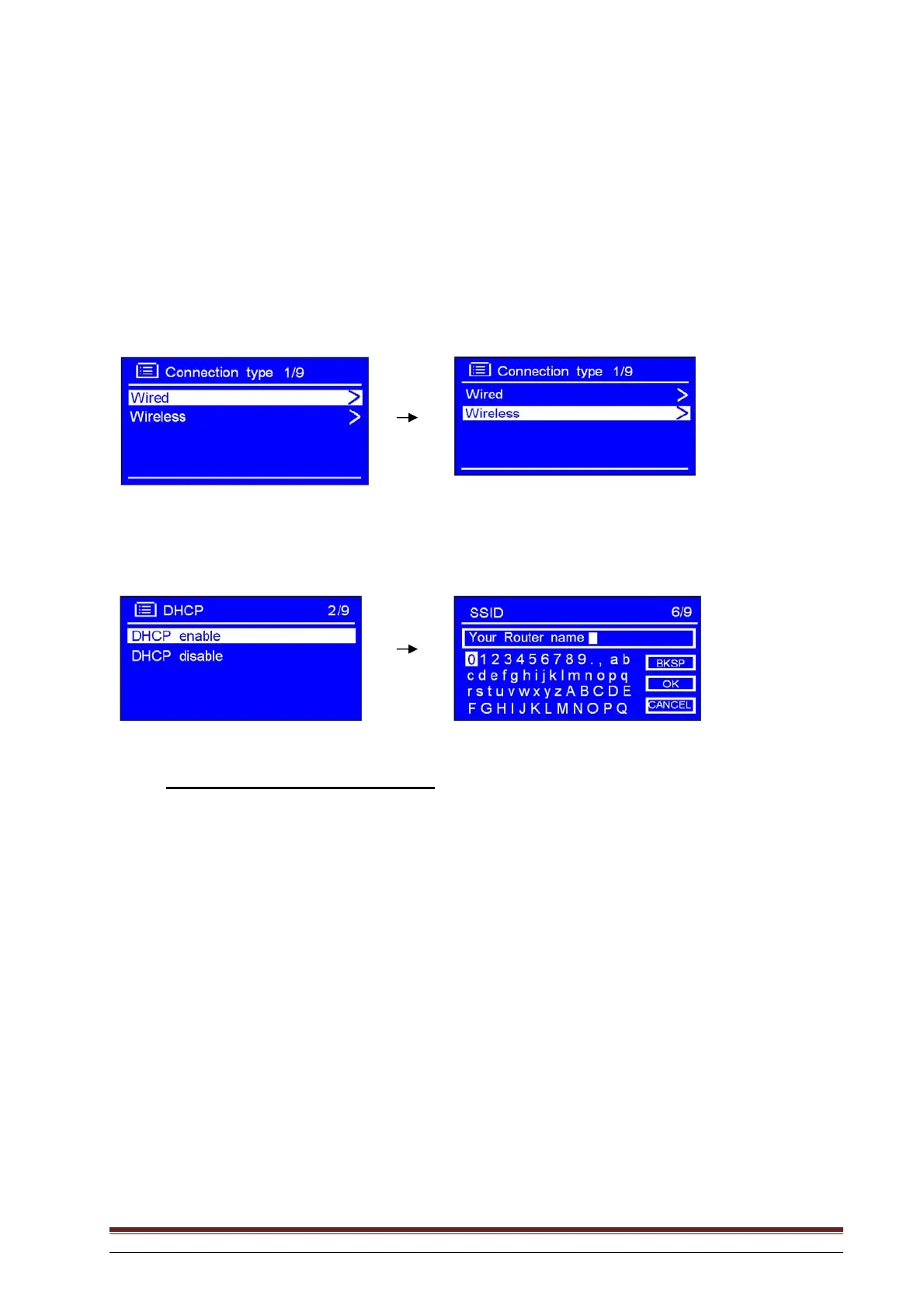
1. Refer to “Select LAN settings” on Page 19 and rotate the knob or use the arrow keys to highlight
Wireless. Press to confirm.
2. With the arrow pointing to DHCP enable, press SELECT to confirm and go through the wireless
network configuration step by step.
The wireless setup is now complete.



 To Next Page