www.pinell.no Page43
NB: Software updates may take several minutes. Do not switch off the radio until updating is complete. Doing
so may result in damage to the radio.
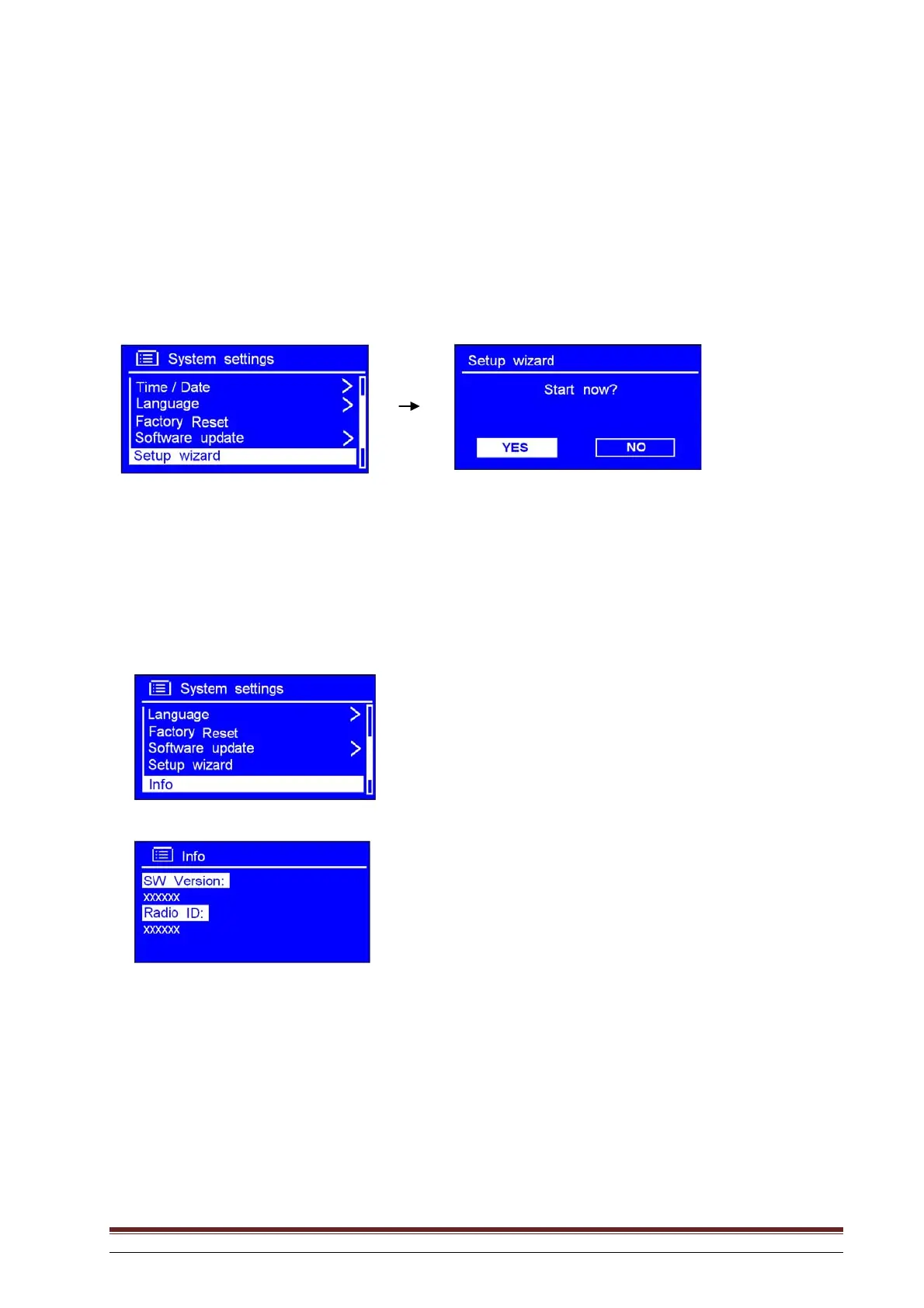
Running the setup wizard
1. This may be activated from Main menu System settings Setup wizard. Press SELECT to
confirm.
2. Follow the steps to run the wizard.
Software version and Radio ID
1. This may be activated from Main menu System settings Info.
2. Press SELECT to confirm.
You may be asked for this information when you request technical support.



 To Next Page