www.pinell.no Page34
2. You can select either Update from DAB or Update from Network. Press SELECT to confirm. The
setting is now completed.
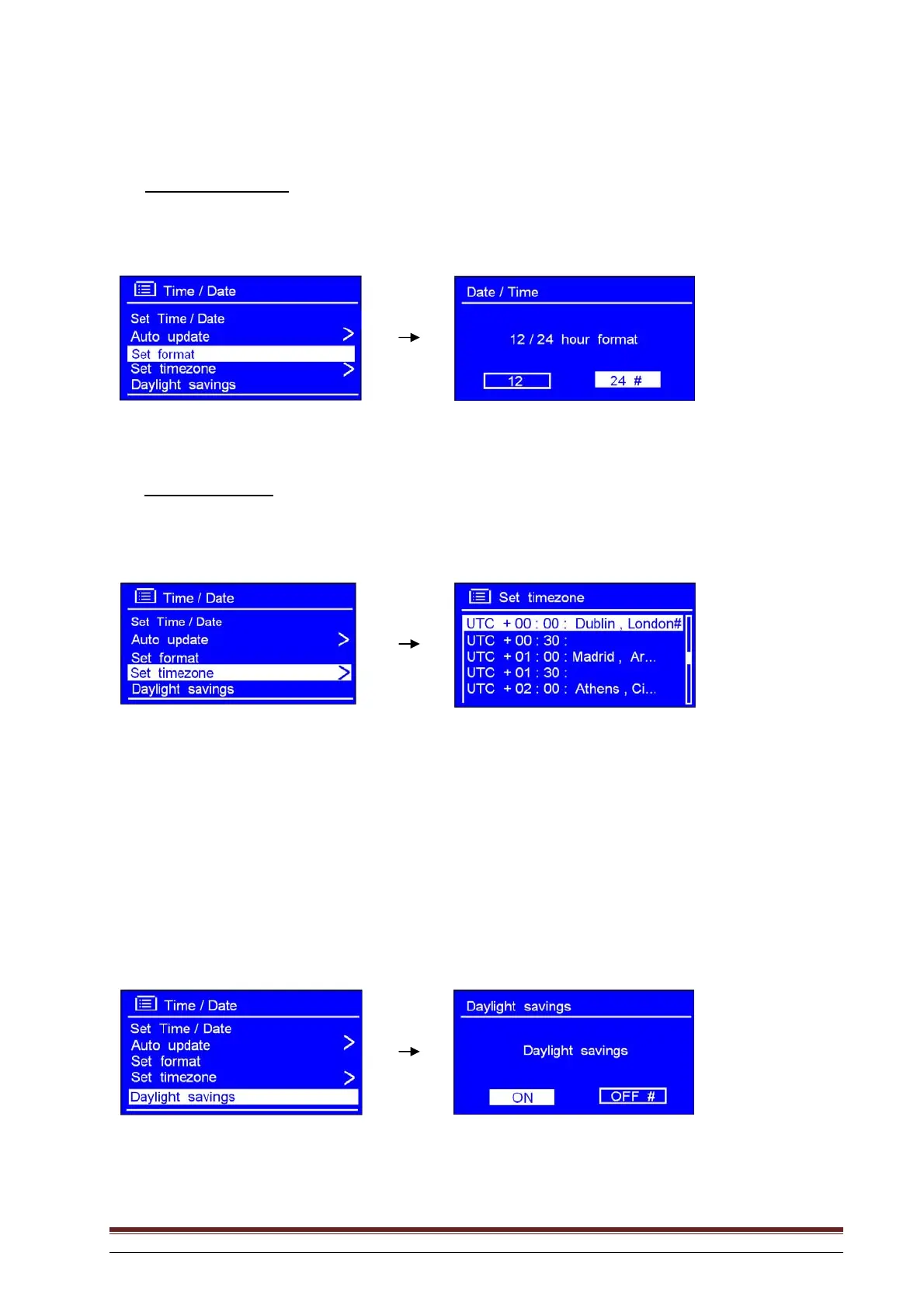
Specify time format
1. Rotate the knob or use the arrow keys to highlight Set format. Press to confirm.
2. Rotate the knob or use the arrow keys to highlight the desired format and press to confirm.
Setting time zone
1. Rotate the knob or use the arrow keys to highlight Set time zone. Press to confirm.
2. Rotate the knob or use the arrow keys to highlight your local time zone. Press to confirm.
The clock is now set.
Daylight saving time
1. This is activated from MENU System settings Time/Date Daylight savings. Press SELECT
to confirm.
2. Rotate the knob or use the arrow keys to highlight ON. Press to confirm.



 To Next Page