www.pinell.no Page40
Network setup
NB: Use this if you want to:
Obtain access to a different router --------- Internet Wizard
Obtain a MAC address, WLAN region, IP address, etc. ---------- View settings
Relocate to a different region ---------- Wlan region
Change the way the radio is connected: wireless or by cable ---------- Manual settings
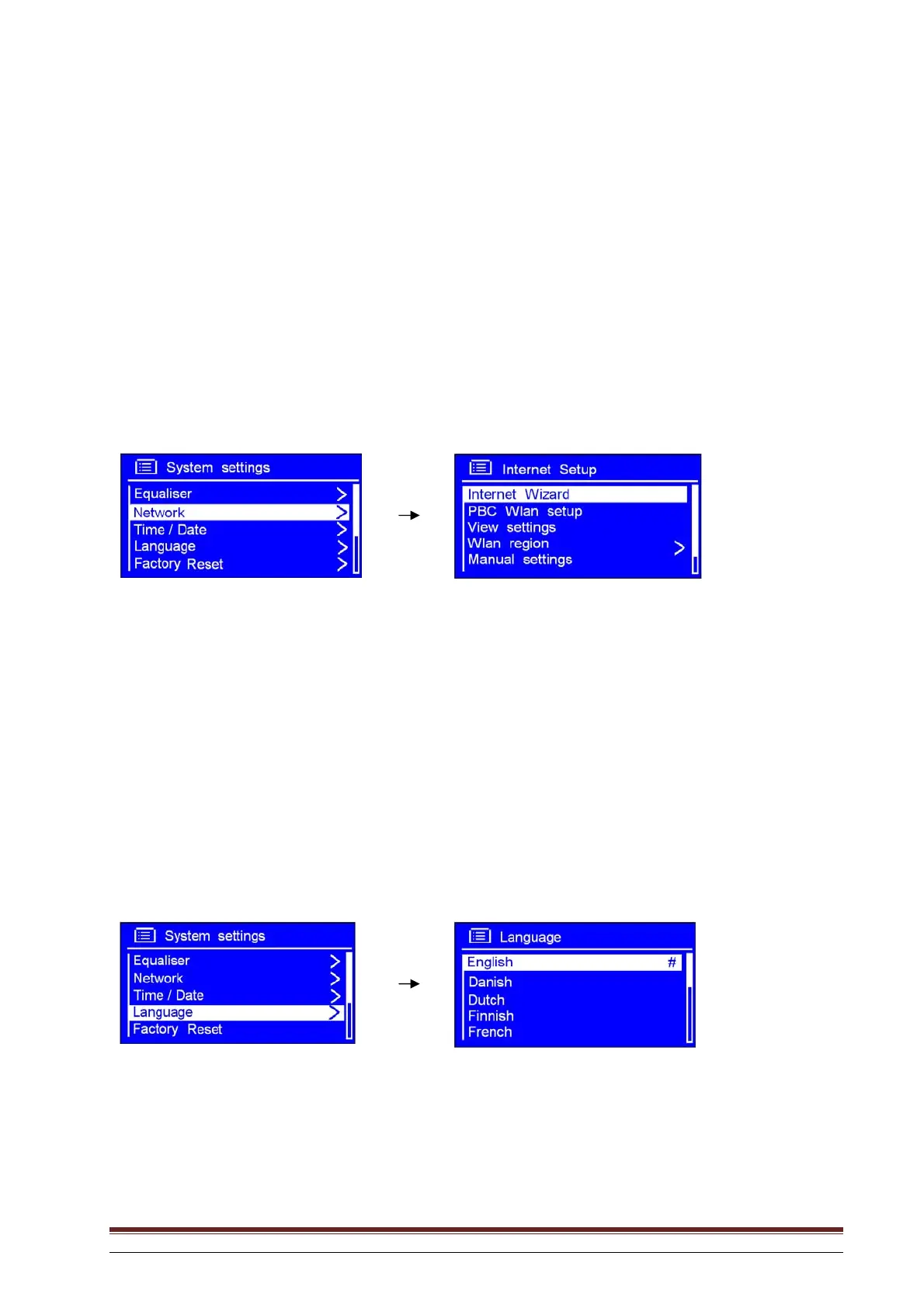
1. This may be activated from Main menu System settings Network. Press SELECT to confirm.
2. Rotate the knob or use the arrow keys to highlight the desired option and press to confirm.
Language
1. This may be activated from Main menu System settings Language. Press SELECT to
confirm.
2. Rotate the knob or use the arrow keys to highlight the desired option and press to confirm.



 To Next Page