www.pinell.no Page44
Appendices
Step 1: Setting up media sharing in Windows Media
Player (WMP) 11
NB: After downloading and installing Windows Media Player 11 for Windows XP and connecting the radio to the
network, you must set up media sharing in order to share music with the radio.
The following steps describe how to set up media sharing in Windows Media Player 11.
1. Check that your PC is connected to the network.
2. Check that the radio is switched on and connected to the same network.
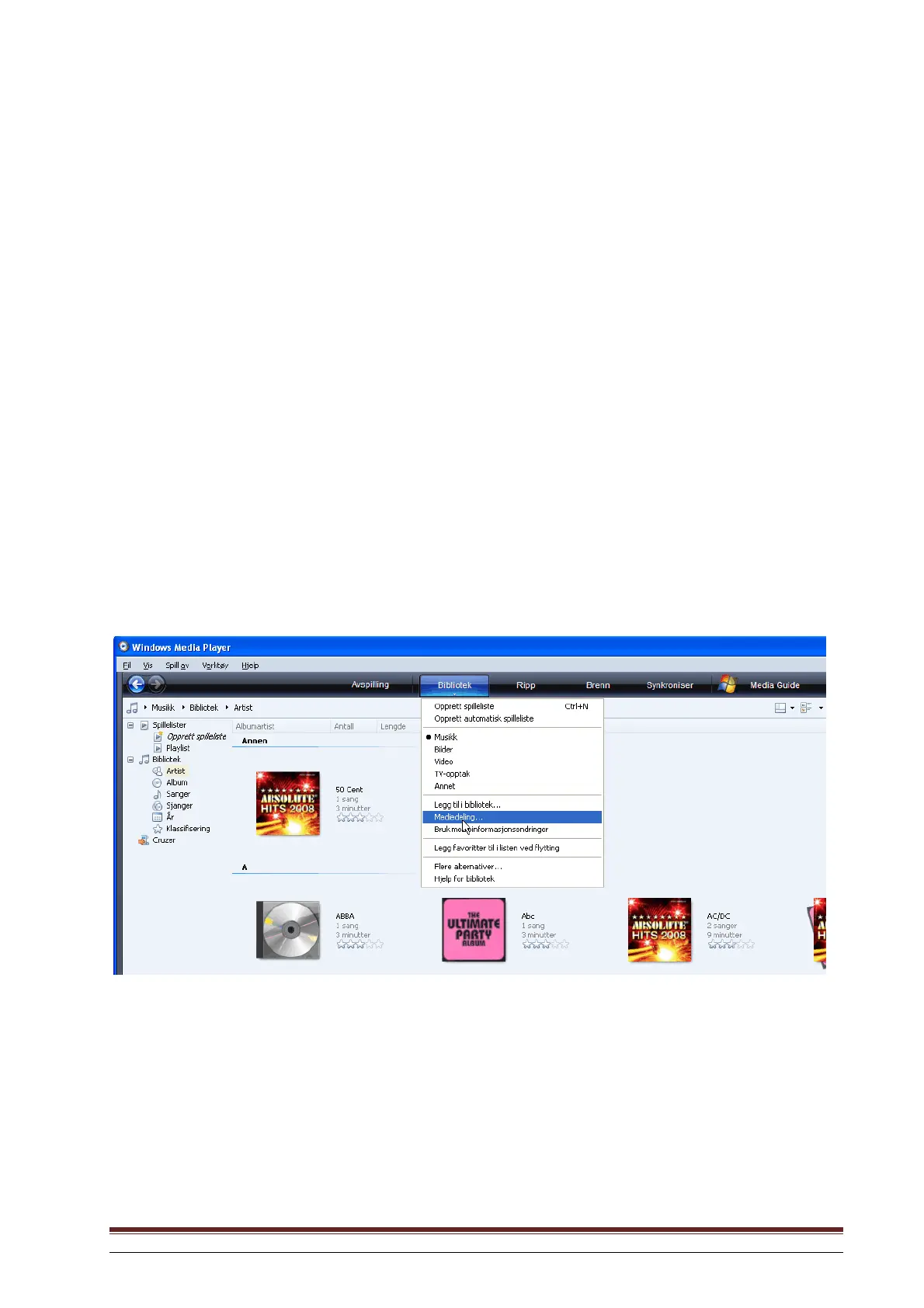
3. In WMP, place the audio files and folders you want to share with the Pinell Explorer in the Media
Library (Library > Add to Library…).
4. In WMP, activate media sharing (Library > Media sharing…).



 To Next Page