www.pinell.no Page39
System settings
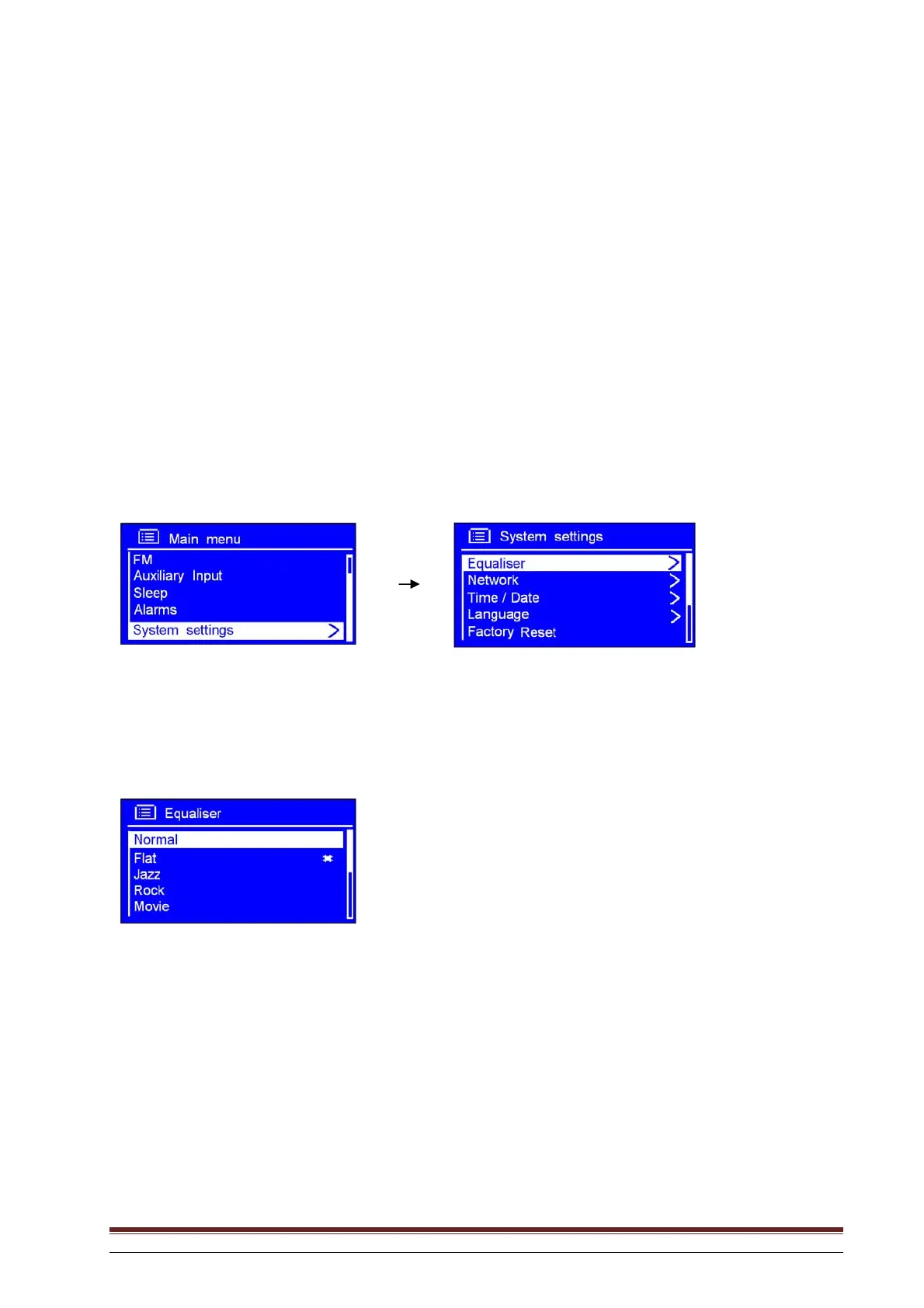
Equaliser
NB: To adjust the sound quality, use the procedure below.
1. Press MENU or rotate the knob or use the arrow keys to highlight Main Menu. Press to confirm.
2. Rotate the knob or use the arrow keys to highlight System settings. Press to confirm.
3. Rotate the knob or use the arrow keys to highlight Equaliser. Press to confirm.
4. Rotate the knob or use the arrow keys to highlight the desired option. The setting is now completed.



 To Next Page