Getting started
04
25
En
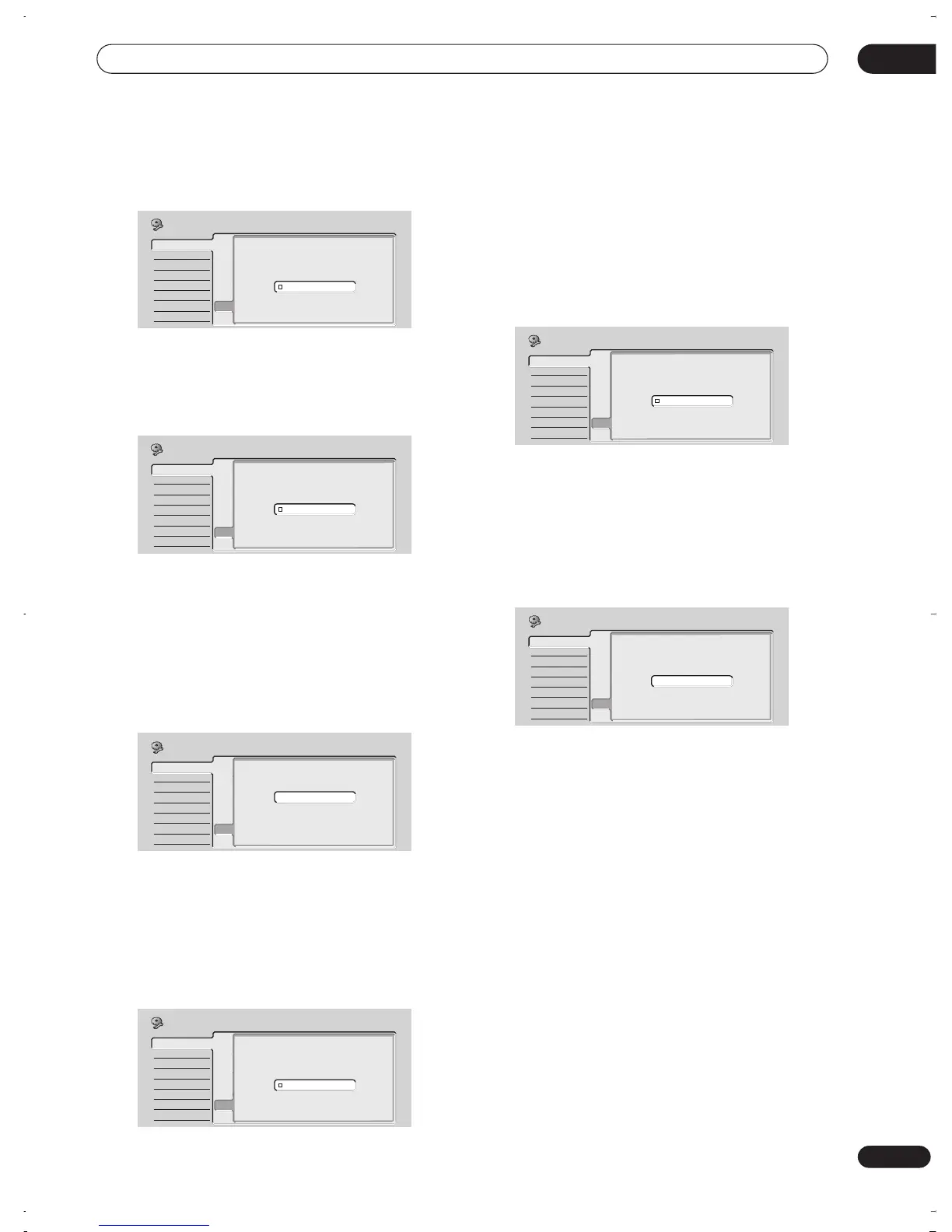
7 Select the TV screen type, ‘Standard (4:3)’ or
‘Wide (16:9)’.
Use the
/
(cursor up/down) buttons to select, then
press
ENTER
.
8 Is your TV compatible with progressive scan
video?
Use the
/
(cursor up/down) buttons to select
Compatible
,
Not Compatible
, or
Don’t Know
, then
press
ENTER
.
• Note that progressive scan video is only output
through the component video outputs and only when
the video source is NTSC (see page 14).
9 Is this recorder connected to an AV amplifier for
digital audio?
Use the
/
(cursor up/down) buttons to select
Connected
, or
Not Connected
, then press
ENTER
.
• If you select
Not Connected
, that completes the
setup. Press
ENTER
to exit the Setup Navigator, or
select
Go Back
if you want to go back and start again.
• Select the digital audio formats your AV amplifier is
compatible with.
Use the
/
(cursor up/down) buttons to select
Dolby
Digital
,
Dolby Digital, DTS
or
PCM only
, then press
ENTER
.
• Check the operating instructions that came with your
AV amplifier if you’re not sure what it’s compatible
with.
10 Is your AV amplifier compatible with 96 kHz PCM
digital audio?
Use the
/
(cursor up/down) buttons to select
Compatible
,
Not Compatible
, or
Don’t Know
, then
press
ENTER
.
• Check the operating instructions that came with your
AV amplifier if you’re not sure.
11 Press ENTER to exit the Setup Navigator, or select
‘Go Back’ if you want to start again.
That completes basic setup using the Setup Navigator.
Other settings you can make
After setting up using the Setup Navigator, you should be
ready to start enjoying your DVD recorder. It’s possible,
however, that you may want to make a couple of
additional settings, depending on how the recorder
tuned into the terrestrial TV channels.
• Manual channel setting – This setting lets you skip
channels where there is no station, as well as
manually tune to stations. See
Manual CH Setting
on
page 75.
• VCR Plus+ channel setting – This setting lets you
assign guide channels to ensure that the VCR Plus+
programming system works correctly. See
VCR
Plus+ CH Setting
on page 77.
• Setting up the remote to control your TV – You can set
up the supplied remote control to control many
brands of TV. See
Setting up the remote to control your
TV
on page 88.
Basic
Tuner
Video In/Out
Audio In
Audio Out
Language
Recording
Playback
Clock Set
Input Line System
On Screen Display
Front Panel Display
Power Save
Remote Control Set
Setup NavigatorSetup Navigator
TV Screen Size
Wide (16:9)
Standard (4:3)
Initial Setup
Basic
Tuner
Video In/Out
Audio In
Audio Out
Language
Recording
Playback
Clock Set
Input Line System
On Screen Display
Front Panel Display
Power Save
Remote Control Set
Setup NavigatorSetup Navigator
Initial Setup
Progressive
Compatible
Not Compatible
Don't Know
Basic
Tuner
Video In/Out
Audio In
Audio Out
Language
Recording
Playback
Clock Set
Input Line System
On Screen Display
Front Panel Display
Power Save
Remote Control Set
Setup NavigatorSetup Navigator
AV Amp Digital Connect
Connected
Not Connected
Initial Setup
Basic
Tuner
Video In/Out
Audio In
Audio Out
Language
Recording
Playback
Clock Set
Input Line System
On Screen Display
Front Panel Display
Power Save
Remote Control Set
Setup Navigator
Setup Navigator
AV Amp Compatibility
Dolby Digital
Dolby Digital,DTS
PCM only
Initial Setup
Basic
Tuner
Video In/Out
Audio In
Audio Out
Language
Recording
Playback
Clock Set
Input Line System
On Screen Display
Front Panel Display
Power Save
Remote Control Set
Setup NavigatorSetup Navigator
96kHz PCM Compatible
Compatible
Not Compatible
Don't Know
Initial Setup
Basic
Tuner
Video In/Out
Audio In
Audio Out
Language
Recording
Playback
Clock Set
Input Line System
On Screen Display
Front Panel Display
Power Save
Remote Control Set
Setup NavigatorSetup Navigator
Setup is complete!
Enjoy using your DVD recorder!
Finish Setup
Go Back
Initial Setup
DVR-03_RD.book 25 ページ 2003年9月18日 木曜日 午後9時2分



 To Next Page