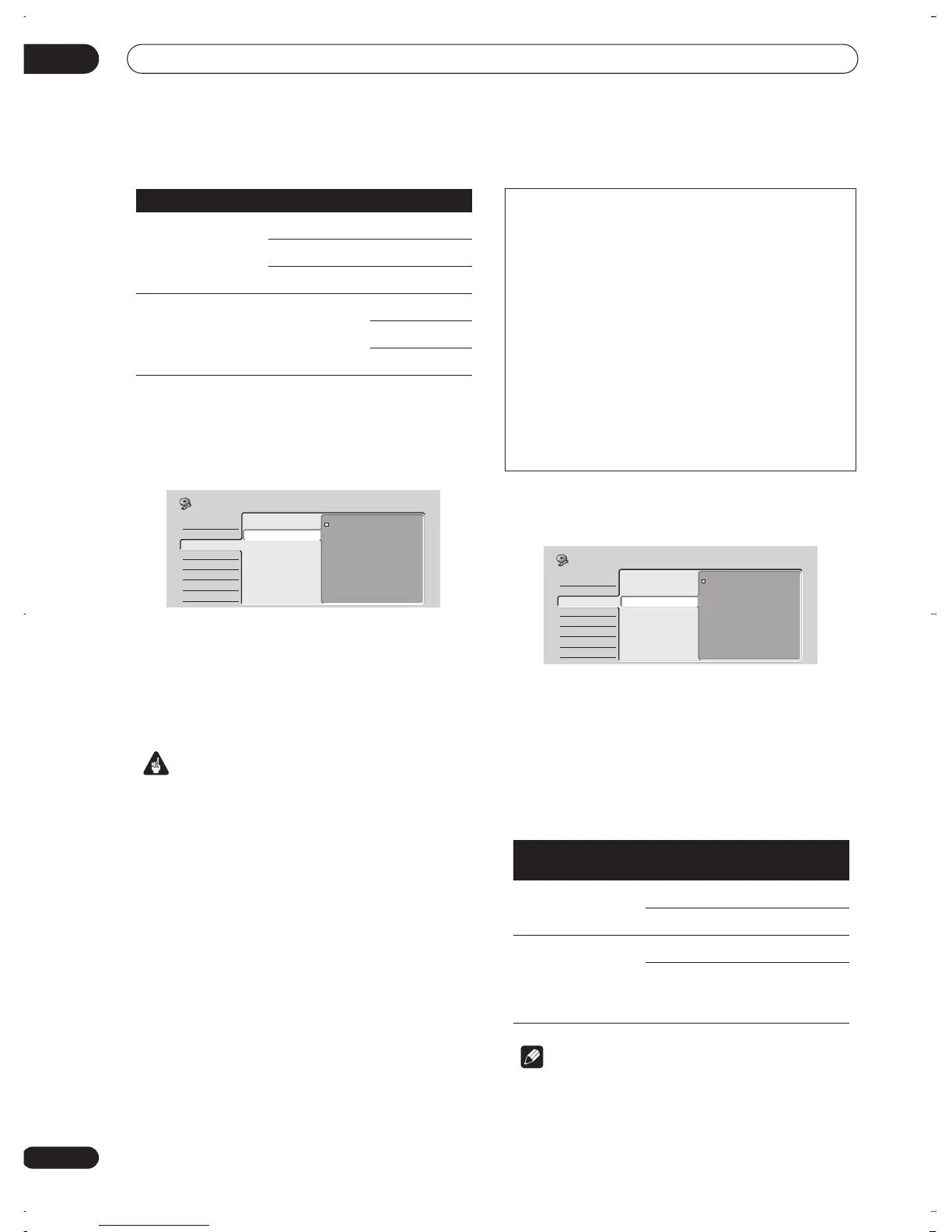
The Initial Setup menu
12
78
En
(for other models)
Component Video Out
• Default setting:
Interlace
You only need to make this setting if you connected this
recorder to your TV using the component video jacks.
If your TV is compatible with progressive-scan
component video, set this
Progressive
for the highest
quality picture. If your TV is not compatible with
progressive-scan video, leave it set to
Interlace
.
See also
Progressive scan video
in the glossary on
page 99.
Important
• If you switch to
Progressive
when using a TV that is
not compatible with progressive-scan video, you will
not be able to see anything displayed on your TV. If
this happens, press and hold
PAUSE
on the front
panel, then press
DISC NAVIGATOR
. This will set the
recorder’s video output back to
Interlace
.
NTSC on PAL TV
• Default setting:
Off
When set to
On
, NTSC discs (from the U.S., for example)
will play correctly on a PAL-only TV. Change to
Off
if your
TV is already NTSC-compatible.
Depending on this setting and the Input Line System
setting (see
Input Line System
on page 74), the signal
format output when the recorder is stopped varies as
shown in the table below.
Note
• Many recent PAL TVs are capable of correctly
displaying NTSC pictures without the need for this
setting. Check the manual that came with your TV if
you’re not sure whether yours has this feature.
Input Line System Built-in tuner External input
625 System Auto Auto
PAL PAL
SECAM SECAM
525 System 3.58 NTSC Auto
3.58 NTSC
PAL–60
Basic
Tuner
Video In/Out
Audio In
Audio Out
Language
Recording
Playback
Input Colour System
Component Video Out
NTSC on PAL TV
Interlace
Progressive
Initial Setup
Compatibility of this unit with progressive-scan TVs
Consumers should note that not all high-definition television sets
are fully compatible with this product and may cause artifacts to
be displayed in the picture. In case of 525 progressive scan
picture problems, it is recommended that the user switch the
connection to the ‘standard definition’ output (
Interlace
). If there
are questions regarding our TV set compatibility with this model,
please contact our customer service center.
This recorder is compatible with the following Pioneer displays
and monitors
Plasma display
• PDP-502MX, PDP-505HD, PDP-5030HD, PDP-4330HD,
Pro-1000HD, Pro-800HD, PDP-5031, PDP-4300
Projection monitor receiver
• SD-532HD5, SD-533HD5, Pro-700HD, Pro-710HD, Pro-610HD,
Pro-510HD, Pro-720HD, Pro-620HD, Pro-520HD, Pro-730HD,
Pro-630HD, Pro-530HD, SD-582HDS, SD-641HDS, SD-643HDS
Input Line System
NTSC on PAL
TV
Output when
stopped
625 System Off PAL
On PAL
525 System Off NTSC
On PAL–M
(South
America)
PAL–60
(Other)
Basic
Tuner
Video In/Out
Audio In
Audio Out
Language
Recording
Playback
Input Colour System
Component Video
NTSC on PAL TV
On
Off
Initial Setup
DVR-03_RD.book 78 ページ 2003年9月18日 木曜日 午後9時2分



 To Next Page