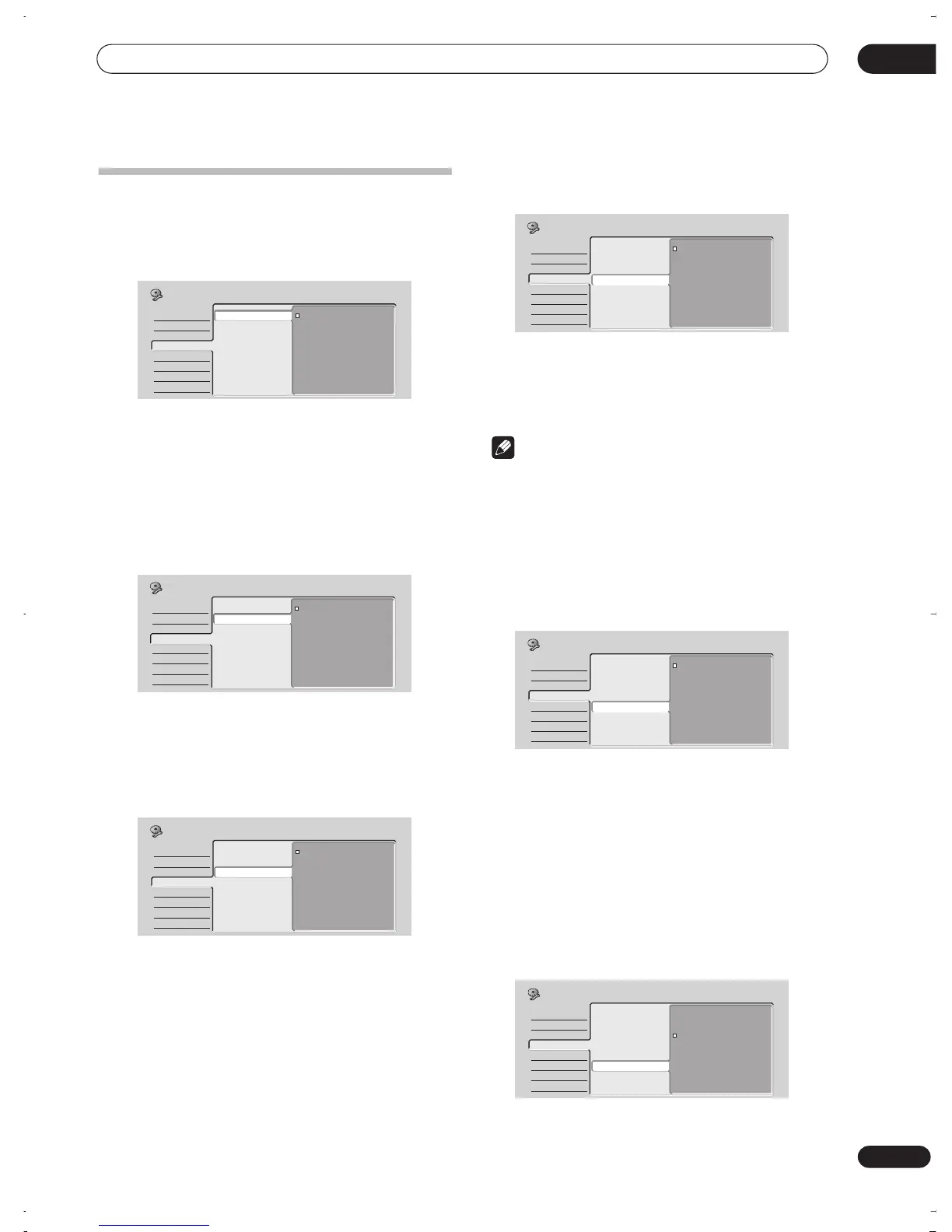
The Initial Setup menu
12
79
En
Audio In settings
NICAM Select
• Default setting:
NICAM
If you want to record the non-NICAM audio in a TV
broadcast, select
Regular Audio
, otherwise set to
NICAM
. (When set to
NICAM
, you can still select
Regular Audio
using the
AUDIO
button. See
Changing
audio channels
on page 27.)
Tuner Level
• Default setting:
Normal
Set to
Compression
if the audio level from the built-in
tuner is excessively high causing distortion.
External Audio
• Default setting:
Stereo
If the external source is standard stereo, leave set to
Stereo
. If each channel carries a separate soundtrack,
change to
Bilingual
.
When the external audio is from the DV input, an audio
subcode channel within the DV audio tells the recorder
whether the audio is stereo or bilingual. This has priority
over the setting you make here.
Bilingual Recording
• Default setting:
A/L
When recording a bilingual source from an external input
in Video mode or VR mode set to
FINE/MN32
, you can
choose to record either the
A/L
(left), or the
B/R
(right)
audio channel.
Note
• If you’re recording in VR mode (except when set to
FINE/MN32
), both channels will be recorded and you
can switch them as you like on playback.
DV Input
• Default setting:
Stereo1
You need to set this if you have a camcorder using 32kHz/
12-bit sound connected to the front panel
DV IN/OUT
jack.
Some digital camcorders have two stereo tracks for
audio. One is recorded at the time of shooting; the other
is for overdubbing after shooting.
On the
Stereo1
setting, the sound that was recorded
while shooting is used. On the
Stereo2
setting, the
overdubbed sound is used. You can also choose a
Mix
setting of 25%, 50% or 75% for the Stereo 1 with a
corresponding Stereo 2 setting of 75%, 50% or 25%.
Input Level (L1 / L2 / L3)
• Default setting:
0dB
Basic
Tuner
Video In/Out
Audio In
Audio Out
Language
Recording
Playback
NICAM Select
Tuner Level
External Audio
Bilingual Recording
DV Input
Input Level (L1)
Input Level (L2)
Input Level (L3)
NICAM
Regular Audio
Initial Setup
Basic
Tuner
Video In/Out
Audio In
Audio Out
Language
Recording
Playback
NICAM Select
Tuner Level
External Audio
Bilingual Recording
DV Input
Input Level (L1)
Input Level (L2)
Input Level (L3)
Normal
Compression
Initial Setup
Basic
Tuner
Video In/Out
Audio In
Audio Out
Language
Recording
Playback
NICAM Select
Tuner Level
External Audio
Bilingual Recording
DV Input
Input Level (L1)
Input Level (L2)
Input Level (L3)
Stereo
Bilingual
Initial Setup
Basic
Tuner
Video In/Out
Audio In
Audio Out
Language
Recording
Playback
NICAM Select
Tuner Level
External Audio
Bilingual Recording
DV Input
Input Level (L1)
Input Level (L2)
Input Level (L3)
A/L
B/R
Initial Setup
Basic
Tuner
Video In/Out
Audio In
Audio Out
Language
Recording
Playback
NICAM Select
Tuner Level
External Audio
Bilingual Recording
DV Input
Input Level (L1)
Input Level (L2)
Input Level (L3)
Stereo1
Stereo2
Mix (Stereo1: 75%)
Mix (Stereo1: 50%)
Mix (Stereo1: 25%)
Initial Setup
Basic
Tuner
Video In/Out
Audio In
Audio Out
Language
Recording
Playback
NICAM Select
Tuner Level
External Audio
Bilingual Recording
DV Input
Input Level (L1)
Input Level (L2)
Input Level (L3)
Initial Setup
+6dB
+3dB
0dB
–3dB
–6dB
DVR-03_RD.book 79 ページ 2003年9月18日 木曜日 午後9時2分



 To Next Page