Playback
05
37
En
Using the front panel controls
1 During playback, press
PAUSE.
2 Press FUNCTION repeatedly until the display
shows ‘PAUSE’.
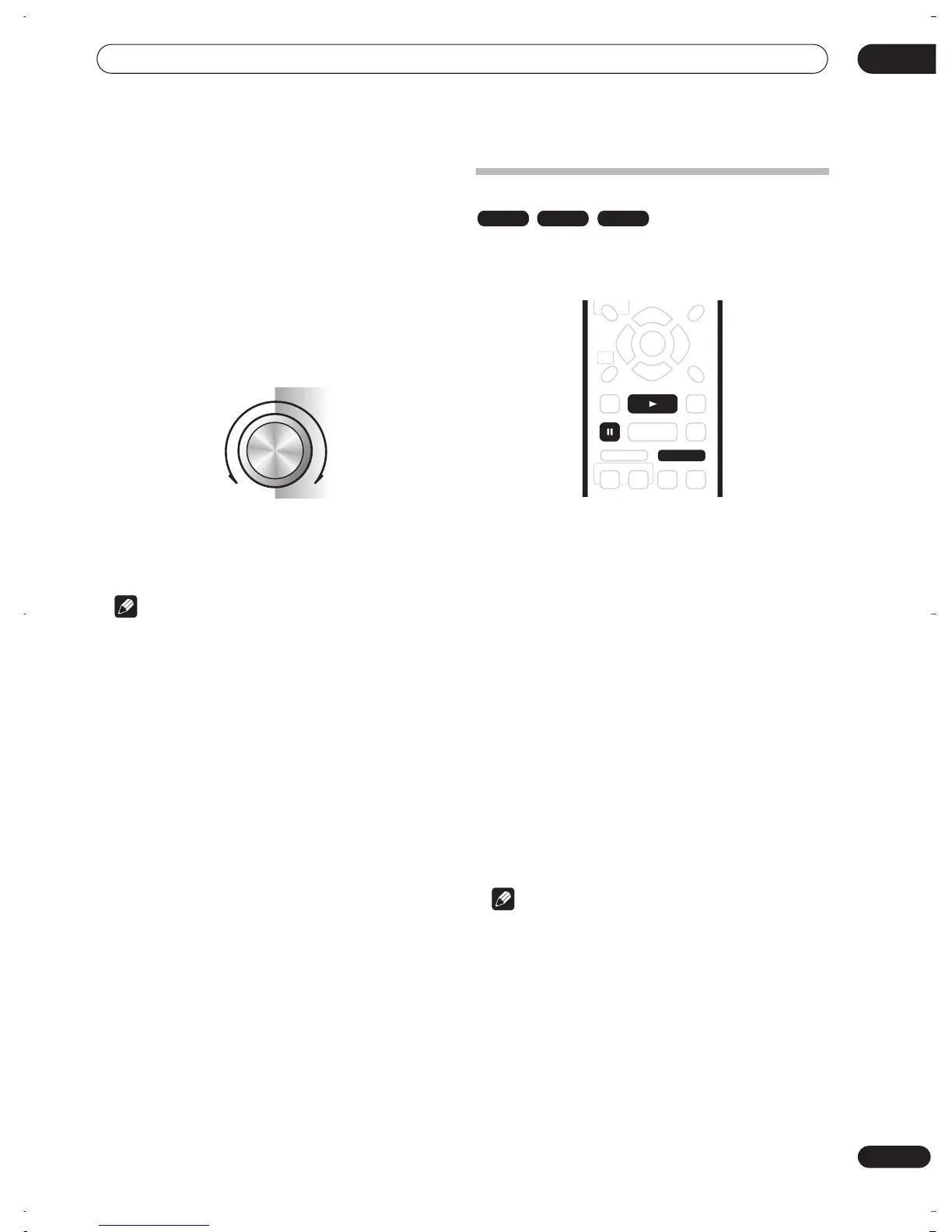
3 Turn the SMART JOG dial to start slow motion
reverse or forward playback.
Turn clockwise for forward slow motion playback;
counter-clockwise for reverse slow motion playback.
• The playback speed is shown on-screen.
• There is no sound during slow motion playback
4 Use the SMART JOG dial to change the scanning
speed and direction.
5 To resume normal playback, press
PLAY.
Note
• The picture quality during slow motion playback is
not as good as during normal playback and depends
on the disc being played.
• Reverse slow-motion playback may not be as smooth
as forward and may be better with some discs than
others.
• Depending on the disc, normal playback may
automatically resume when a new chapter is reached
on a DVD disc.
• No sound is output during slow-motion playback.
Frame advance/frame reverse
You can advance or back up a DVD disc frame-by-frame.
With Video CD/Super VCDs, you can only use frame
advance.
1 During playback, press
PAUSE.
2 Press
or
to back up or advance one frame.
• You can only use frame advance when playing a
Video CD.
• Hold down
or
for continuous frame reverse/
frame advance.
3 To resume normal playback, press
PLAY.
Using the front panel controls
1 Press FUNCTION until the display shows ‘STEP’.
2 Turn the SMART JOG dial to advance or back up
a frame at a time.
• Turn clockwise for frame advance; counter-clockwise
for frame reverse.
• You can only use frame advance when playing a
Video CD.
3 To resume normal playback, press
PLAY.
Note
• The picture quality when using frame reverse is not
as good as frame advance.
• Depending on the disc, normal playback may
automatically resume when a new chapter is reached
on a DVD disc.
1/8
1/4
1/2
1/16
1/8
1/4
1/2
1/16
Paused
ForwardReverse
DVD Video CD
Super VCD
DVR-03_RD.book 37 ページ 2003年9月18日 木曜日 午後9時2分



 To Next Page