Playback
05
35
En
Navigating discs
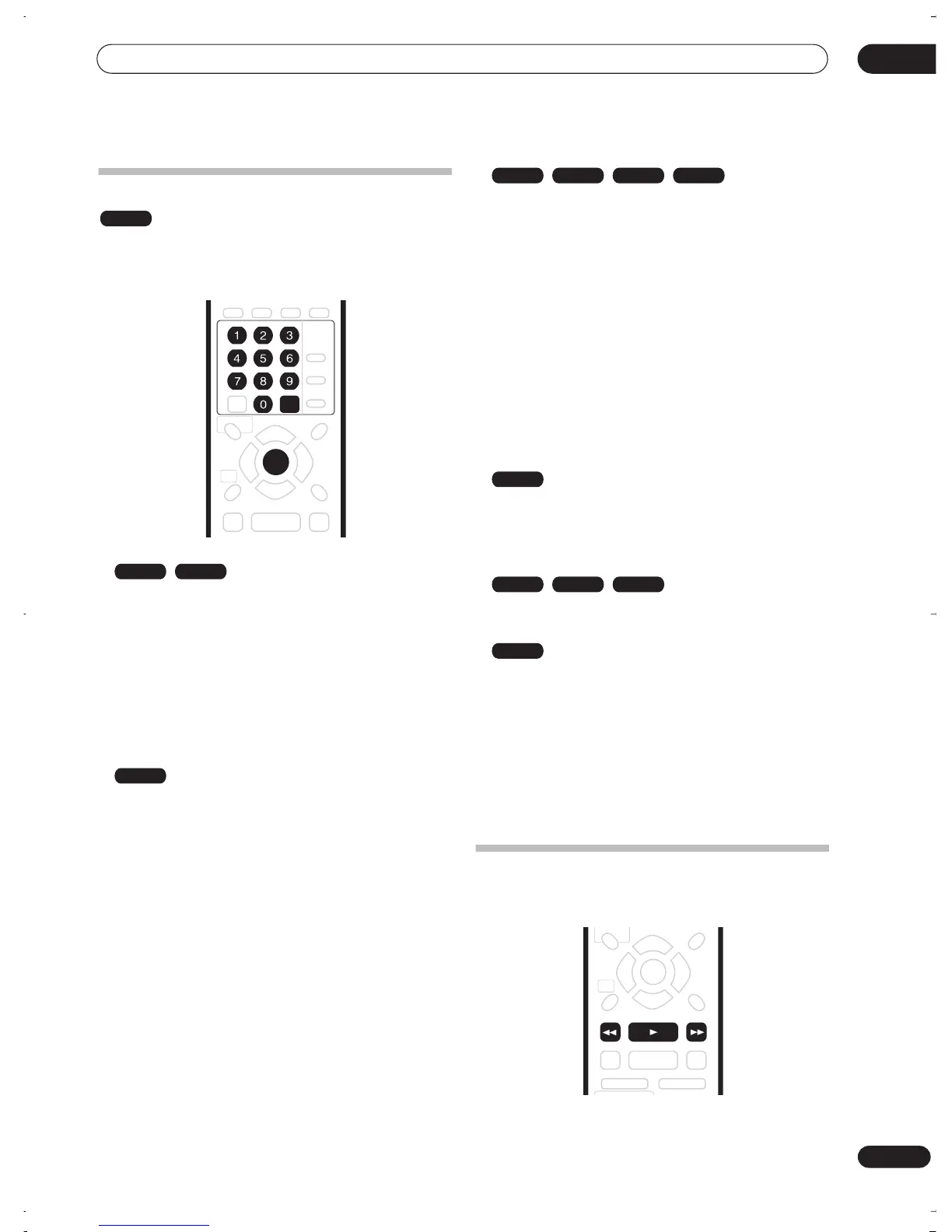
During playback you can easily jump to another title,
chapter or track on a disc using the number buttons on
the remote, or the
SMART JOG
dial on the front panel.
1 During playback use the number buttons to
enter a chapter number within the current title.
For example, for chapter 6, press
6
; for chapter 24,
press
2
, then
4
.
• To clear and start again, press
CLEAR
.
2 Optionally: Press ENTER.
• Alternatively, just wait a few seconds and playback
will jump to the new chapter.
1 During playback, use the number buttons to
input a title number.
For example, for title 6, press
6
; for title 24, press
2
,
then
4
.
• To clear and start again, press
CLEAR
.
2 Optionally: Press ENTER.
• Alternatively, just wait a few seconds and playback
will jump to the new title.
1 During playback, use the number buttons to
input a track number.
For example, for track 6, press
6
; for track 24, press
2
,
then
4
.
• To clear and start again, press
CLEAR
.
2 Optionally: Press ENTER.
• Alternatively, just wait a few seconds and playback
will jump to the new track.
Using the front panel controls
1 Use the FUNCTION button to select one of the
following:
•
TITLE – –
Enter a title number
•
CHP – – –
Enter a chapter number within the current
title
•
TRACK – –
Enter a track number
•
FOLDER – –
Enter a folder number
•
TRACK – – –
Enter a track number within the current
folder
2 Turn the SMART JOG dial to select a title/
chapter/folder/track number.
After you stop turning the
SMART JOG
dial, playback
jumps to the point specified after a few seconds.
Scanning discs
You can fast scan discs at various speeds, forwards or
backward.
ALL
ENTER
CLEAR
DVD-Video Video mode
VR mode
CD Video CD Super VCD
WMA/MP3
DVD
CD Video CD Super VCD
WMA/MP3
REV SCAN PLAY FWD SCAN
DVR-03_RD.book 35 ページ 2003年9月18日 木曜日 午後9時2分



 To Next Page