The Initial Setup menu
12
74
En
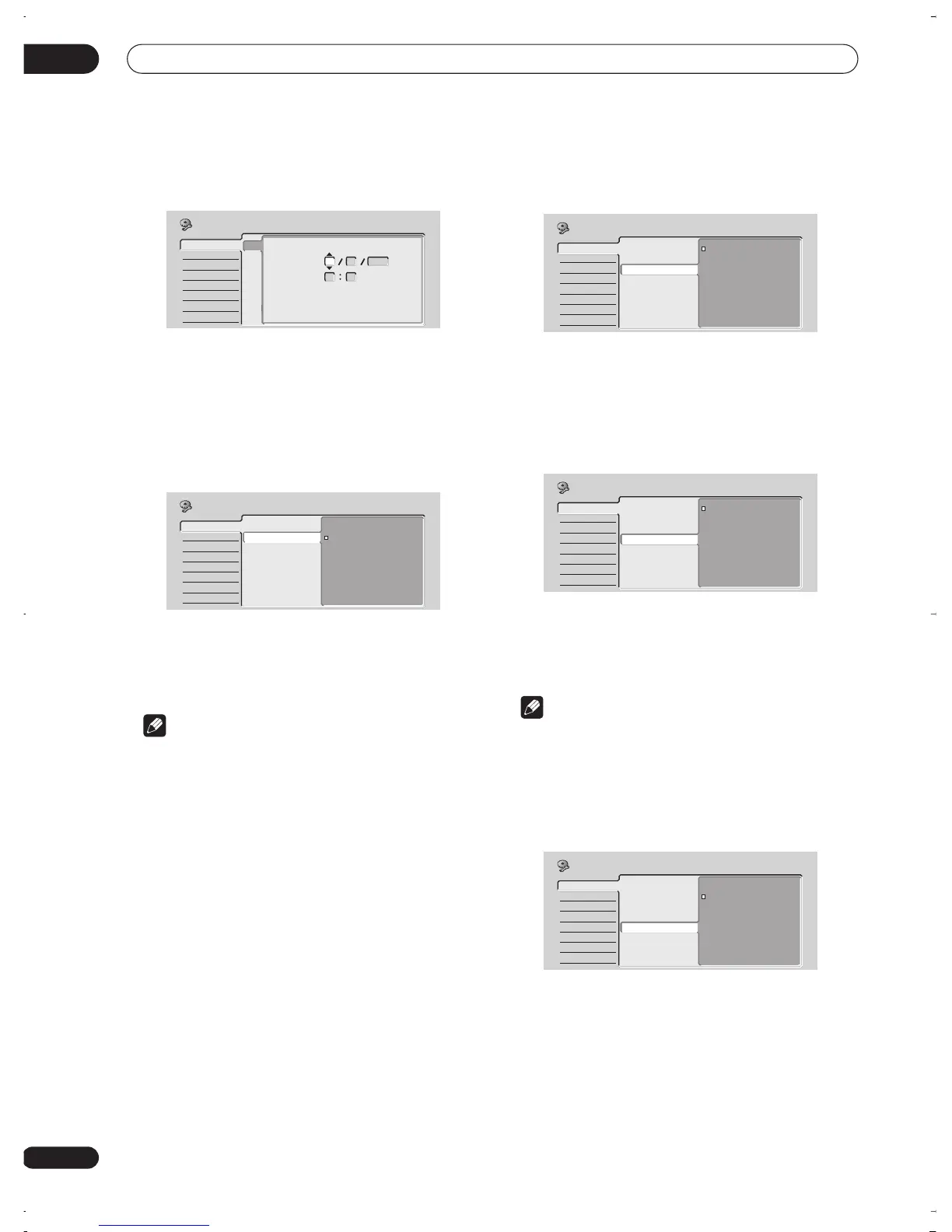
Set the date (day/month/year) and time, then
press ENTER to make all the settings.
Use the
/
(cursor up/down) buttons to change
the value in the highlighted field.
Use the
/
(cursor left/right) buttons to move
from one field to another.
Input Line System
• Default setting:
525System
For standard PAL, PAL-N or SECAM recording, leave the
input line system to
625System
. When recording an
NTSC, PAL–60 or PAM-M signal through an external
input, change to
525System
.
Note
• If when this setting is changed, the screen goes
blank (due to incompatibility with your TV), you can
switch back by pressing and holding
STOP REC
then pressing
DISC NAVIGATOR
while the recorder
is stopped.
• You can’t mix recordings of different TV line systems
on the same disc.
• When you change this setting, the
Input Colour
System
setting also changes (see
Input Colour
System
on page 77).
• Changing the tuner country setting in the Setup
Navigator, using the Auto Scan or Manual CH Setting
features may change the Input Line System setting.
On Screen Display
• Default setting:
On
On the default setting, the recorder shows on-screen
operation displays (
Play, Stop
and so on). Change to
Off
to hide these displays.
Front Panel Display
• Default setting:
On
On the default setting, the time is shown in the front
panel display when the recorder is in standby. Switch to
Off
to have the front panel display switch off completely
when in standby.
Note
• When set to
Off
, the display still lights dimly in
standby when setting a timer recording, or during
Auto Start Recording.
Power Save
• Default setting:
Off
When set to
Off
, signals arriving at the
ANTENNA IN
terminal are passed through to the
ANTENNA OUT
terminal when the recorder is in standby.
You can cut the standby power consumption of the
recorder by turning off the through function for one or
both terminals:
•
On
– No through function for the antenna terminal
•
Off
– Through function for the antenna terminal
Basic
Tuner
Video In/Out
Audio In
Audio Out
Language
Recording
Playback
Clock Setting
Input Line System
On Screen Display
Front Panel Display
Power Save
Remote Control Set
Setup Navigator
Clock Setting
Manual Clock Setting
2/2
Date
Time
Time Zone
Summer Time
01 01 2003
WED
00 00
Mexico
Baja California Norte
On
Initial Setup
Basic
Tuner
Video In/Out
Audio In
Audio Out
Language
Recording
Playback
Clock Setting
Input Line System
On Screen Display
Front Panel Display
Power Save
Remote Control Set
Setup Navigator
525System
625System
Initial Setup
Basic
Tuner
Video In/Out
Audio In
Audio Out
Language
Recording
Playback
Clock Setting
Input Line System
On Screen Display
Front Panel Display
Power Save
Remote Control Set
Setup Navigator
On
Off
Initial Setup
Basic
Tuner
Video In/Out
Audio In
Audio Out
Language
Recording
Playback
Clock Setting
Input Line System
On Screen Display
Front Panel Display
Power Save
Remote Control Set
Setup Navigator
On
Off
Initial Setup
Basic
Tuner
Video In/Out
Audio In
Audio Out
Language
Recording
Playback
Clock Setting
Input Line System
On Screen Display
Front Panel Display
Power Save
Remote Control Set
Setup Navigator
On
Off
Initial Setup
DVR-03_RD.book 74 ページ 2003年9月18日 木曜日 午後9時2分



 To Next Page