Recording
06
55
En
Initializing a DVD-RW disc
When you first load a blank disc, the recorder will
initialize it automatically for recording. You can also
manually initialize DVD-RW discs.
You can initialize a disc for either Video mode recording
or VR mode recording.
Important
• Initializing a disc will erase everything recorded on it.
Make sure there is nothing on the disc that you want
to keep!
• You may not be able to re-initialize a disc in a different
format if it was originally initialized on an older DVD
recorder.
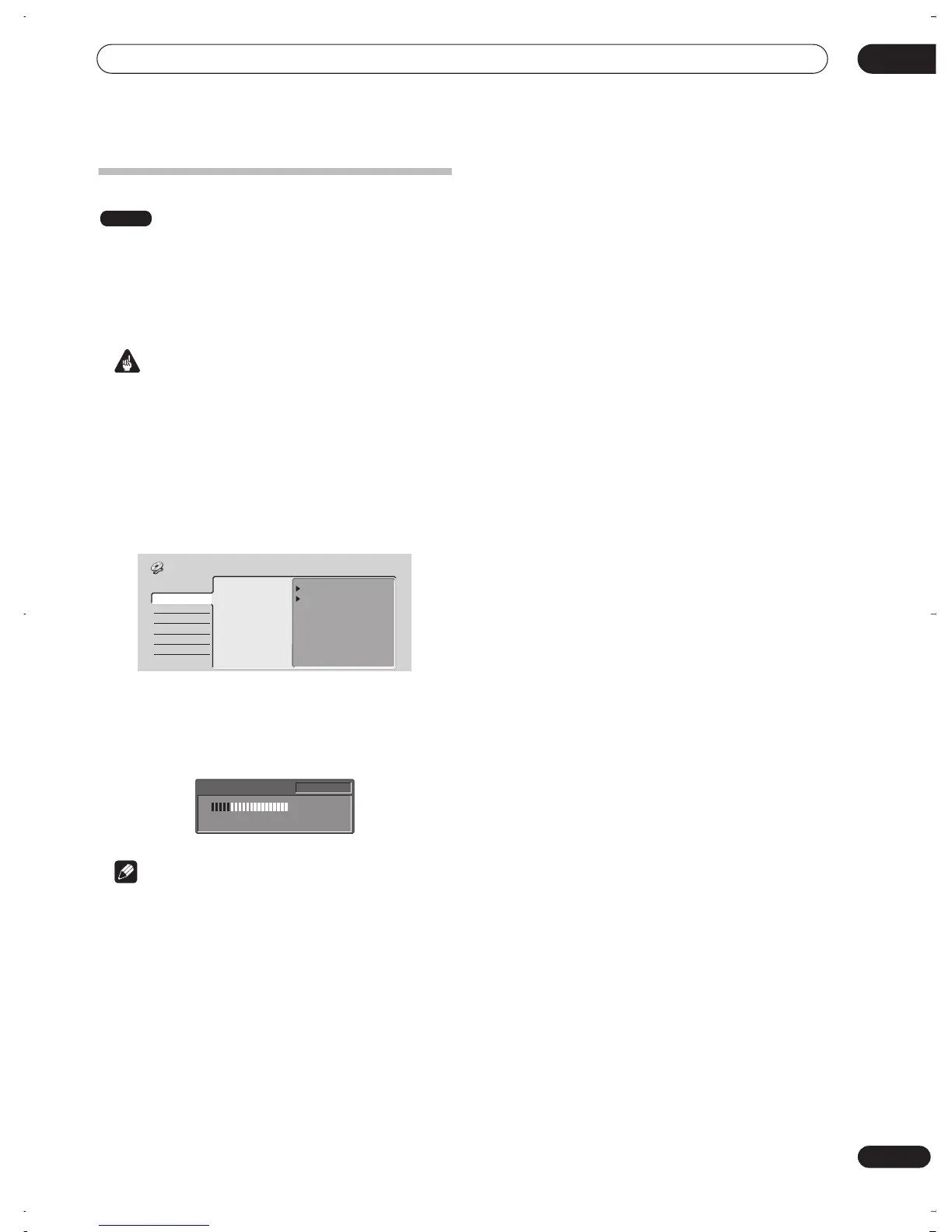
1 Press HOME MENU and select ‘Disc Setup’.
2 Select ‘Initialize’.
3 Select ‘Video Mode’ or ‘VR Mode’ from the
initialize options.
4 Select ‘Start’.
It takes about 40 seconds to initialize the disc.
Note
• By default, the recorder initializes blank DVD-RW
discs for VR mode recording. See
DVD-RW Auto Init.
on page 84 if you want to change the default to Video
mode.
• If a disc was previously finalized on an older DVD
recorder, you may not be able to re-initialize and/or
initialize it for Video mode recording.
DVD-RW
VR Mode
Video Mode
Start
Start
Basic
Initialize
Finalize
Disc Setup
Initializing Disc
1 min left
Pr 1
DVR-03_RD.book 55 ページ 2003年9月18日 木曜日 午後9時2分



 To Next Page