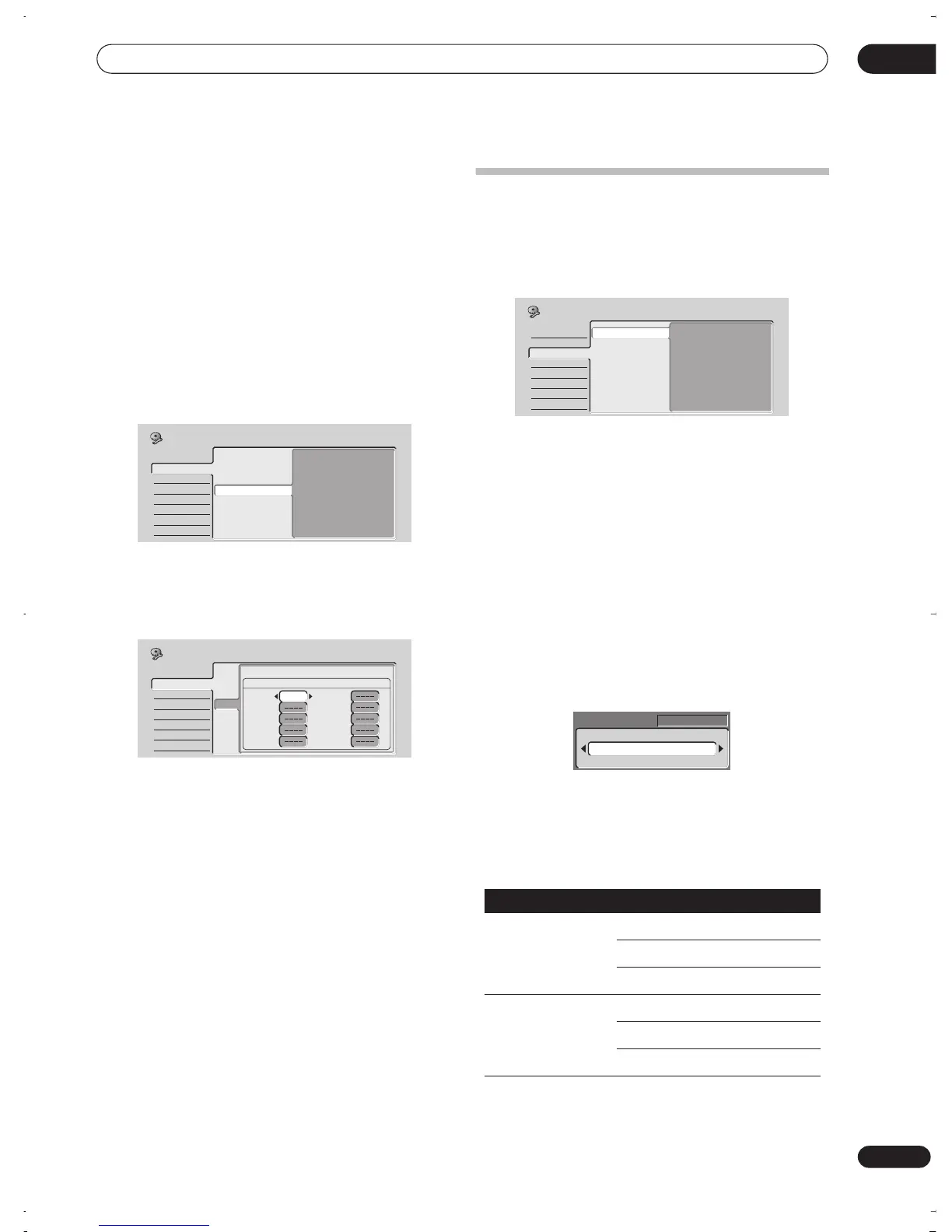
The Initial Setup menu
12
77
En
5 Press ENTER to swap the presets.
6 If you want to swap more presets, press
(cursor left), then repeats steps 3 to 5.
7 Press HOME MENU to finish and exit.
VCR Plus+ CH Setting
• Default setting:
n/a
Guide channels are used by the VCR Plus+ system so
that the channel number specified in the PlusCode
programming numbers can be guaranteed to
correspond to the correct station.
1 Select ‘VCR Plus+ CH Setting’, then ‘Next Screen’.
2 Assign channel numbers to the guide channels as
necessary.
Look in your TV guide to see which channel numbers
should be assigned to which guide channels.
• Use the
/
(cursor up/down) buttons to change
the guide channel for setting.
• Use the
/
(cursor left/right) buttons to change
the channel number.
• Use the
PREV / NEXT
button to display the previous/
next 10 guide channels.
3 To return to the Initial Setup menu, press ENTER.
Video In / Out settings
Input Colour System
• Default setting:
3.58 NTSC
or
Auto
(depending on
region)
On the default setting, the recorder automatically detects
whether the video signal from the built-in tuner or from
one of the external inputs is PAL, SECAM, 3.58 NTSC or
PAL–60, PAL–M or PAL–N. You may, however,
occasionally need to set it manually if the picture is not
displayed properly.
1 Select ‘Input Colour System’, then ‘Next Screen’.
2 Use the CHANNEL +/– buttons, the front panel
SMART JOG dial or the INPUT SELECT button to
switch between the built-in tuner and the external
inputs.
3 Use the
/
(cursor left/right) buttons to
change the input colour system for the current input
or built-in tuner.
• The available settings depend on the Input Line
System setting (see
Input Line System
on page 74).
The table below shows the different options available.
(for South American model only)
Basic
Tuner
Video In/Out
Audio In
Audio Out
Language
Recording
Playback
Auto Channel Setting
Manual CH Setting
Channel Swapping
VCR Plus+ CH Setting
Next Screen
Initial Setup
Basic
Tuner
Video In/Out
Audio In
Audio Out
Language
Recording
Playback
Auto Channel Setting
Manual CH Setting
Channel Swapping
VCR Plus+ CH SettingVCR Plus+ CH Setting
VCR Plus+ CH Setting
Guide Preset Guide Preset
1/26
1
2
3
4
5
6
7
8
9
10
Pr 4
Initial Setup
Input Line System
Built-in tuner External input
625 System Auto Auto
SECAM SECAM
PAL-N PAL-N
525 System Auto Auto
3.58 NTSC 3.58 NTSC
PAL-M PAL–M
Basic
Tuner
Video In/Out
Audio In
Audio Out
Language
Recording
Playback
Input Colour System
Component Video
NTSC on PAL TV
Next Screen
Initial Setup
Auto
Pr 5
DVR-03_RD.book 77 ページ 2003年9月18日 木曜日 午後9時2分



 To Next Page