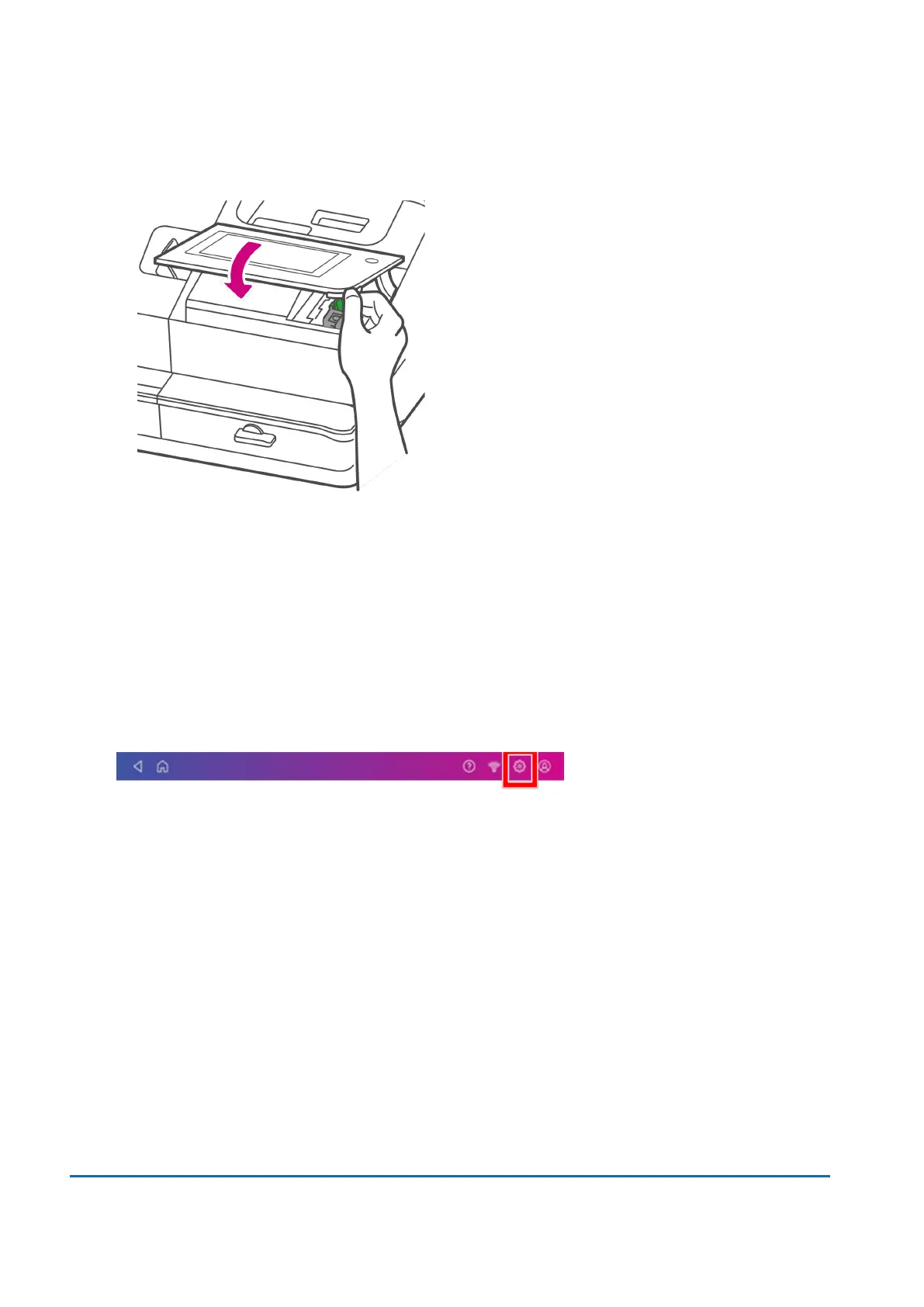
13. Close the cover. The ink cartridge moves back to the original position.
14. Tap Done.
15. Print a print test pattern to be sure that your printhead is working properly.
Installing a scale
Install a scale if you did not install one when you installed your device. Your device contains step-by-
step installation instructions for compatible scales.
1. Tap Settings.
2. Scroll to the Advanced Device Options section at the bottom of the Settings screen, then tap
Scale Installation Guides.
1 • Installation
Pitney Bowes User Guide November 2021 22












 To Next Page