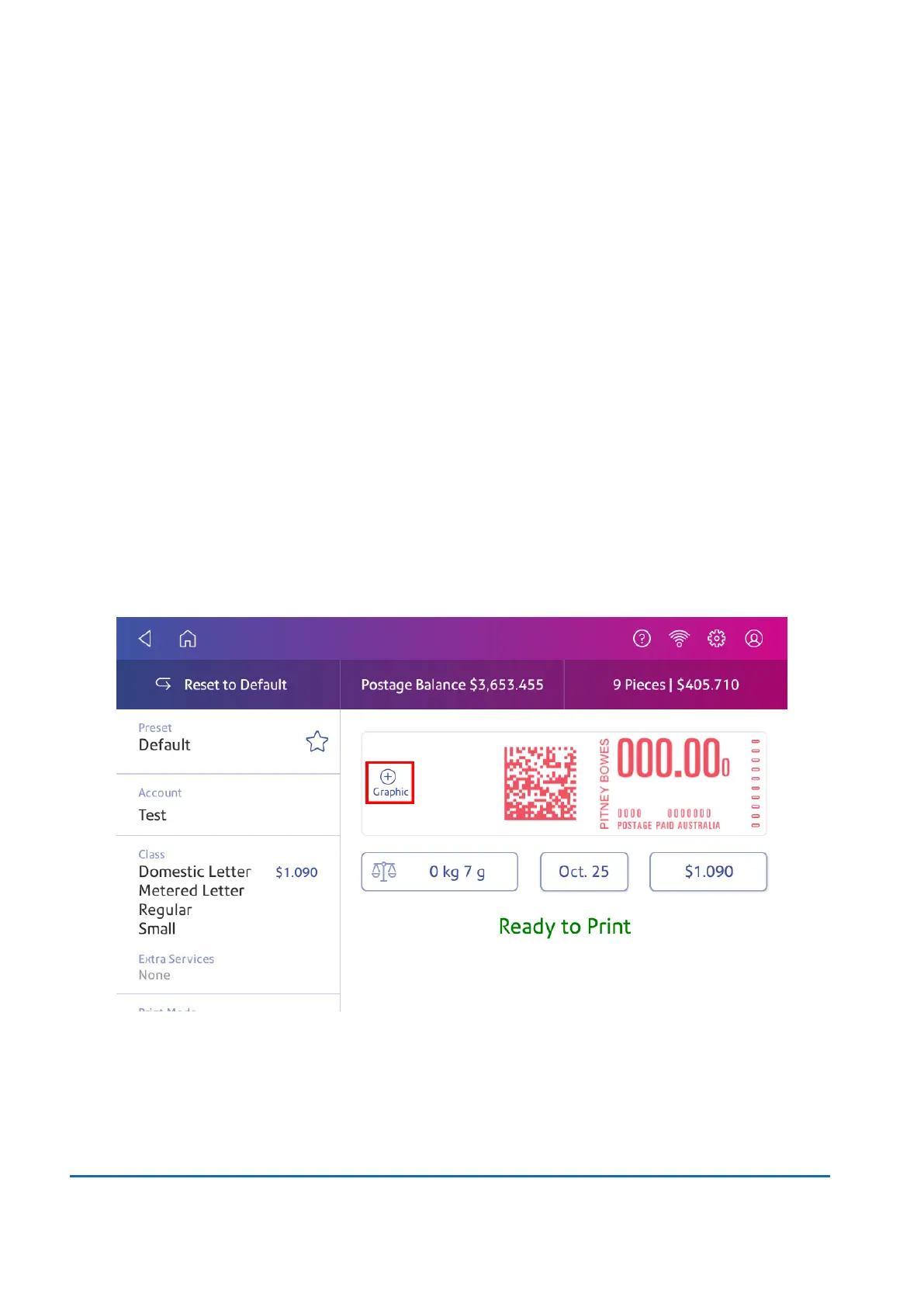
1. Tap Envelope Printing on the Home screen.
2. Weigh your envelope, select a class, and select special services, if required.
3. Tap Graphic +.
4. Tap Custom Text.
5. Tap +Add.
6. Tap Accept &Continue to comply with the postal rules.
7. Enter a name for the message. The name can be up to 20 characters.
8. Tap Save.
9. Enter the message, line by line.
10. Tap Apply twice.
11. Insert the envelope into the device. The device prints the postage.
Editing or deleting a custom text message
Your SendPro C allows you to add a custom text message to your mail. You can edit or delete
messages you no longer need.
1. Tap + Graphic on the Envelope Printing screen.
8 • Printing
Pitney Bowes User Guide November 2021 65












 To Next Page