Updating postal rates or software
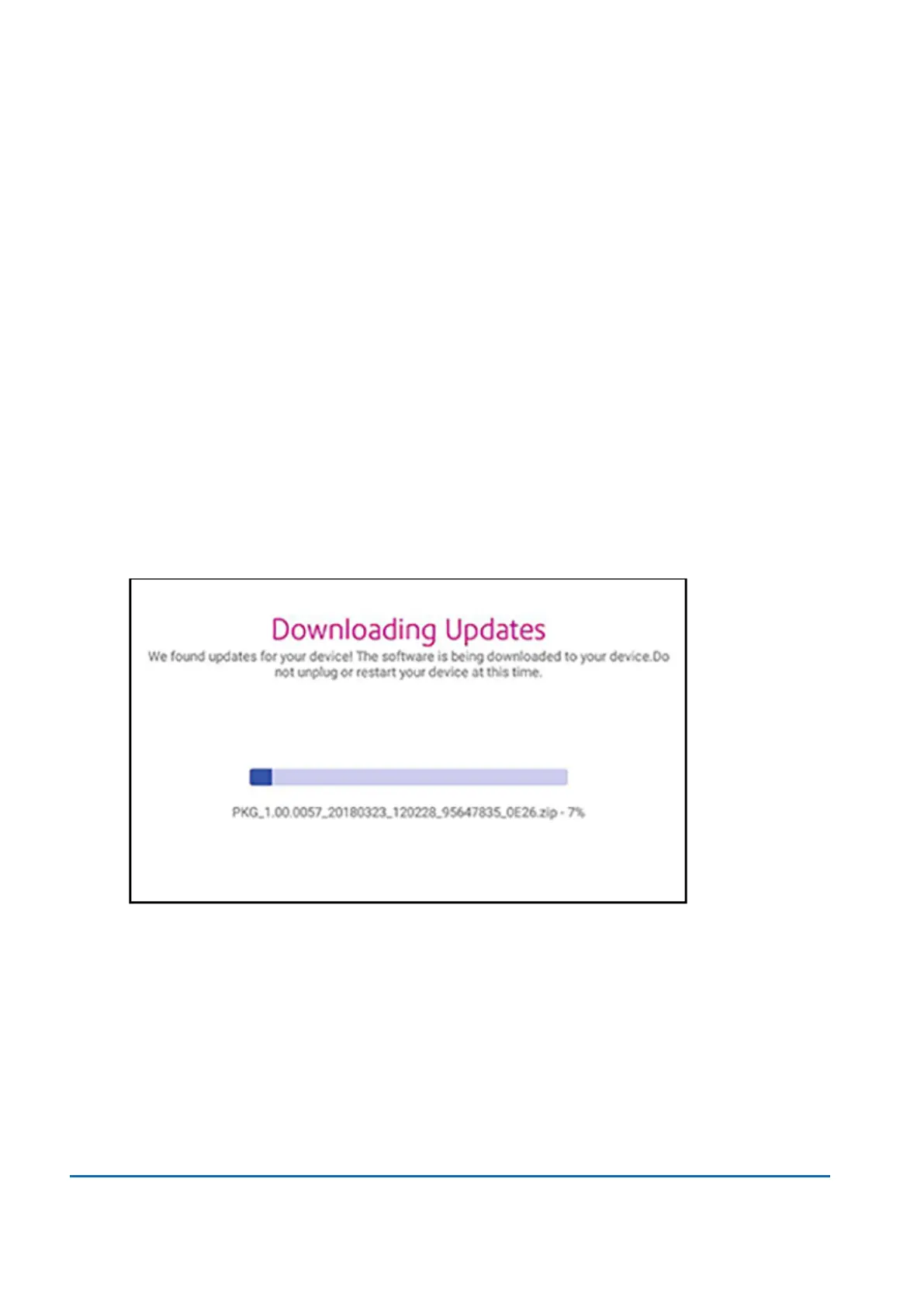
Update software and rates automatically
Your device updates postal rates and software automatically.
Keep your device turned on and connected to the internet to receive automatic updates. The device
downloads updates during the evening hours.
Check for rate or software updates manually at any time
Even though your device checks for updates automatically, you can check for rate and software
updates at any time.
1. Tap Rates and Updates on the bottom of the Home screen.
2. If new rates are available, your device downloads and installs the updates.
13 • Rate Change
Pitney Bowes User Guide November 2021 94












 To Next Page