Setting up a wired network connection
Use a network cable to connect your SendPro C to the Pitney Bowes Data Center.
Choose the connection type
SendPro C supports 2 connection types:
l
DHCP
l
Static IP
DHCPis the most common connection type. Choose DHCP if you are unsure which connection
protocol to use or contact your IT department for advice.
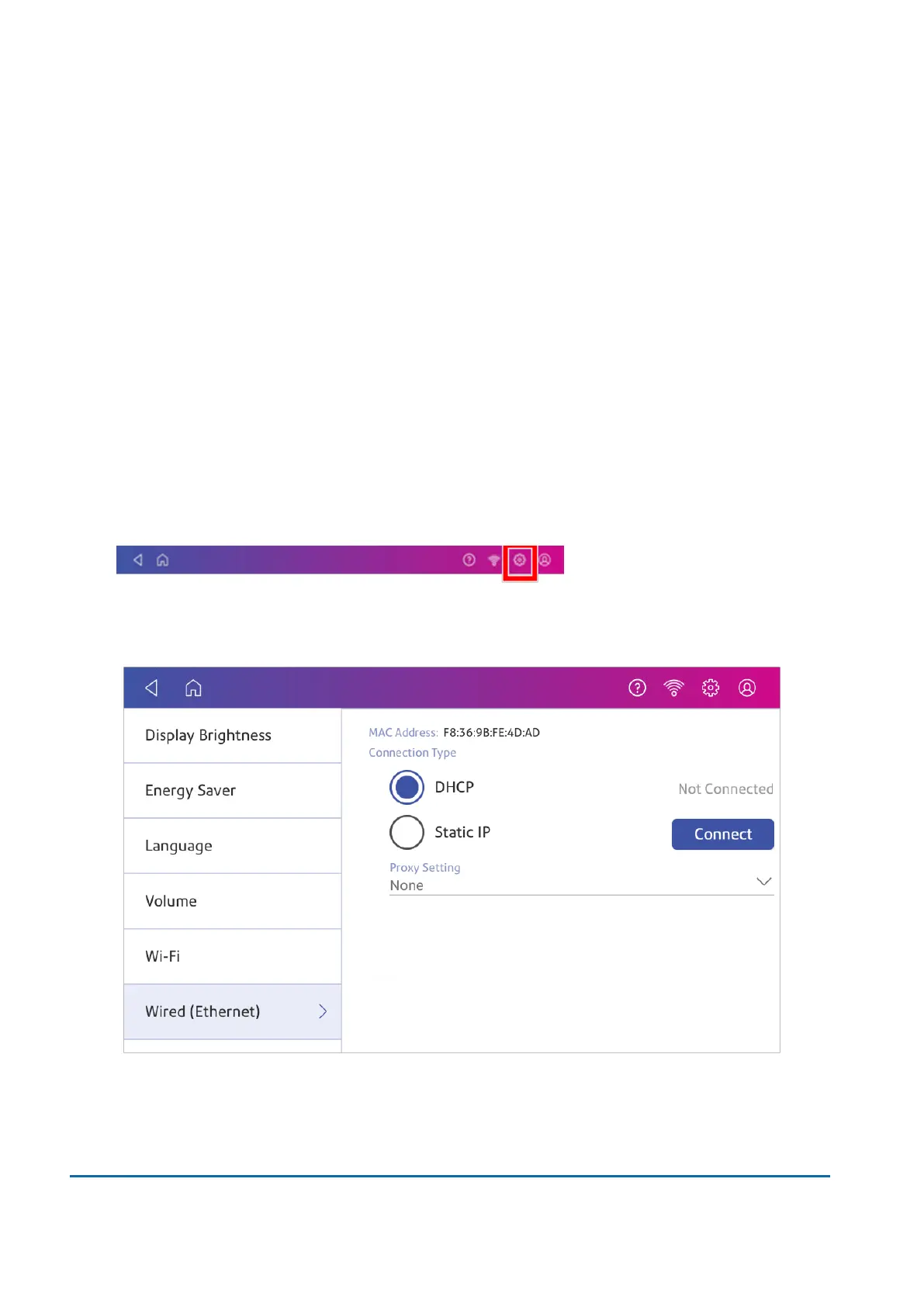
DHCP
1. Tap Settings.
2. Tap Wired.
3. Select DHCP.
4. Tap Connect.
5. If it does not connect, unplug the power cord.
2 • Connectivity
Pitney Bowes User Guide November 2021 25












 To Next Page