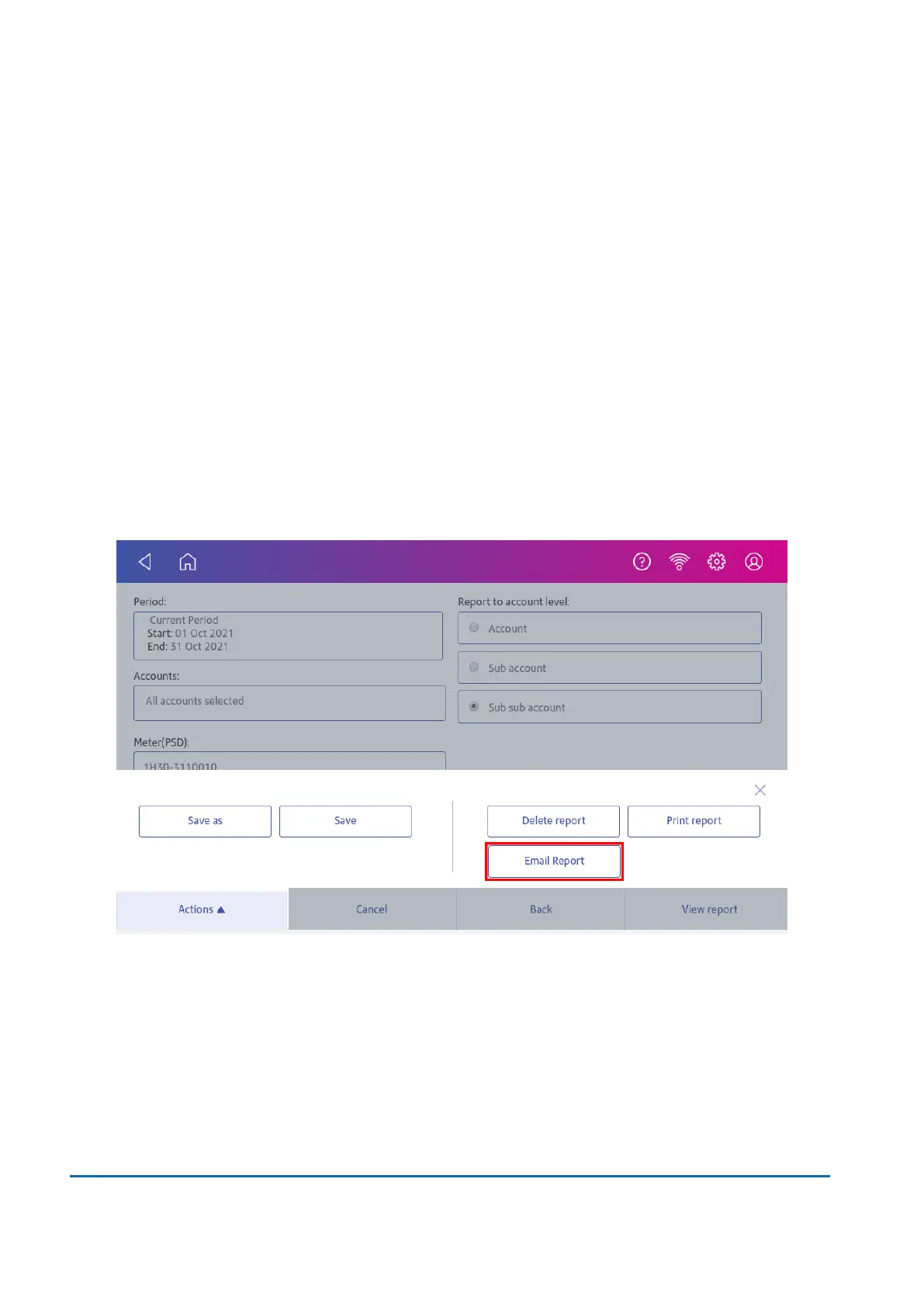
5. Select the account level you wish to report on: Account, Sub account or Sub sub account.
6. Tap OK to return to the Reports screen.
Emailing an account report
Email an account report to keep a record of how much departments or clients have spent on their
postage over specific time periods.
1. Tap Manage Accounts on the Home screen.
2. Tap Reports.
3. Tap View & print reports.
4. Tap the report to select it.
5. Tap Next.
6. Tap Actions or View Reports at the bottom of the screen.
7. Tap Email Report.
11 • History and Reports
Pitney Bowes User Guide November 2021 81












 To Next Page