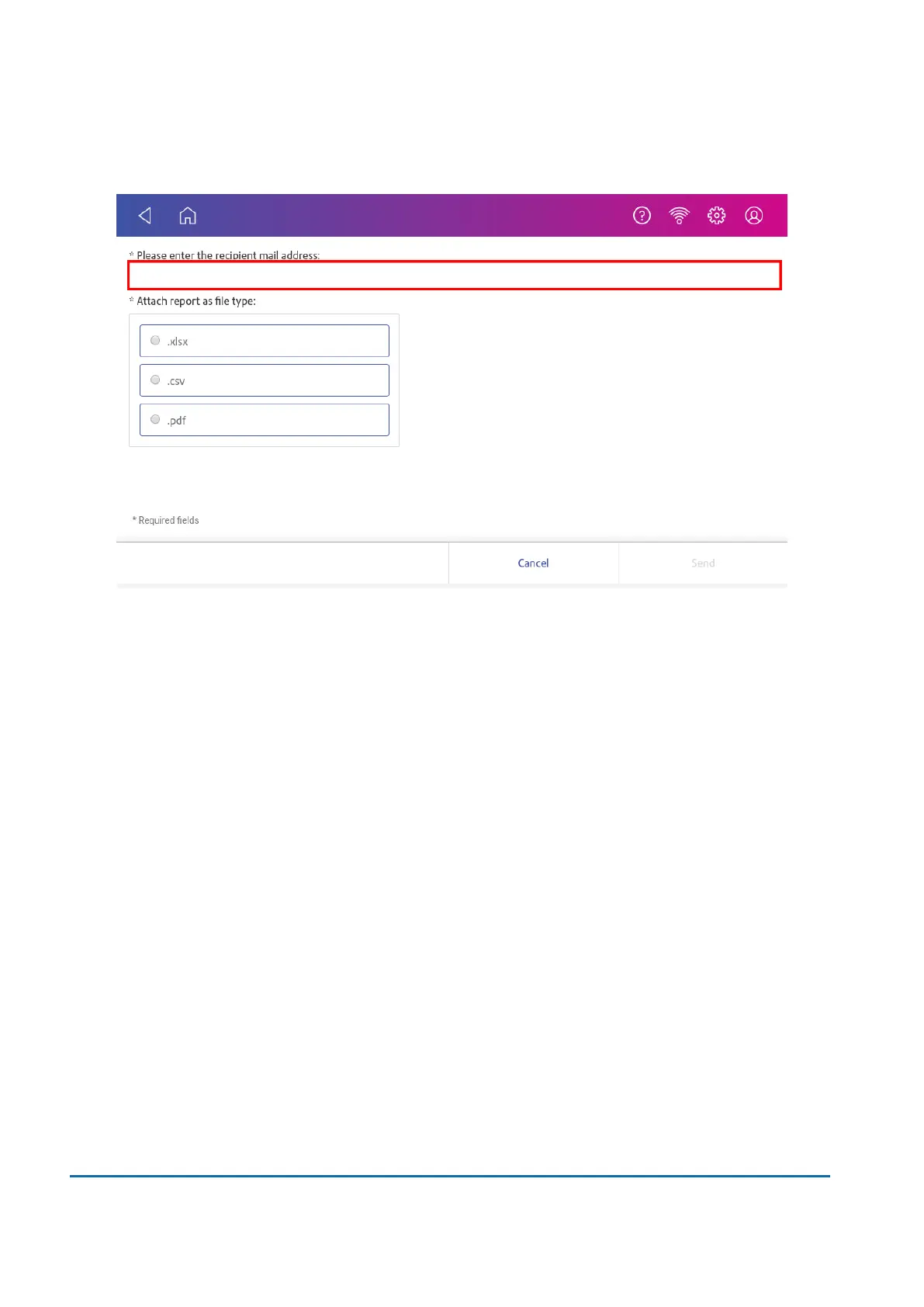
8. Enter the recipient's email address. The email address you enter will remain until you turn off
and then turn on the device.
9. Tap the file type you wish to send: xlsx (Excel), csv (comma-separated values), pdf (Portable
Data Format).
10. Tap Send. The report appears from no-reply@pb.com.
11 • History and Reports
Pitney Bowes User Guide November 2021 82












 To Next Page