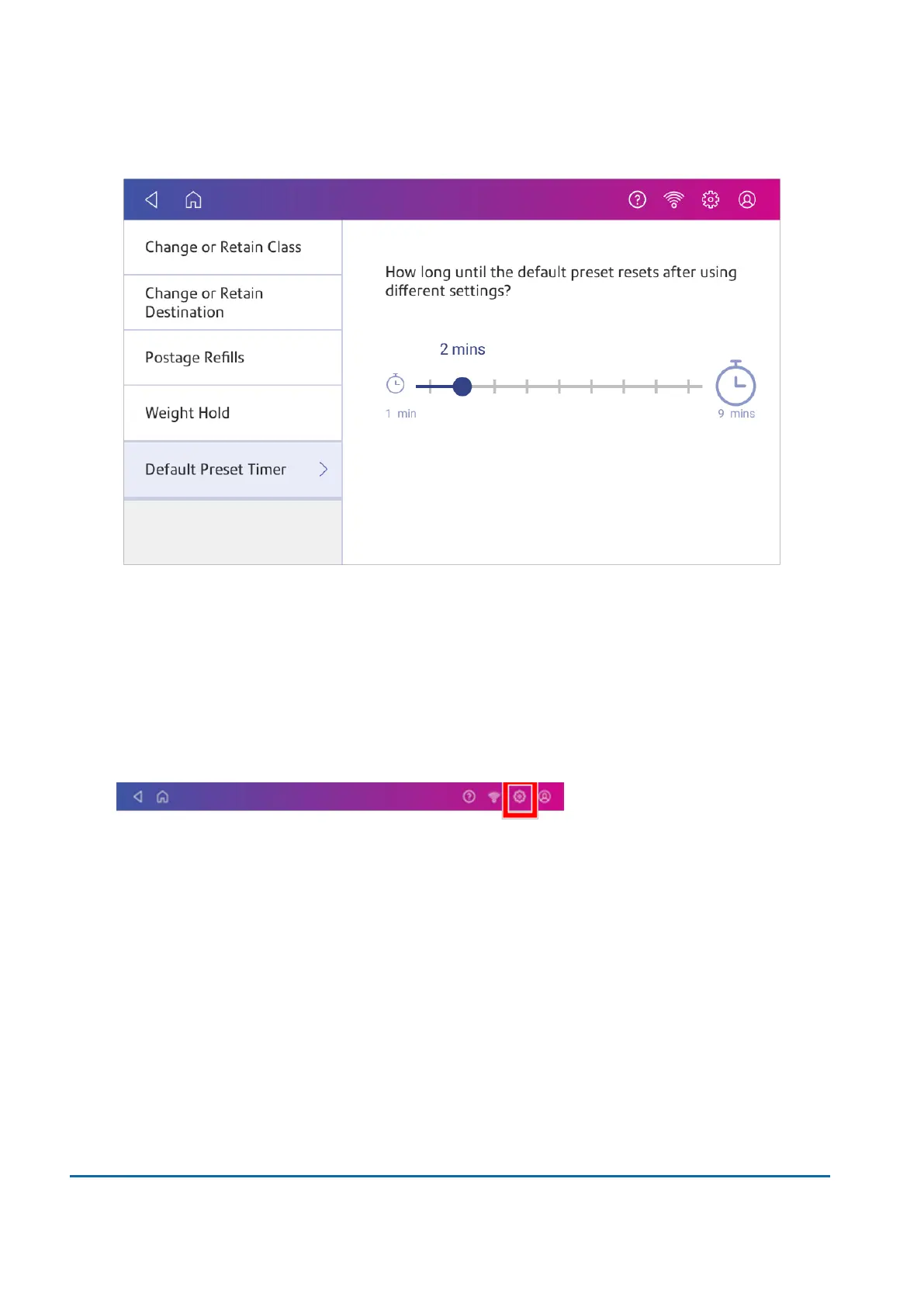
5. Use the slider to set the time between 1 and 9 minutes.
6. To save the value and exit the screen, tap the back arrow or Home.
Adjusting display brightness
Set the brightness of the display to suit your work space.
1. Tap Settings.
2. Tap Display Brightness in the Device & Network section of the screen.
3. Move the slider to adjust the brightness.
4. Tap the back arrow or Home image to exit the Settings screen.
Adjusting time zone and scale location code
When you move your device to a new location or install a new scale, you must modify the location
code and time zone value.
12 • Settings
Pitney Bowes User Guide November 2021 87












 To Next Page