Installing an UltraRes Display on a Wall
Planar UltraRes User Manual 32
7 If you have screwed the template in place, remove each screw and the
template.
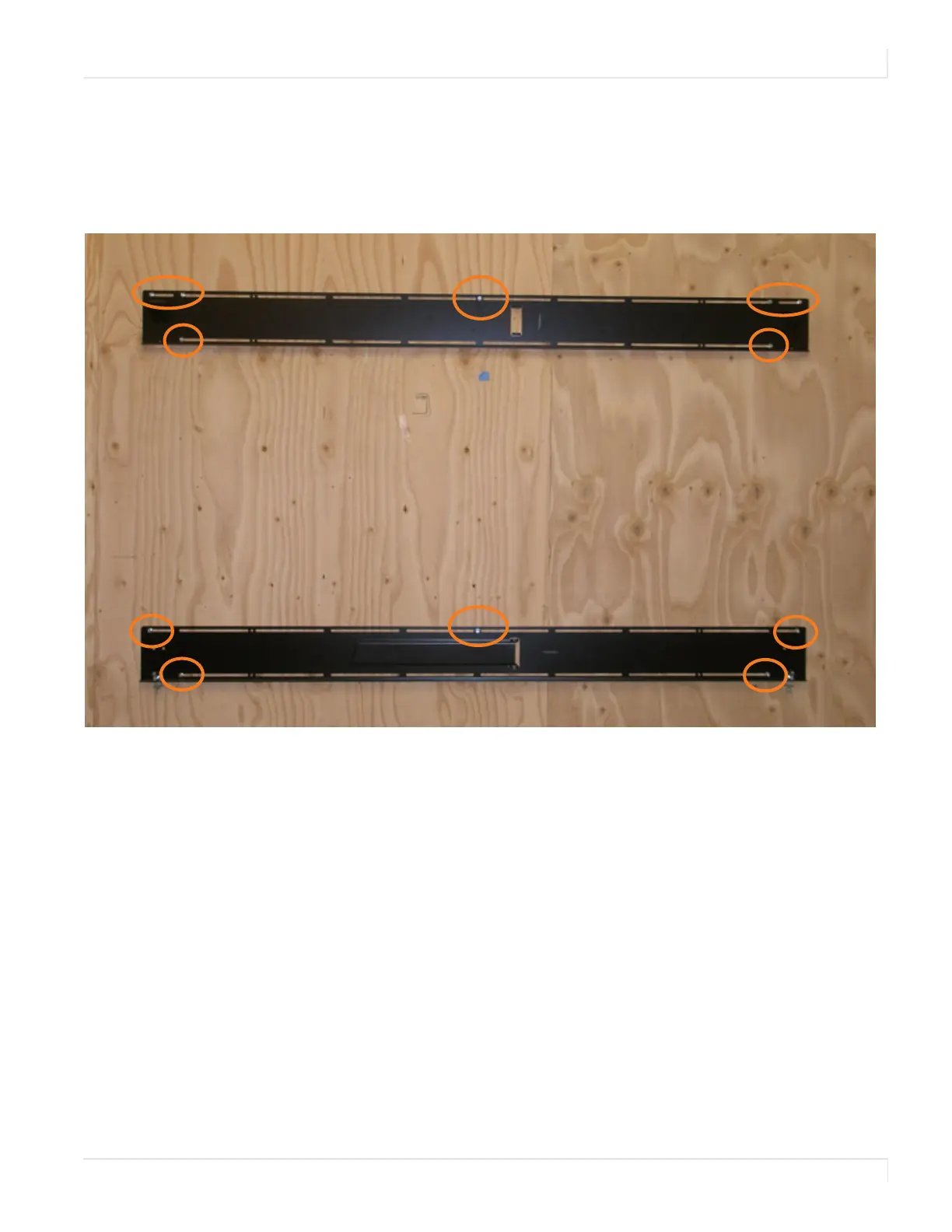
8 Line up the middle hole of the top wall mount with the screw hole drilled
from the template.
Note: This picture shows mounts for a landscape installation.
9
Tighten the screw into the mount.
10 Use a level to make sure the mount is level.
11 Then install additional screws as needed.
Note: Screws installed near the mount hooks provide the best support.
12
Install the center screw in the bottom mount and repeat steps 10-11 for any
additional screws that you want to install. Note that there are open mount
channels on the brackets. So you can install the screws wherever necessary
along those channels.














 To Next Page