9 SYSTEM SETUP
User’s & installation manual Planmeca ProScanner 25
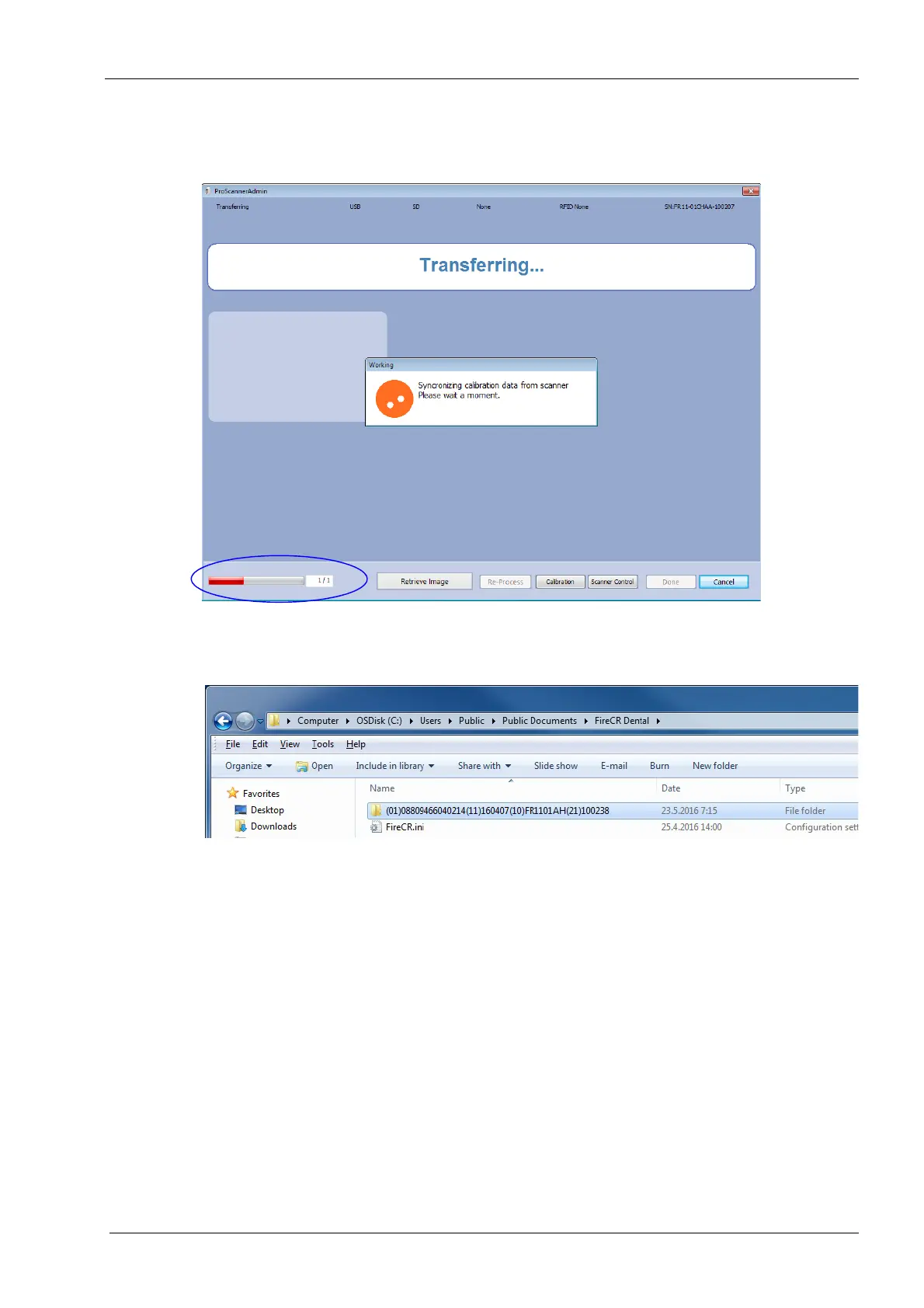
The calibration files are automatically
downloaded. The bar in the lower left corner
shows the download progress.
The calibration files are downloaded to
C:\Users\Public\Public Documents\FireCR
Dental
.
Seen in Windows Explorer window as
C:\Users\Public\Documents\FireCR Dental
The calibration file folder is named according to
the serial number of the scanner. Inside each
folder is located the calibration file named
Section.dat.
On how install calibration files for Mac OS see
instructions in Appendix B.4 "Installing
calibration files" on page 55.
5. When using shared scanners, repeat the same
procedure with all used scanners and copy all
calibration file folders to all client computers.
As a safety precaution, it is suggested that a
backup of the files is created.












 To Next Page