Appendix B: Installing Planmeca ProScanner on MacOS B.4 Installing calibration files
User’s & installation manual Planmeca ProScanner 55
B.4 Installing calibration files
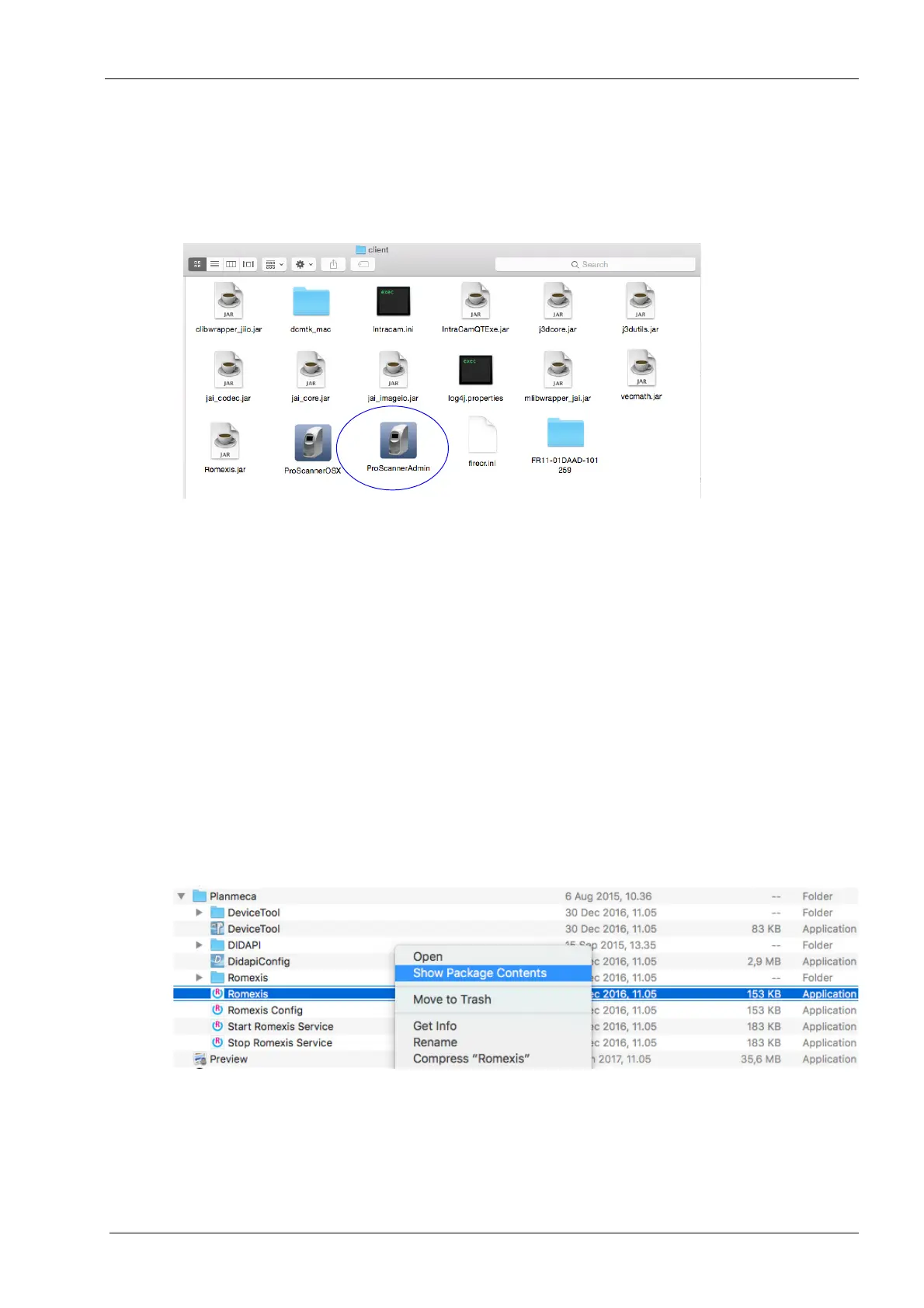
Please follow the instructions in section 9.6
"Installing calibration files" on page 24. On
MacOS ProScannerAdmin.exe is named
ProScannerAdmin.app
On Mac OS the calibration files are installed to
Romexis client installation folder.
B.5 Setting on windowed option
If Planmeca Romexis is not used in Full screen
mode with MacOS the ProScannerApp opens in
the background. To avoid this set the windowed
option on. This setting can also be used if some
of the Romexis buttons are out of the visible are
in the monitor.
1. Open the folder
/Applications/Planmeca
with
finder.
2. Right-click on the Romexis icon and select
Show Package Contents.












 To Next Page